CodeKidz vs ScreenApp
Explore the showdown between CodeKidz vs ScreenApp and find out which AI Education tool wins. We analyze upvotes, features, reviews, pricing, alternatives, and more.
When comparing CodeKidz and ScreenApp, which one rises above the other?
When we contrast CodeKidz with ScreenApp, both of which are exceptional AI-operated education tools, and place them side by side, we can spot several crucial similarities and divergences. ScreenApp stands out as the clear frontrunner in terms of upvotes. The number of upvotes for ScreenApp stands at 7, and for CodeKidz it's 6.
You don't agree with the result? Cast your vote to help us decide!
CodeKidz

What is CodeKidz?
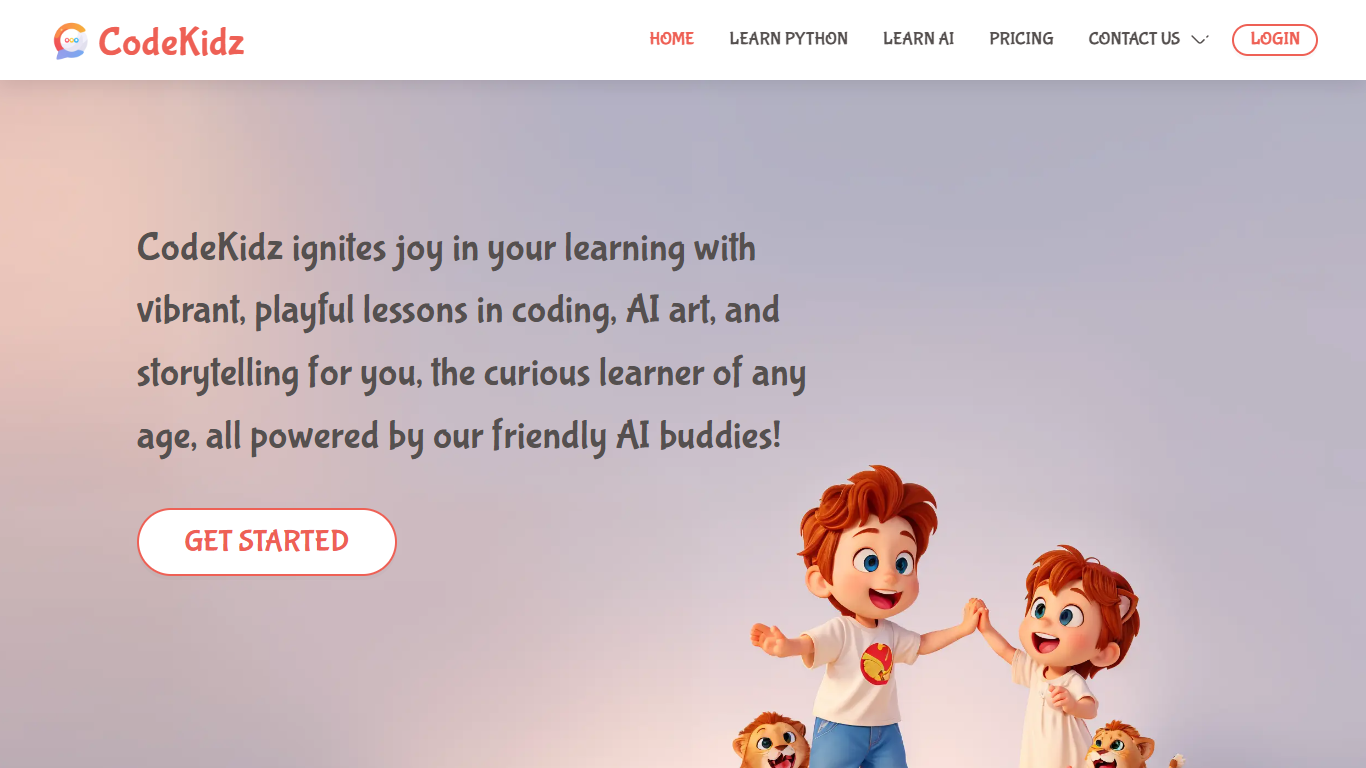
CodeKidz is an innovative AI-native education platform dedicated to making learning to code a fun and engaging experience for kids. With a focus on creativity and interactive learning, CodeKidz offers a range of lessons that are designed to spark children's interest in technology.
From the stages of coding basics to the wonders of AI art creation, kids can expand their digital literacy while unleashing their imagination in storytelling, all within a child-friendly online environment. The platform harnesses the power of friendly AI to guide and mentor young learners, ensuring a supportive and inspiring educational journey.
By embracing the potential of artificial intelligence, CodeKidz provides a unique, hands-on learning experience that prepares children for a future where technological skills will be paramount.
ScreenApp
What is ScreenApp?
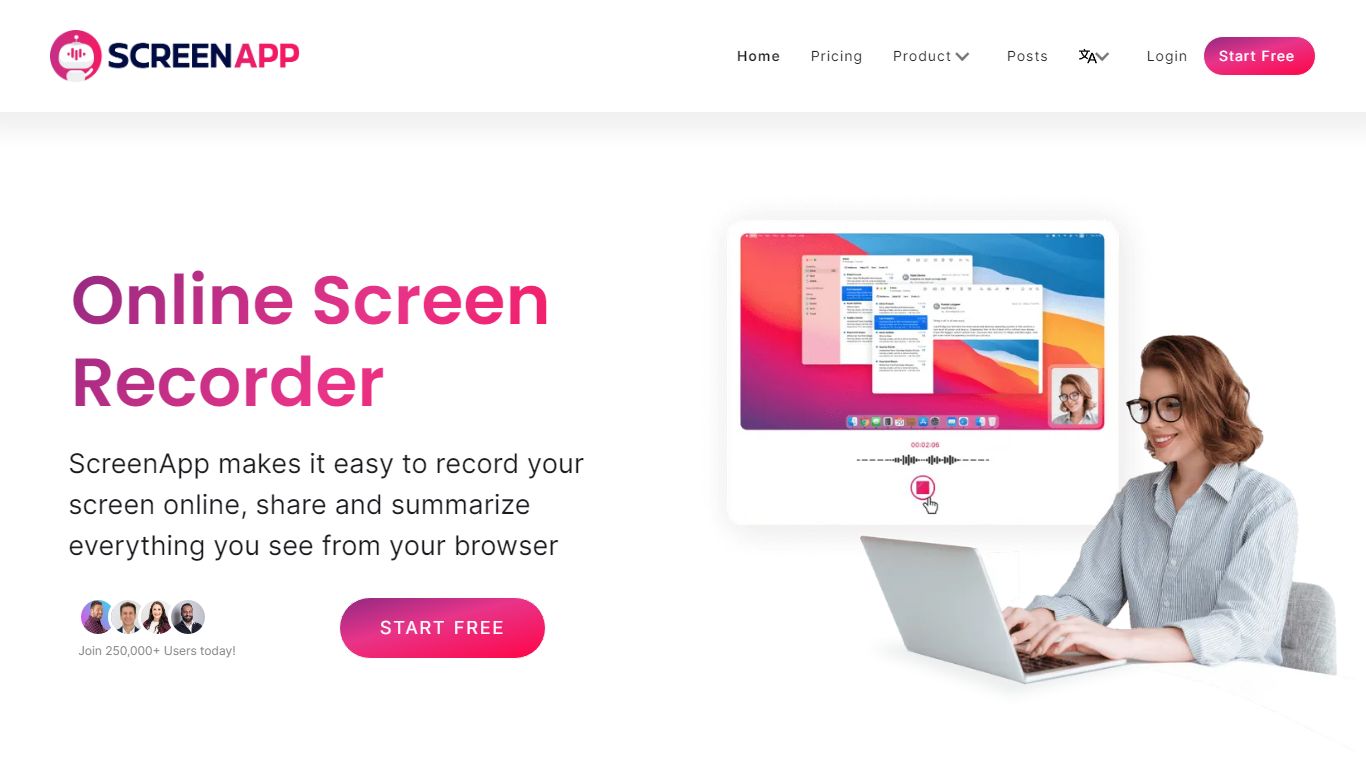
ScreenApp is a comprehensive online tool for screen recording and transcription, designed to convert your digital content into a valuable reservoir of knowledge. This platform streamlines productivity and collaboration, making it an ideal choice for individuals and teams participating in online meetings, webinars, presentations, and virtual training sessions.
Key Features: Unlimited Recordings: ScreenApp offers the freedom of unlimited screen recordings with the option to include or exclude a webcam, desktop, microphone, and system audio. This feature is ideal for producing thorough instructional videos, interactive presentations, and detailed webinars.
Video Transcription: The platform transforms video content into written documents, providing a user-friendly way to review discussions and share key information from meetings or webinars.
GPT Enabled: ScreenApp utilizes advanced GPT AI technology to summarize, simplify, compare, and derive insights from your videos, making it a valuable tool for tech tutorials, training sessions, or any scenario where digesting complex information is crucial.
Secure Sharing and Storage: ScreenApp prioritizes the security of your content, allowing you to store recordings securely and share them with your team. With your permission, team members can access and edit your recordings, promoting a secure and collaborative working environment.
Cloud Storage: With ScreenApp's cloud backup feature, your recordings are safe and easily accessible. You can create and share a link to the recordings or access them later as needed.
Business Video Deployment: ScreenApp facilitates the deployment of asynchronous videos and screen recordings through a powerful, customizable platform. This feature ensures the reliable and secure sharing of high-quality business videos across your organization.
Knowledge Extraction from Transcription: The tool transcribes videos, enabling users to extract valuable insights and convert spoken words into written text. This opens up opportunities for creating accurate closed captions, analyzing customer feedback, and unearthing insights for market research.
AI Functionality: ScreenApp offers AI functionality capable of extracting information and insights from videos. This promotes collaboration, idea sharing, and informed decision-making within teams.
Use Cases: Online Meetings: Record and transcribe essential discussions from online meetings. Webinars and Presentations: Capture and transcribe content from webinars and presentations for future reference. Virtual Training: Use the screen recording and transcription features to facilitate effective virtual training sessions. Content Creation: Create engaging and informative videos for various purposes including education or marketing. ScreenApp provides free service for all users for up to an hour. To use, simply select your preferred layout and audio options, hit the record button, choose what to share, and start recording. To stop, simply press the record button again. Once recorded, videos can be located in the user's library where they can be edited, saved, and exported in MP4 or WebM format. Sharing videos is as simple as clicking 'Share' and distributing the link directly via email or copying the link for use elsewhere. ScreenApp is compatible with Google Chrome, Opera, and Firefox browsers and doesn't require any software download or installation
CodeKidz Upvotes
ScreenApp Upvotes
CodeKidz Top Features
Engaging Content: CodeKidz offers lessons that are not only educational but also highly engaging, capturing the interest of young minds.
Child-Friendly AI: The platform uses friendly AI to create a supportive and productive learning environment for kids.
Coding Lessons: Tailored coding lessons that help children learn at their own pace.
AI Art Creation: Encourages creativity through AI-powered art lessons.
Storytelling: Fosters imagination and narrative skills with storytelling modules.
ScreenApp Top Features
Online Screen Recorder
Transcription
Video Summization
Download
Video to Text
CodeKidz Category
- Education
ScreenApp Category
- Education
CodeKidz Pricing Type
- Freemium
ScreenApp Pricing Type
- Freemium