CodePal vs Programming-Helper
Explore the showdown between CodePal vs Programming-Helper and find out which AI Code Assistant tool wins. We analyze upvotes, features, reviews, pricing, alternatives, and more.
When comparing CodePal and Programming-Helper, which one rises above the other?
When we contrast CodePal with Programming-Helper, both of which are exceptional AI-operated code assistant tools, and place them side by side, we can spot several crucial similarities and divergences. Interestingly, both tools have managed to secure the same number of upvotes. Every vote counts! Cast yours and contribute to the decision of the winner.
Not your cup of tea? Upvote your preferred tool and stir things up!
CodePal
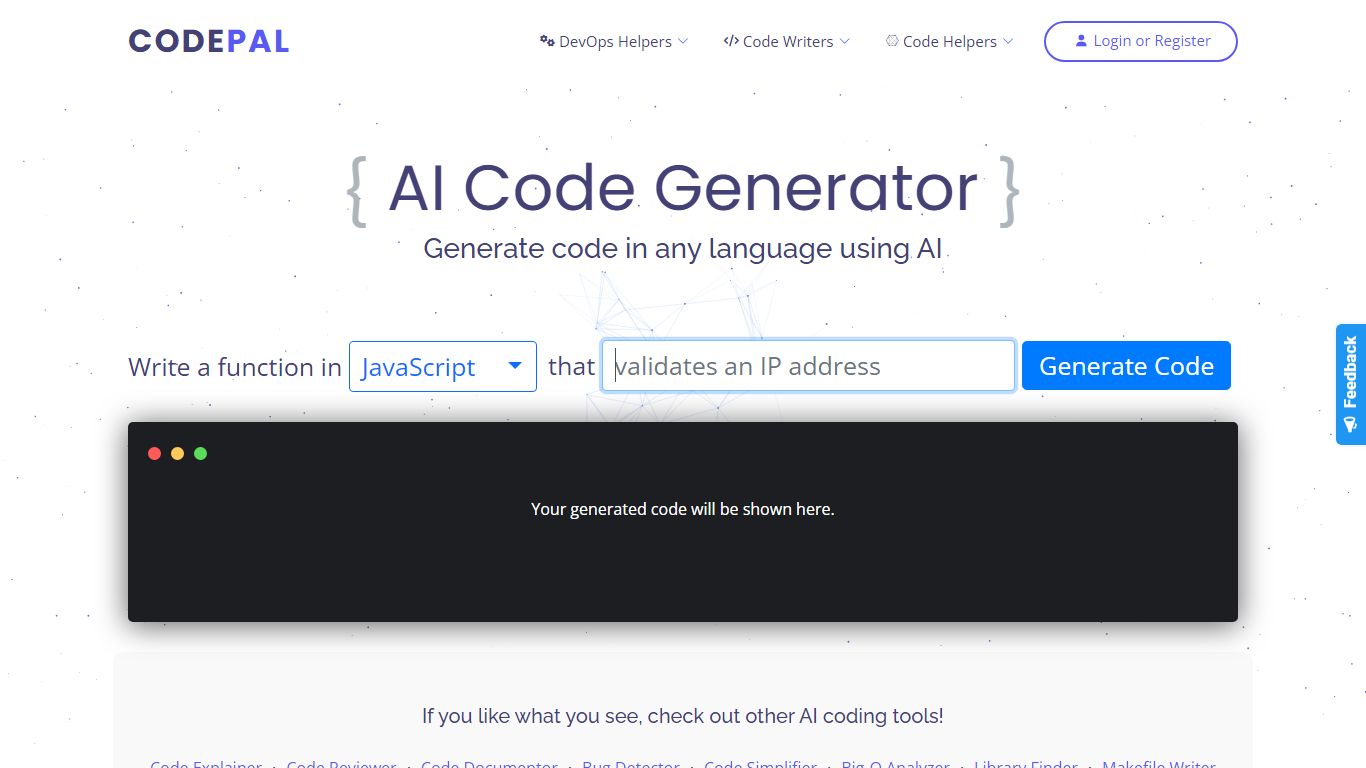

What is CodePal?
CodePal is an AI code assistant and app builder that turns a plain-language product idea into a deployable full-stack web app. You describe what you want, and CodePal scopes a build plan, writes the code, shows each step in real time, and publishes the result to a live URL. The same workspace covers planning, visual editing, GitHub sync, databases, auth, storage, and deployment without stitching separate tools together.
Where many AI builders stop at a landing page or a single-file demo, CodePal targets production-shaped products: SaaS dashboards, marketplaces, booking flows, and internal tools with backends attached. It also ships 60+ standalone developer utilities on its tools page for generating, fixing, refactoring, and explaining code across programming languages, so you can use it as a daily coding helper even when you are not launching a new app.
Founders, indie hackers, and developers who want to ship a first version fast without hiring a team are the core audience. Product managers prototyping internal dashboards and creators launching landing pages or membership sites also fit the workflow, especially when they need GitHub export and a custom domain on paid tiers.
Programming-Helper
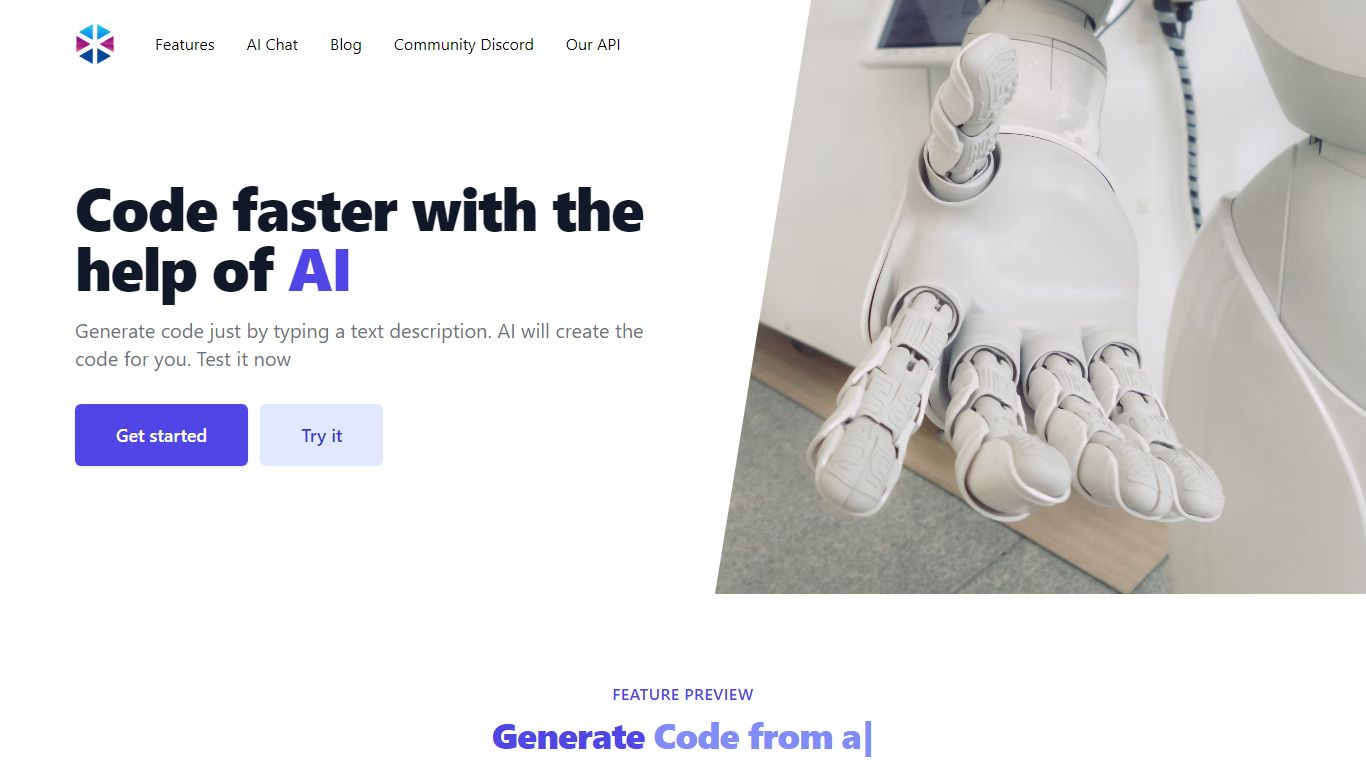
What is Programming-Helper?
Programming-Helper is a browser-based code assistant that turns plain-English prompts into functions, SQL, HTML, regex, Git commands, and more. You pick a task like generate function or text to SQL, describe what you need, and the site returns code you can copy, with community generations visible to other users.
Most code assistants chase one workflow, usually chat inside an IDE. Programming-Helper spreads dozens of narrow generators across a single site, from docstring-to-function and fix invalid code to Linux command lookup and time-complexity analysis. That breadth trades deep project context for quick one-off answers.
It fits students, indie developers, and analysts who need a specific snippet without opening a full IDE copilot. The newer AI Studio bundles the tools behind one interface with workflows, collaboration, and one-click exports for heavier use.
CodePal Upvotes
Programming-Helper Upvotes
CodePal Top Features
Build full-stack web apps from a single prompt with planning, code generation, and live publishing in one workspace
62 production-ready app templates for SaaS, marketplaces, dashboards, and landing pages on the solutions page
60+ AI developer tools for code generation, refactoring, debugging, and DevOps across programming languages
Starter plan includes 2 daily credits and up to 30 credits per month with access to all platform tools
Standard plan at $25 per month adds 100 monthly credits, credit rollover, and up to 5 CodePal Cloud projects
GitHub sync lets you inspect, edit generated project files, and keep code in your own development workflow
Workspace tools cover databases, authentication, storage, secrets, logs, and analytics without external stitching
Programming-Helper Top Features
Generate functions from text descriptions across many programming languages
Text-to-SQL converts plain English into SQL commands
Translate code between programming languages from a description
Regex from description and regex-to-English explanation tools
Fix invalid code, add typing, and generate unit tests from existing code
AI Studio bundles all generators with workflows, collaboration, and one-click exports
CodePal Category
- Code Assistant
Programming-Helper Category
- Code Assistant
CodePal Pricing Type
- Freemium
Programming-Helper Pricing Type
- Freemium