CodeSensAI vs Gorilla Terminal
Explore the showdown between CodeSensAI vs Gorilla Terminal and find out which AI Code Assistant tool wins. We analyze upvotes, features, reviews, pricing, alternatives, and more.
When comparing CodeSensAI and Gorilla Terminal, which one rises above the other?
When we contrast CodeSensAI with Gorilla Terminal, both of which are exceptional AI-operated code assistant tools, and place them side by side, we can spot several crucial similarities and divergences. CodeSensAI stands out as the clear frontrunner in terms of upvotes. CodeSensAI has garnered 7 upvotes, and Gorilla Terminal has garnered 6 upvotes.
Disagree with the result? Upvote your favorite tool and help it win!
CodeSensAI
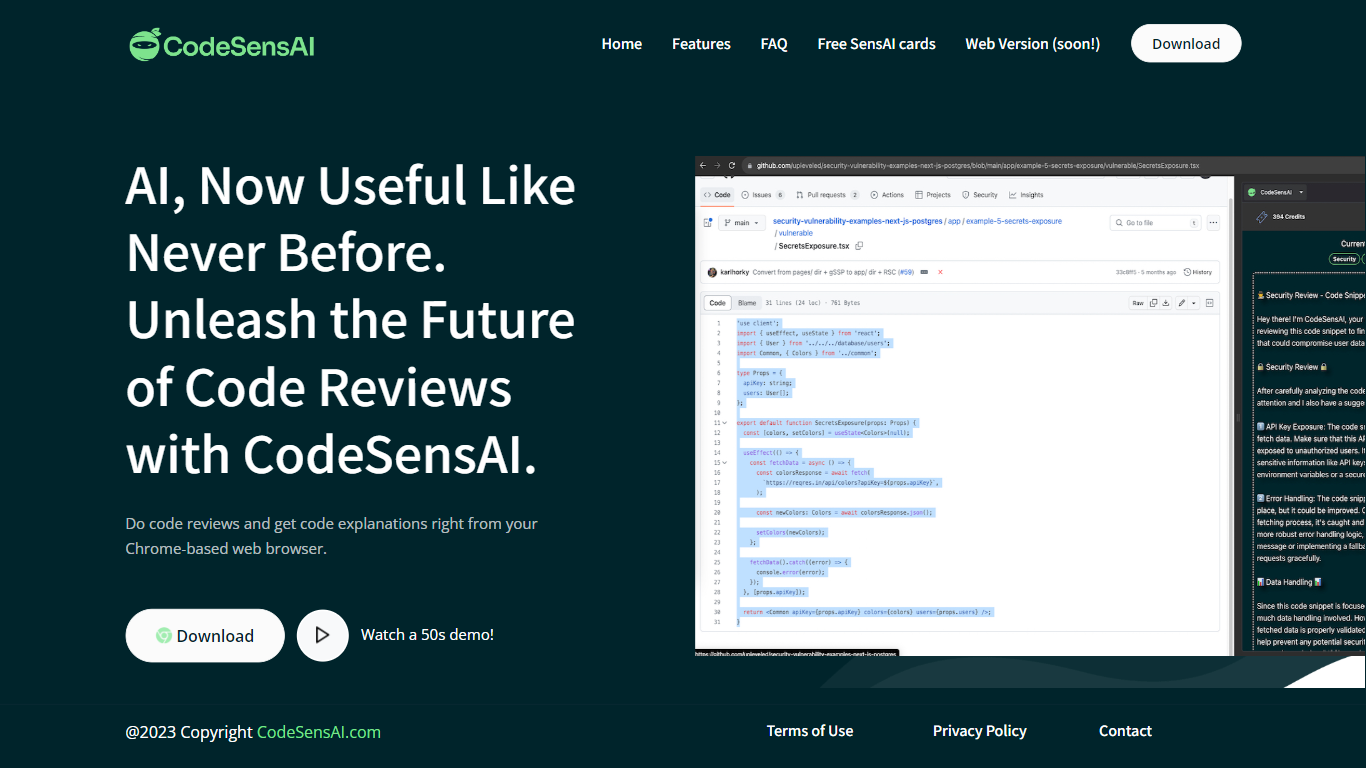

What is CodeSensAI?
CodeSensAI is an AI-powered code review tool that integrates directly into your Chrome-based browser, allowing developers to get detailed reviews and plain English explanations of code snippets from GitHub or any coding platform. It supports multiple popular programming languages and frameworks, making it accessible to both seasoned developers and beginners. The tool offers customizable review settings, including focus areas like security, performance, and bugs, as well as adjustable creativity and personality tones to tailor feedback. CodeSensAI operates on a pay-as-you-go model using SensAI Cards, which provide flexible, credit-based access without monthly subscriptions. Privacy and security are prioritized, with no code or personal data stored beyond necessary payment info. The team is actively developing new features such as collaborative reviews, full repository analysis, and a native app. CodeSensAI aims to make code review faster, easier, and more insightful for individuals and teams alike.
Gorilla Terminal

What is Gorilla Terminal?
Gorilla Terminal pulls stock data, SEC filings, macro indicators, and earnings call transcripts into one terminal-style dashboard in your browser. Search by ticker and you get charts, quarterly reports, insider trades, Twitter sentiment, and live futures without hopping between Bloomberg tabs and scattered finance sites.
Most research terminals either dump raw data tables or lean on generic summaries. Gorilla Terminal focuses on earnings calls: it runs sentiment analysis on what executives actually said, flags positive and negative statements, and lets you filter by quarter. That transcript-first angle is the trade-off. You get deeper call breakdowns than a charting site, but the product is built for equity research rather than crypto or forex.
Portfolio managers, solo investors, and finance students use this investment research tool to prep for earnings season, scan sector averages, and stress-test holdings with value-at-risk and regression tools. The macro panel covers CPI, unemployment, retail sales, and consumer sentiment in one click.
CodeSensAI Upvotes
Gorilla Terminal Upvotes
CodeSensAI Top Features
🧑💻 Detailed code reviews in seconds from any code snippet
📖 Plain English explanations for easy understanding by all
⚙️ Customizable review focus: security, performance, bugs, and more
🎭 Adjustable creativity and personality settings for tailored feedback
💳 Flexible pay-as-you-go SensAI Cards with no monthly fees
Gorilla Terminal Top Features
Earnings call transcripts with AI sentiment scoring and positive/negative statement filters per quarter
Macro dashboard covering CPI, unemployment, retail sales, and consumer sentiment in one view
Stock search returns charts, 10-Ks, 10-Qs, insider buying, and Twitter sentiment on one page
Value-at-risk and regression analysis for portfolio risk modeling
Industry average metrics across revenue growth, margins, and tax rates by sector
Pro plan at $29 per month, down from a listed $49 per month on the pricing page
7-day pass at $9.99 for short-term access without a monthly commitment
CodeSensAI Category
- Code Assistant
Gorilla Terminal Category
- Code Assistant
CodeSensAI Pricing Type
- Freemium
Gorilla Terminal Pricing Type
- Paid