CodeSensAI vs Programming-Helper
In the contest of CodeSensAI vs Programming-Helper, which AI Code Assistant tool is the champion? We evaluate pricing, alternatives, upvotes, features, reviews, and more.
If you had to choose between CodeSensAI and Programming-Helper, which one would you go for?
When we examine CodeSensAI and Programming-Helper, both of which are AI-enabled code assistant tools, what unique characteristics do we discover? The upvote count shows a clear preference for CodeSensAI. CodeSensAI has received 7 upvotes from aitools.fyi users, while Programming-Helper has received 3 upvotes.
Disagree with the result? Upvote your favorite tool and help it win!
CodeSensAI

What is CodeSensAI?
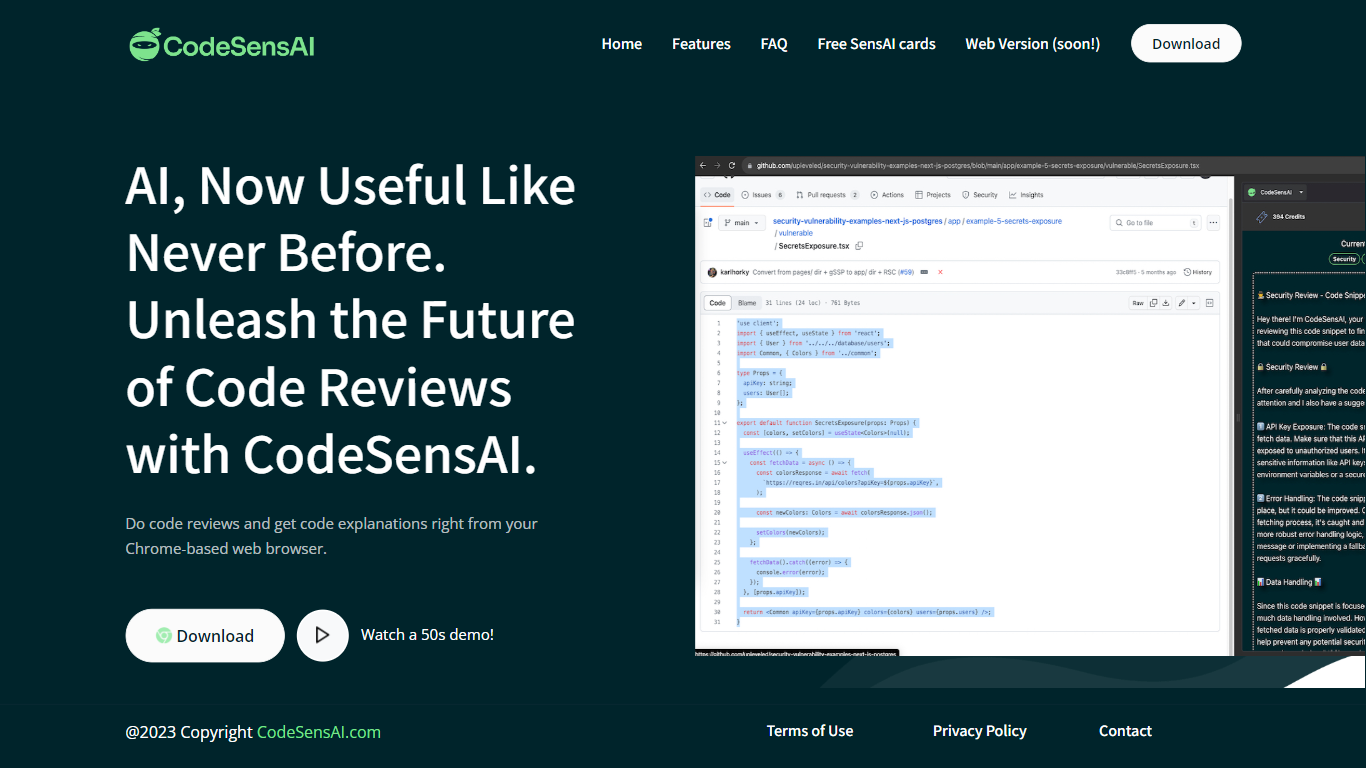
CodeSensAI is an AI-powered code review tool that integrates directly into your Chrome-based browser, allowing developers to get detailed reviews and plain English explanations of code snippets from GitHub or any coding platform. It supports multiple popular programming languages and frameworks, making it accessible to both seasoned developers and beginners. The tool offers customizable review settings, including focus areas like security, performance, and bugs, as well as adjustable creativity and personality tones to tailor feedback. CodeSensAI operates on a pay-as-you-go model using SensAI Cards, which provide flexible, credit-based access without monthly subscriptions. Privacy and security are prioritized, with no code or personal data stored beyond necessary payment info. The team is actively developing new features such as collaborative reviews, full repository analysis, and a native app. CodeSensAI aims to make code review faster, easier, and more insightful for individuals and teams alike.
Programming-Helper
What is Programming-Helper?
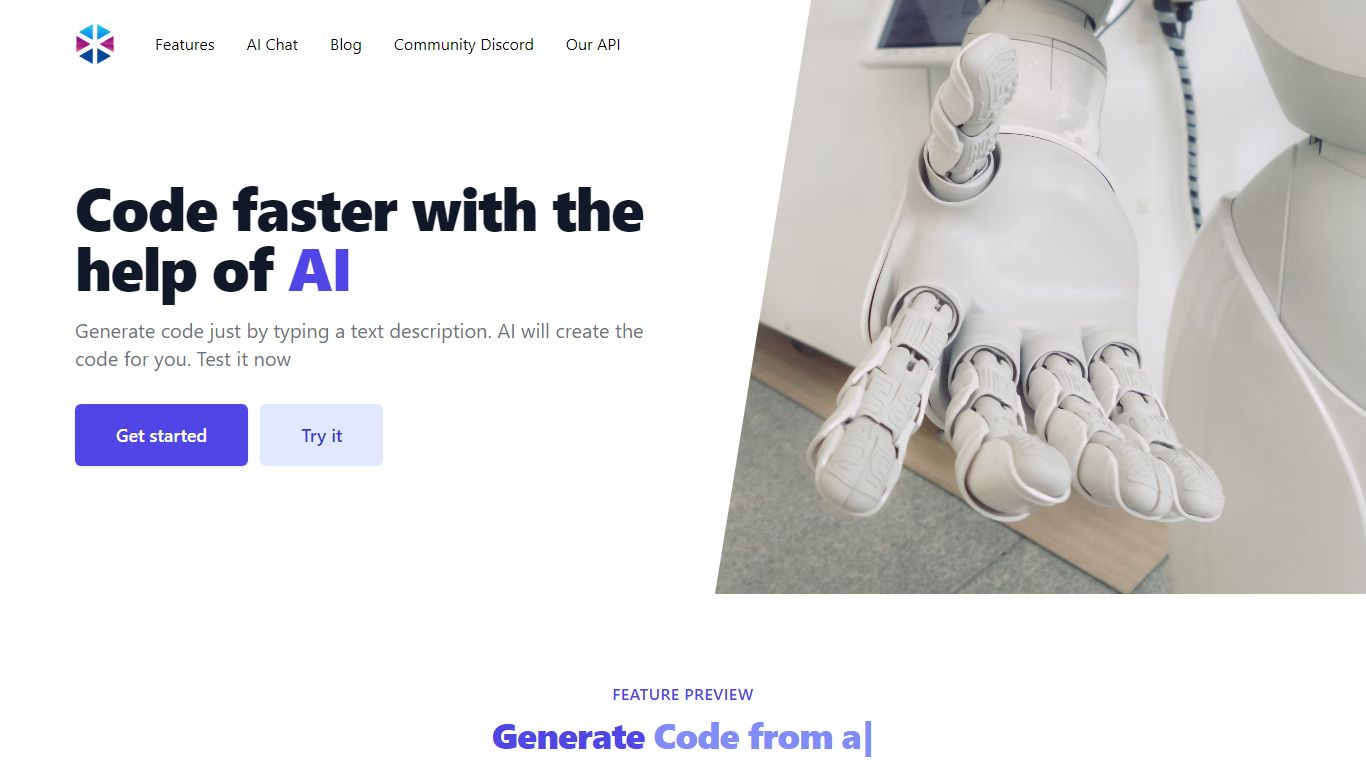
Programming-Helper is a browser-based code assistant that turns plain-English prompts into functions, SQL, HTML, regex, Git commands, and more. You pick a task like generate function or text to SQL, describe what you need, and the site returns code you can copy, with community generations visible to other users.
Most code assistants chase one workflow, usually chat inside an IDE. Programming-Helper spreads dozens of narrow generators across a single site, from docstring-to-function and fix invalid code to Linux command lookup and time-complexity analysis. That breadth trades deep project context for quick one-off answers.
It fits students, indie developers, and analysts who need a specific snippet without opening a full IDE copilot. The newer AI Studio bundles the tools behind one interface with workflows, collaboration, and one-click exports for heavier use.
CodeSensAI Upvotes
Programming-Helper Upvotes
CodeSensAI Top Features
🧑💻 Detailed code reviews in seconds from any code snippet
📖 Plain English explanations for easy understanding by all
⚙️ Customizable review focus: security, performance, bugs, and more
🎭 Adjustable creativity and personality settings for tailored feedback
💳 Flexible pay-as-you-go SensAI Cards with no monthly fees
Programming-Helper Top Features
Generate functions from text descriptions across many programming languages
Text-to-SQL converts plain English into SQL commands
Translate code between programming languages from a description
Regex from description and regex-to-English explanation tools
Fix invalid code, add typing, and generate unit tests from existing code
AI Studio bundles all generators with workflows, collaboration, and one-click exports
CodeSensAI Category
- Code Assistant
Programming-Helper Category
- Code Assistant
CodeSensAI Pricing Type
- Freemium
Programming-Helper Pricing Type
- Freemium