CodeSense AI vs Programming-Helper
Explore the showdown between CodeSense AI vs Programming-Helper and find out which AI Code Assistant tool wins. We analyze upvotes, features, reviews, pricing, alternatives, and more.
In a face-off between CodeSense AI and Programming-Helper, which one takes the crown?
When we contrast CodeSense AI with Programming-Helper, both of which are exceptional AI-operated code assistant tools, and place them side by side, we can spot several crucial similarities and divergences. The upvote count favors CodeSense AI, making it the clear winner. CodeSense AI has 6 upvotes, and Programming-Helper has 3 upvotes.
Disagree with the result? Upvote your favorite tool and help it win!
CodeSense AI

What is CodeSense AI?
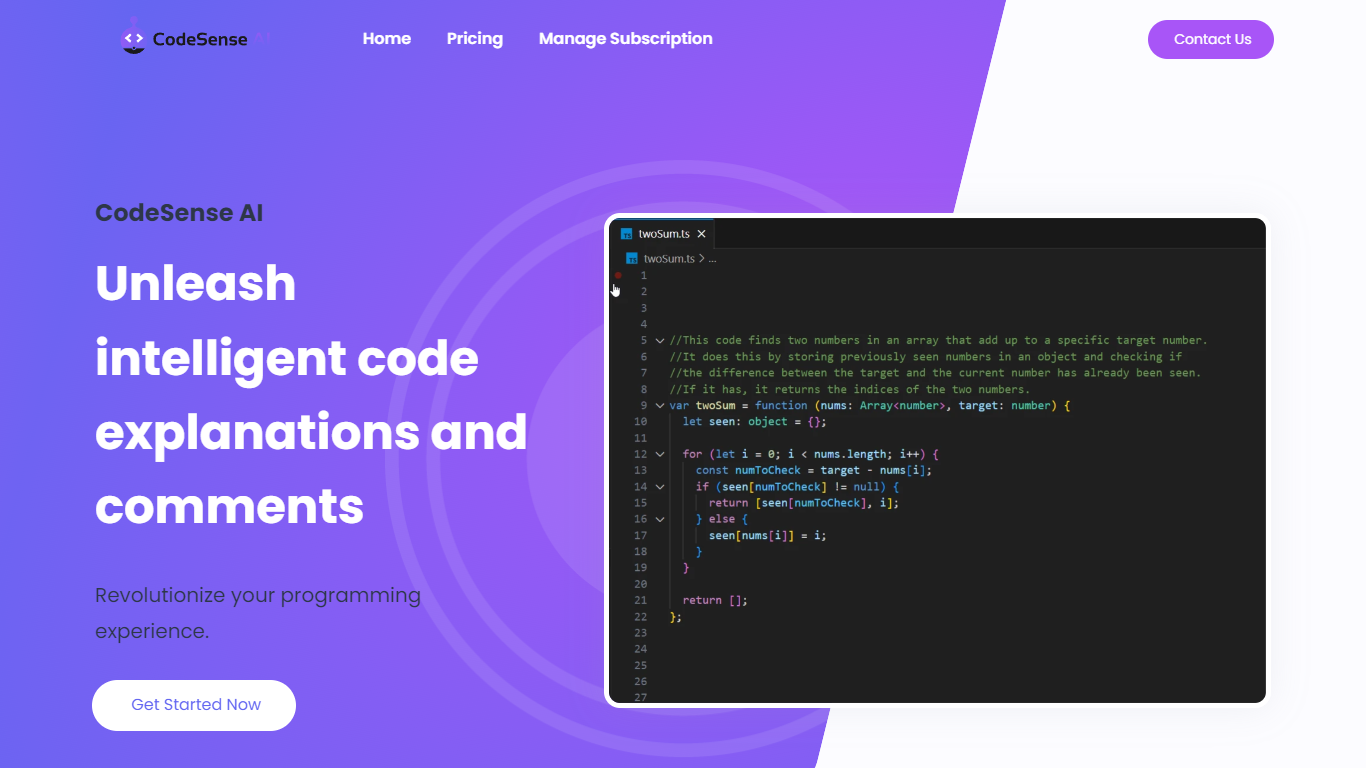
CodeSense AI is a Visual Studio Code extension that adds an AI code reviewer and chat assistant inside the editor. It connects to Google Gemini or OpenAI using your own API keys, then helps you review code, ask questions about your workspace, and apply suggested fixes with a built-in diff viewer.
The extension runs a chat panel in VS Code where you can request code reviews, generate new files, modify existing ones, run terminal commands, and manage folders. Conversations persist across view switches, and you can reload or reset chat history when needed.
API keys are stored with VS Code secret storage and sent only to the provider you choose. The project is open source under the MIT license and is published on the Visual Studio Marketplace.
Programming-Helper
What is Programming-Helper?
Programming-Helper is a browser-based code assistant that turns plain-English prompts into functions, SQL, HTML, regex, Git commands, and more. You pick a task like generate function or text to SQL, describe what you need, and the site returns code you can copy, with community generations visible to other users.
Most code assistants chase one workflow, usually chat inside an IDE. Programming-Helper spreads dozens of narrow generators across a single site, from docstring-to-function and fix invalid code to Linux command lookup and time-complexity analysis. That breadth trades deep project context for quick one-off answers.
It fits students, indie developers, and analysts who need a specific snippet without opening a full IDE copilot. The newer AI Studio bundles the tools behind one interface with workflows, collaboration, and one-click exports for heavier use.
CodeSense AI Upvotes
Programming-Helper Upvotes
CodeSense AI Top Features
Chat-based AI assistant inside VS Code with persistent conversation history
Multi-provider support for Google Gemini and OpenAI (GPT-4o and GPT-4o-mini)
Side-by-side diff view titled CodeSense: AI Suggested Changes before accepting edits
Workspace file operations including read, write, create, delete, and folder management
Terminal command execution and secure API key storage via VS Code Secrets
Programming-Helper Top Features
Generate functions from text descriptions across many programming languages
Text-to-SQL converts plain English into SQL commands
Translate code between programming languages from a description
Regex from description and regex-to-English explanation tools
Fix invalid code, add typing, and generate unit tests from existing code
AI Studio bundles all generators with workflows, collaboration, and one-click exports
CodeSense AI Category
- Code Assistant
Programming-Helper Category
- Code Assistant
CodeSense AI Pricing Type
- Free
Programming-Helper Pricing Type
- Freemium