
Last updated 07-23-2026
Category:
Reviews:
Join thousands of AI enthusiasts in the World of AI!
CodeSense AI
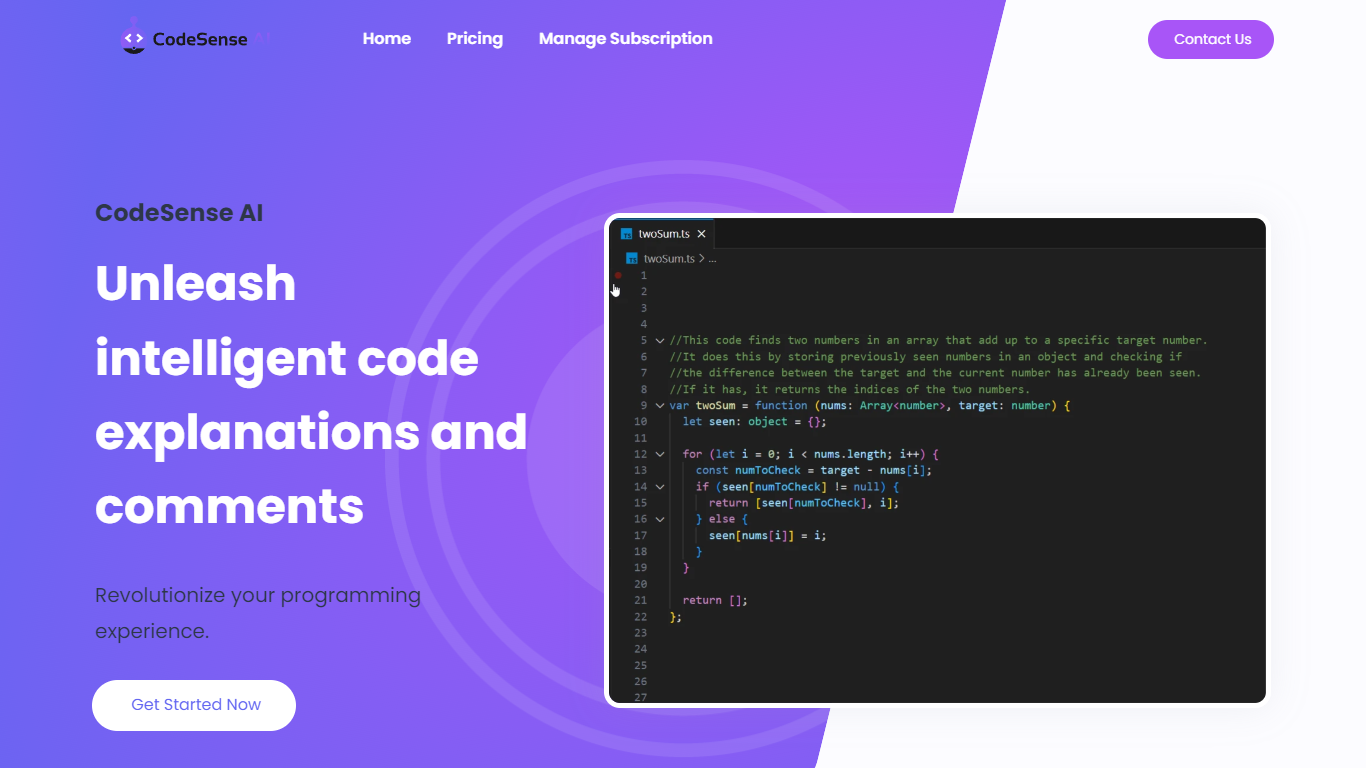
CodeSense AI is a Visual Studio Code extension that adds an AI code reviewer and chat assistant inside the editor. It connects to Google Gemini or OpenAI using your own API keys, then helps you review code, ask questions about your workspace, and apply suggested fixes with a built-in diff viewer.
The extension runs a chat panel in VS Code where you can request code reviews, generate new files, modify existing ones, run terminal commands, and manage folders. Conversations persist across view switches, and you can reload or reset chat history when needed.
API keys are stored with VS Code secret storage and sent only to the provider you choose. The project is open source under the MIT license and is published on the Visual Studio Marketplace.
Chat-based AI assistant inside VS Code with persistent conversation history
Multi-provider support for Google Gemini and OpenAI (GPT-4o and GPT-4o-mini)
Side-by-side diff view titled CodeSense: AI Suggested Changes before accepting edits
Workspace file operations including read, write, create, delete, and folder management
Terminal command execution and secure API key storage via VS Code Secrets
Native VS Code integration with chat persistence and a familiar diff viewer.
Supports both Google Gemini and OpenAI with encrypted key storage.
Open-source MIT-licensed project with standalone CLI mode available.
Requires your own paid API keys for Gemini or OpenAI usage.
Original codesenseai.com domain is parked; distribution is via GitHub and the VS Code Marketplace.
Anthropic Claude and Groq support are still on the roadmap.
What is CodeSense AI?
CodeSense AI is a Visual Studio Code extension that provides an AI-powered code reviewer and chat assistant. It analyzes your workspace, suggests fixes, and shows changes in a native diff viewer.
How do I install CodeSense AI?
Install it from the Visual Studio Marketplace under KumarAyushh.codesense-ai, or clone the GitHub repository and run it locally with npm install and F5 in the Extension Development Host.
Which AI providers does CodeSense AI support?
CodeSense AI supports Google Gemini and OpenAI (GPT-4o and GPT-4o-mini). Anthropic Claude and Groq are listed on the roadmap but not yet implemented.
Is CodeSense AI free?
The extension is free to install. You supply your own Google Gemini or OpenAI API keys and pay those providers directly for model usage.
Does CodeSense AI work outside VS Code?
Yes. The repository includes a standalone CLI mode where you set a GEMINI_API_KEY in a .env file and run node index.js outside the editor.