SmartCoder vs CodeSense AI
In the battle of SmartCoder vs CodeSense AI, which AI Code Assistant tool comes out on top? We compare reviews, pricing, alternatives, upvotes, features, and more.
Between SmartCoder and CodeSense AI, which one is superior?
Upon comparing SmartCoder with CodeSense AI, which are both AI-powered code assistant tools, There's no clear winner in terms of upvotes, as both tools have received the same number. Since other aitools.fyi users could decide the winner, the ball is in your court now to cast your vote and help us determine the winner.
Don't agree with the result? Cast your vote and be a part of the decision-making process!
SmartCoder
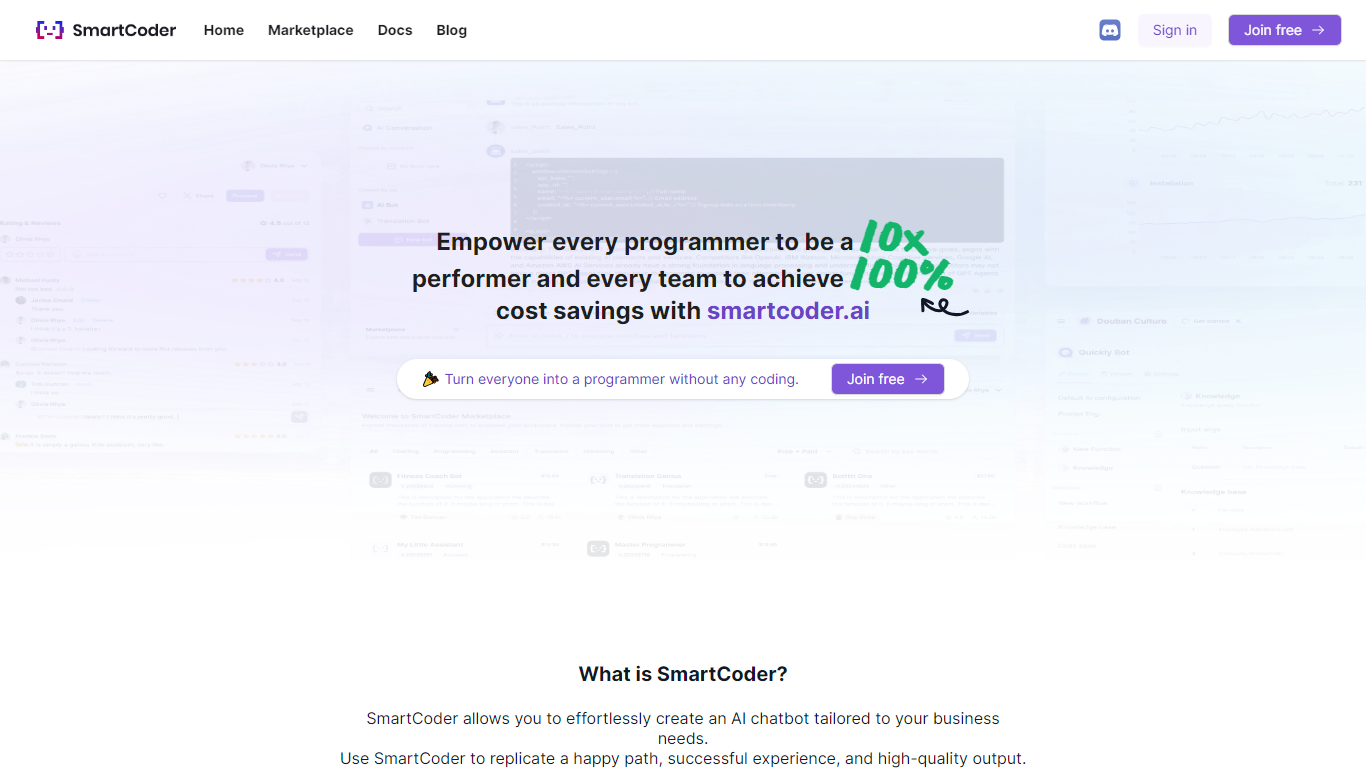

What is SmartCoder?
SmartCoder is your go-to platform for all your coding needs. Whether you're looking to enhance your coding skills, find relevant documentation, or explore a wide array of digital tools, SmartCoder offers a seamless experience. With a user-friendly interface, the platform invites both novices and seasoned developers to sign in or join for free and dive into a diverse marketplace.
The integrated blog section keeps you up-to-date with the latest trends and insights in the coding world. SmartCoder is designed to facilitate easy navigation, ensuring that users reach their desired content with minimal effort. From useful Docs for learning and troubleshooting to a thriving marketplace with numerous options, everything you need is just a click away. Engage with a community of like-minded individuals and leverage the full potential of SmartCoder's offerings to elevate your coding projects to new heights.
CodeSense AI
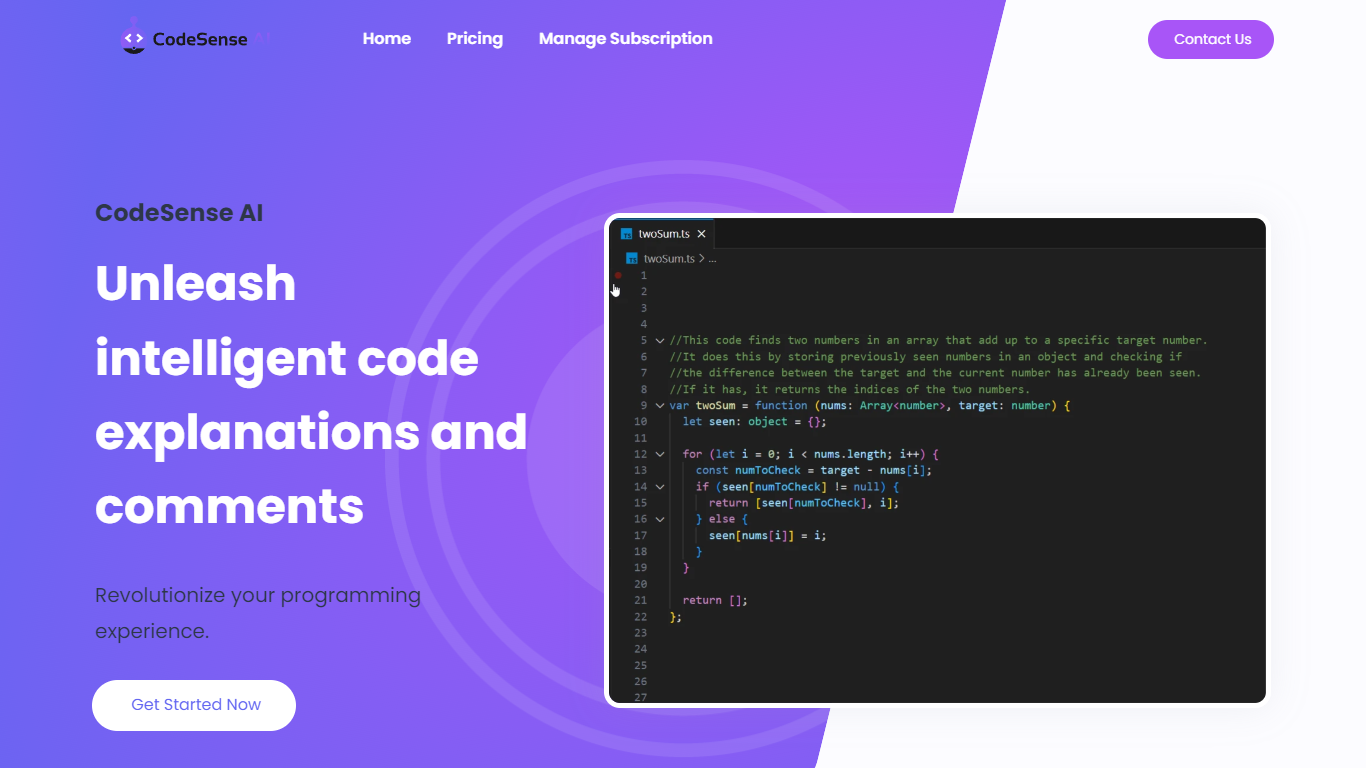
What is CodeSense AI?
CodeSense AI is a Visual Studio Code extension that adds an AI code reviewer and chat assistant inside the editor. It connects to Google Gemini or OpenAI using your own API keys, then helps you review code, ask questions about your workspace, and apply suggested fixes with a built-in diff viewer.
The extension runs a chat panel in VS Code where you can request code reviews, generate new files, modify existing ones, run terminal commands, and manage folders. Conversations persist across view switches, and you can reload or reset chat history when needed.
API keys are stored with VS Code secret storage and sent only to the provider you choose. The project is open source under the MIT license and is published on the Visual Studio Marketplace.
SmartCoder Upvotes
CodeSense AI Upvotes
SmartCoder Top Features
Easy Navigation: Straightforward access to marketplace, documentation, and blog.
Free Sign-In and Membership: Quick sign-in or joining options, available for free.
Diverse Marketplace: A wide range of tools and resources for coders.
Educational Docs: Comprehensive documentation for learning and problem-solving.
Engaging Blog: Stay informed with articles on the latest coding trends and tips.
CodeSense AI Top Features
Chat-based AI assistant inside VS Code with persistent conversation history
Multi-provider support for Google Gemini and OpenAI (GPT-4o and GPT-4o-mini)
Side-by-side diff view titled CodeSense: AI Suggested Changes before accepting edits
Workspace file operations including read, write, create, delete, and folder management
Terminal command execution and secure API key storage via VS Code Secrets
SmartCoder Category
- Code Assistant
CodeSense AI Category
- Code Assistant
SmartCoder Pricing Type
- Freemium
CodeSense AI Pricing Type
- Free