CodeSense AI vs Refraction
Compare CodeSense AI vs Refraction and see which AI Code Assistant tool is better when we compare features, reviews, pricing, alternatives, upvotes, etc.
Which one is better? CodeSense AI or Refraction?
When we compare CodeSense AI with Refraction, which are both AI-powered code assistant tools, The community has spoken, CodeSense AI leads with more upvotes. CodeSense AI has 6 upvotes, and Refraction has 5 upvotes.
Think we got it wrong? Cast your vote and show us who's boss!
CodeSense AI
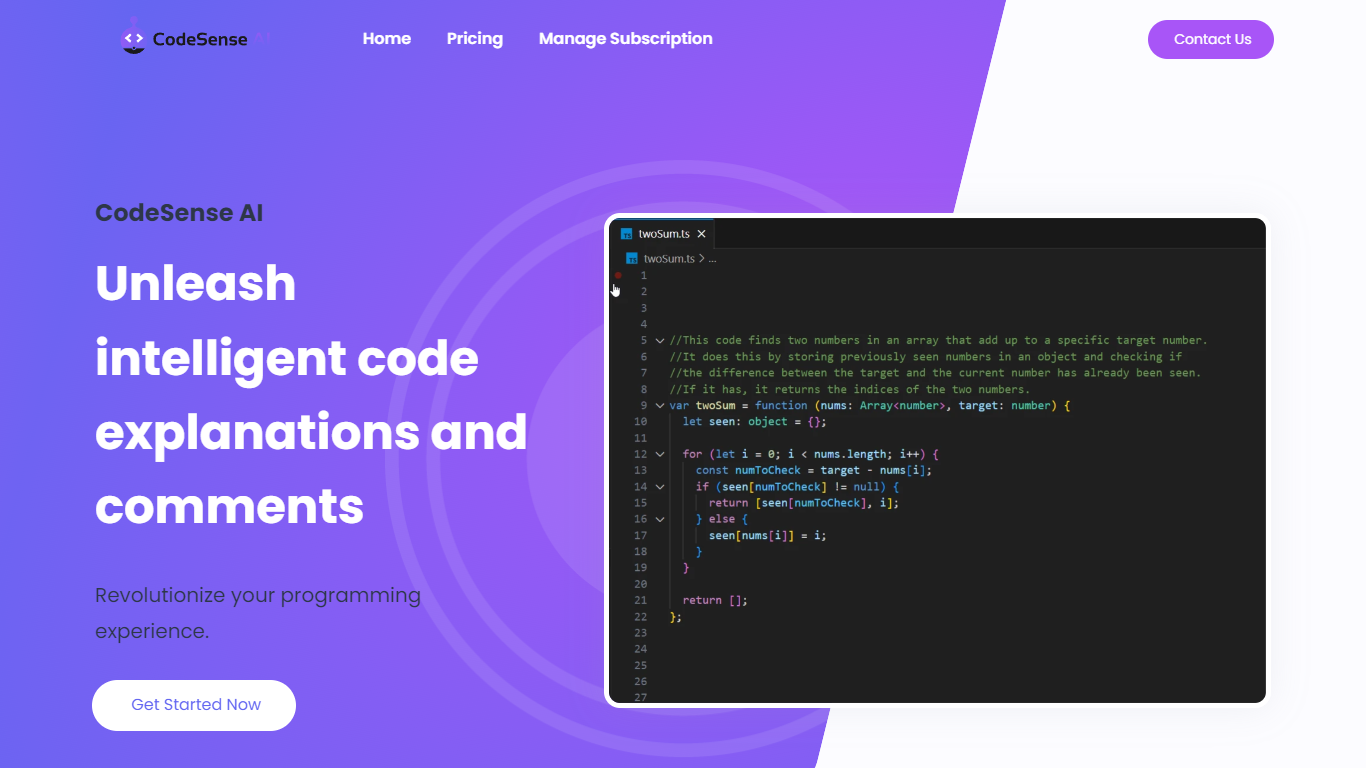

What is CodeSense AI?
CodeSense AI is a Visual Studio Code extension that adds an AI code reviewer and chat assistant inside the editor. It connects to Google Gemini or OpenAI using your own API keys, then helps you review code, ask questions about your workspace, and apply suggested fixes with a built-in diff viewer.
The extension runs a chat panel in VS Code where you can request code reviews, generate new files, modify existing ones, run terminal commands, and manage folders. Conversations persist across view switches, and you can reload or reset chat history when needed.
API keys are stored with VS Code secret storage and sent only to the provider you choose. The project is open source under the MIT license and is published on the Visual Studio Marketplace.
Refraction
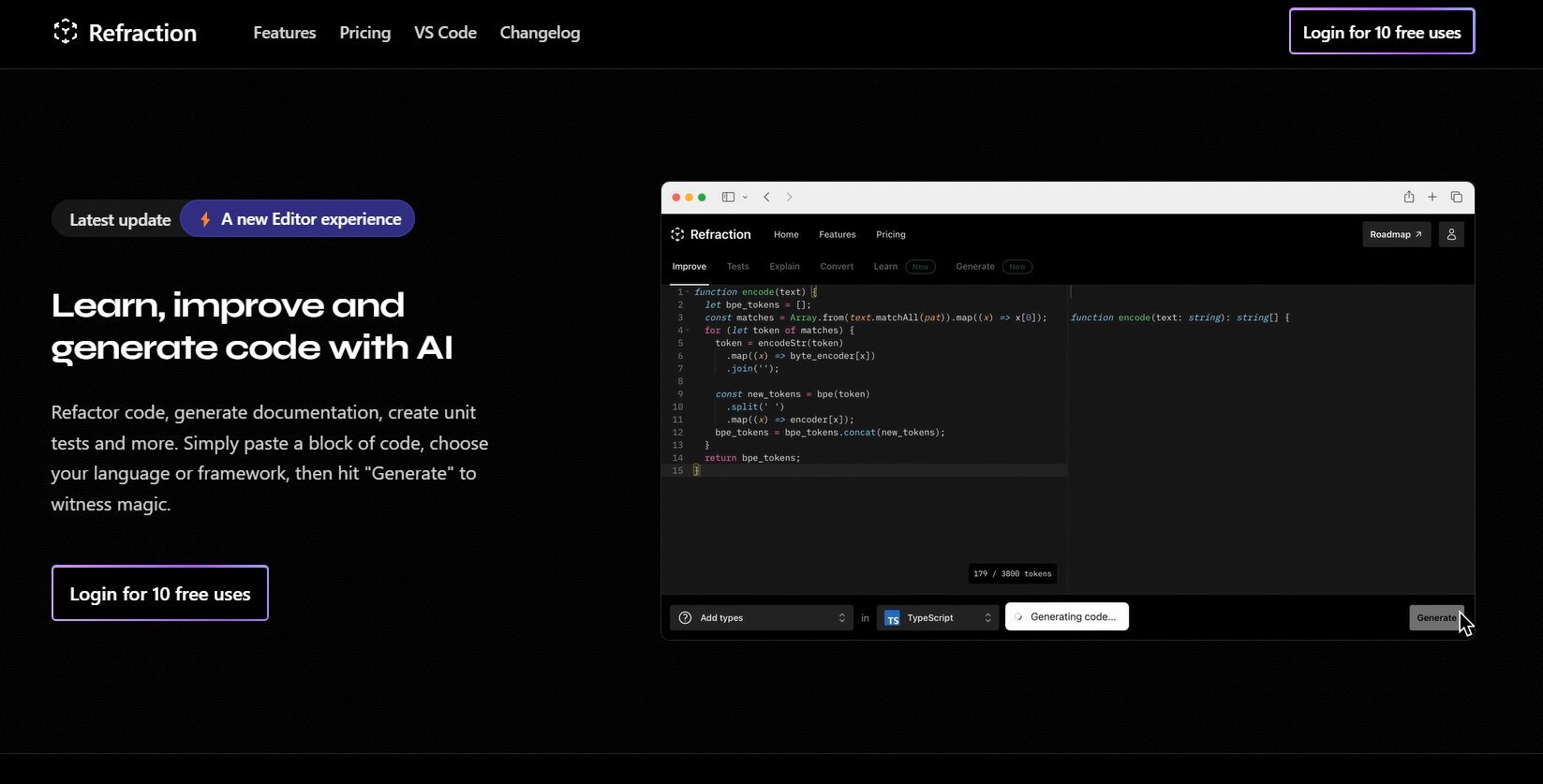
What is Refraction?
Improve and generate code with AI. Refactor code, create documentation, and write unit tests automatically. Simply paste your code, select a language or framework, and click "Generate" to see the magic happen. Refraction is a code generation tool for developers. It harnesses AI to generate code for you. Use it to produce unit tests, documentation, and refactor code.
CodeSense AI Upvotes
Refraction Upvotes
CodeSense AI Top Features
Chat-based AI assistant inside VS Code with persistent conversation history
Multi-provider support for Google Gemini and OpenAI (GPT-4o and GPT-4o-mini)
Side-by-side diff view titled CodeSense: AI Suggested Changes before accepting edits
Workspace file operations including read, write, create, delete, and folder management
Terminal command execution and secure API key storage via VS Code Secrets
Refraction Top Features
No top features listedCodeSense AI Category
- Code Assistant
Refraction Category
- Code Assistant
CodeSense AI Pricing Type
- Free
Refraction Pricing Type
- Freemium