CodeSense AI vs HuggingChat
In the clash of CodeSense AI vs HuggingChat, which AI Code Assistant tool emerges victorious? We assess reviews, pricing, alternatives, features, upvotes, and more.
When we put CodeSense AI and HuggingChat head to head, which one emerges as the victor?
Let's take a closer look at CodeSense AI and HuggingChat, both of which are AI-driven code assistant tools, and see what sets them apart. Both tools have received the same number of upvotes from aitools.fyi users. Join the aitools.fyi users in deciding the winner by casting your vote.
Not your cup of tea? Upvote your preferred tool and stir things up!
CodeSense AI

What is CodeSense AI?
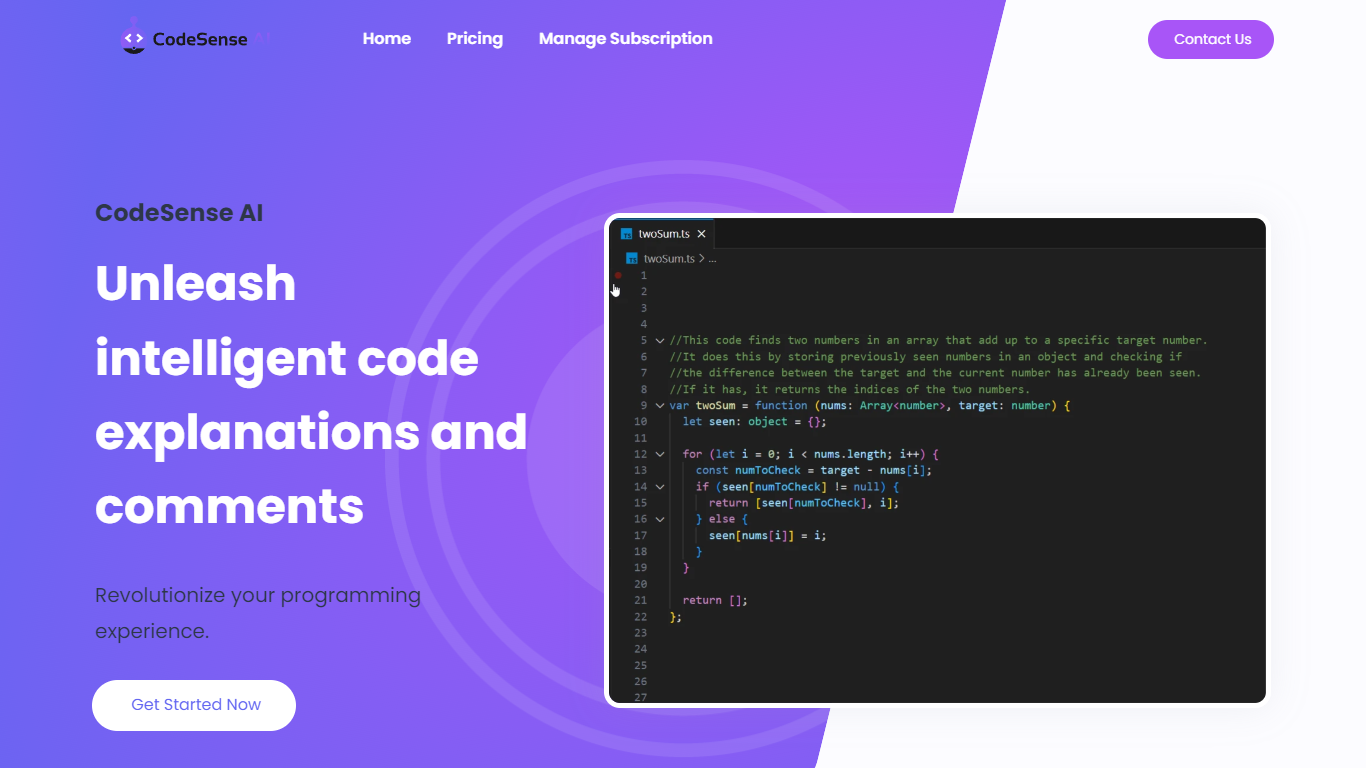
CodeSense AI is a Visual Studio Code extension that adds an AI code reviewer and chat assistant inside the editor. It connects to Google Gemini or OpenAI using your own API keys, then helps you review code, ask questions about your workspace, and apply suggested fixes with a built-in diff viewer.
The extension runs a chat panel in VS Code where you can request code reviews, generate new files, modify existing ones, run terminal commands, and manage folders. Conversations persist across view switches, and you can reload or reset chat history when needed.
API keys are stored with VS Code secret storage and sent only to the provider you choose. The project is open source under the MIT license and is published on the Visual Studio Marketplace.
HuggingChat
What is HuggingChat?
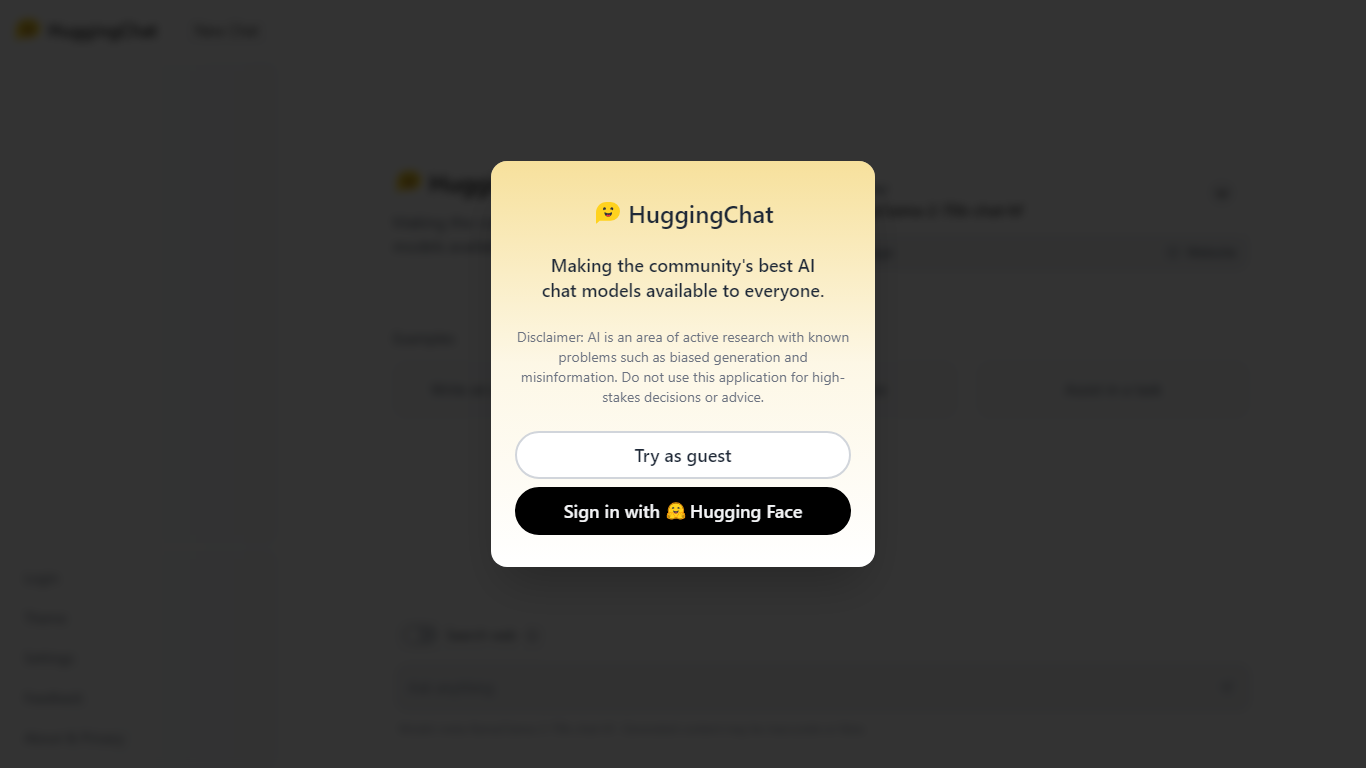
HuggingChat is a free chat assistant that runs open source AI models from the Hugging Face community. Pick a model directly or let Omni route your prompt to the best available option. The interface supports image generation, web tasks, dataset search, and MCP tool connections alongside standard text chat.
Closed chatbots lock you into one vendor model. HuggingChat exposes 137 open source models you can switch between mid-conversation, including newcomers like DeepSeek V4 Flash with a 1M-token context window. The trade-off is variable quality across models and a Hugging Face account requirement to save chats.
Developers, researchers, and curious users reach for it to test Llama, DeepSeek, and other community models without API keys or local GPU setup. Hugging Face positions it as making the community's best chat models available to everyone.
CodeSense AI Upvotes
HuggingChat Upvotes
CodeSense AI Top Features
Chat-based AI assistant inside VS Code with persistent conversation history
Multi-provider support for Google Gemini and OpenAI (GPT-4o and GPT-4o-mini)
Side-by-side diff view titled CodeSense: AI Suggested Changes before accepting edits
Workspace file operations including read, write, create, delete, and folder management
Terminal command execution and secure API key storage via VS Code Secrets
HuggingChat Top Features
Choose from 137 open source chat models or let Omni auto-select the best fit
DeepSeek V4 Flash offers a 1M-token context window and adjustable thinking modes
MCP (Model Context Protocol) connections extend chat with external tools
Built-in prompts cover image generation, website building, and dataset search
Free to use with a Hugging Face account for chat history and settings
New Chat shortcut and per-model settings pages for application and Omni routing
Powered by Hugging Face with DR 91 on the parent domain
CodeSense AI Category
- Code Assistant
HuggingChat Category
- Code Assistant
CodeSense AI Pricing Type
- Free
HuggingChat Pricing Type
- Free