CoffeeChat AI vs Noty AI
In the clash of CoffeeChat AI vs Noty AI, which AI Meeting Assistant tool emerges victorious? We assess reviews, pricing, alternatives, features, upvotes, and more.
When we put CoffeeChat AI and Noty AI head to head, which one emerges as the victor?
Let's take a closer look at CoffeeChat AI and Noty AI, both of which are AI-driven meeting assistant tools, and see what sets them apart. CoffeeChat AI stands out as the clear frontrunner in terms of upvotes. The number of upvotes for CoffeeChat AI stands at 6, and for Noty AI it's 4.
Think we got it wrong? Cast your vote and show us who's boss!
CoffeeChat AI
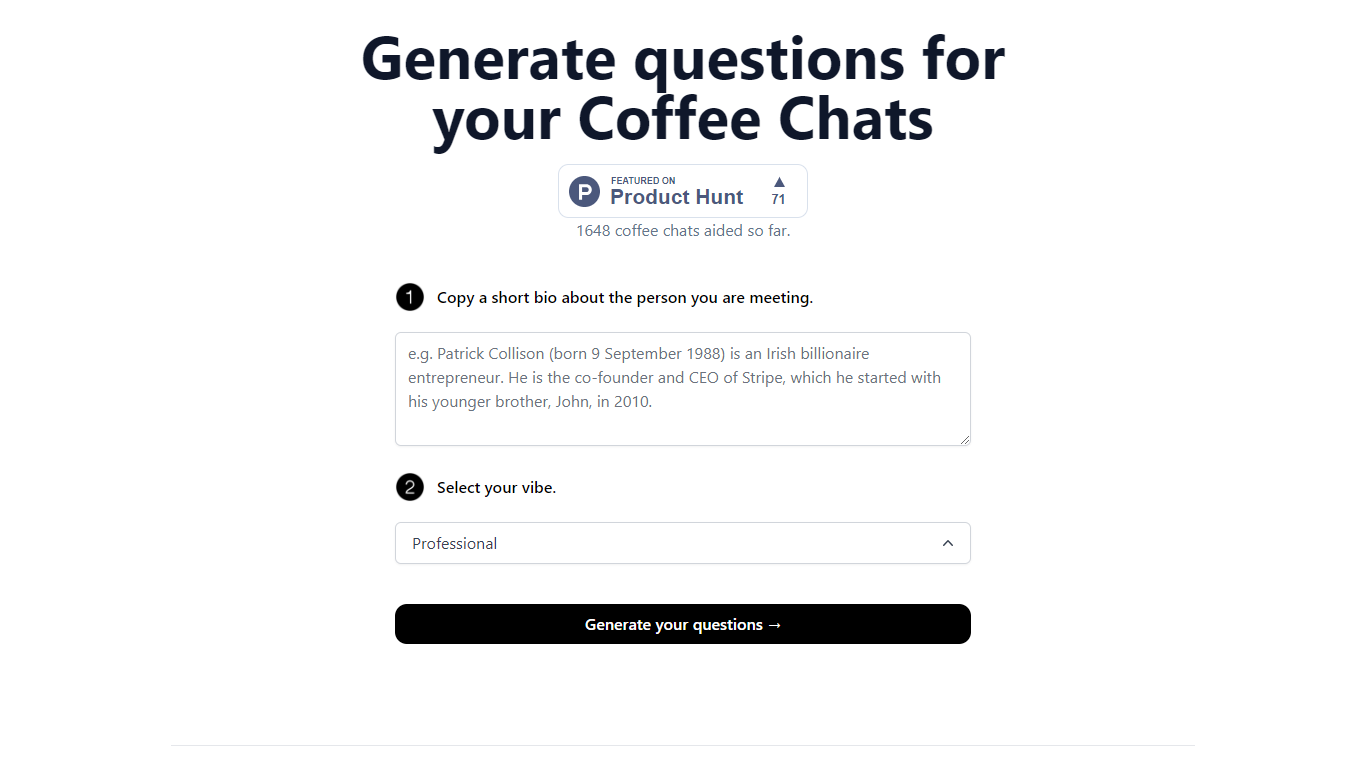

What is CoffeeChat AI?
CoffeeChat AI is an innovative tool designed to enhance the experience of professional networking by providing personalized conversation starters for your coffee chats. Created by a team of developers, @susantoscott, @chrispramana, and @wilsonlimset, this tool helps to break the ice and engage in more meaningful discussions.
By simply copying a short bio of the person you're meeting and selecting the desired vibe - which, in this case, is 'Professional' - you can generate a set of tailored questions that will help facilitate your conversation. CoffeeChat AI aims to aid networking efforts and has a user-friendly interface to cater to professionals from various sectors looking to make the most out of their interactions.
Noty AI
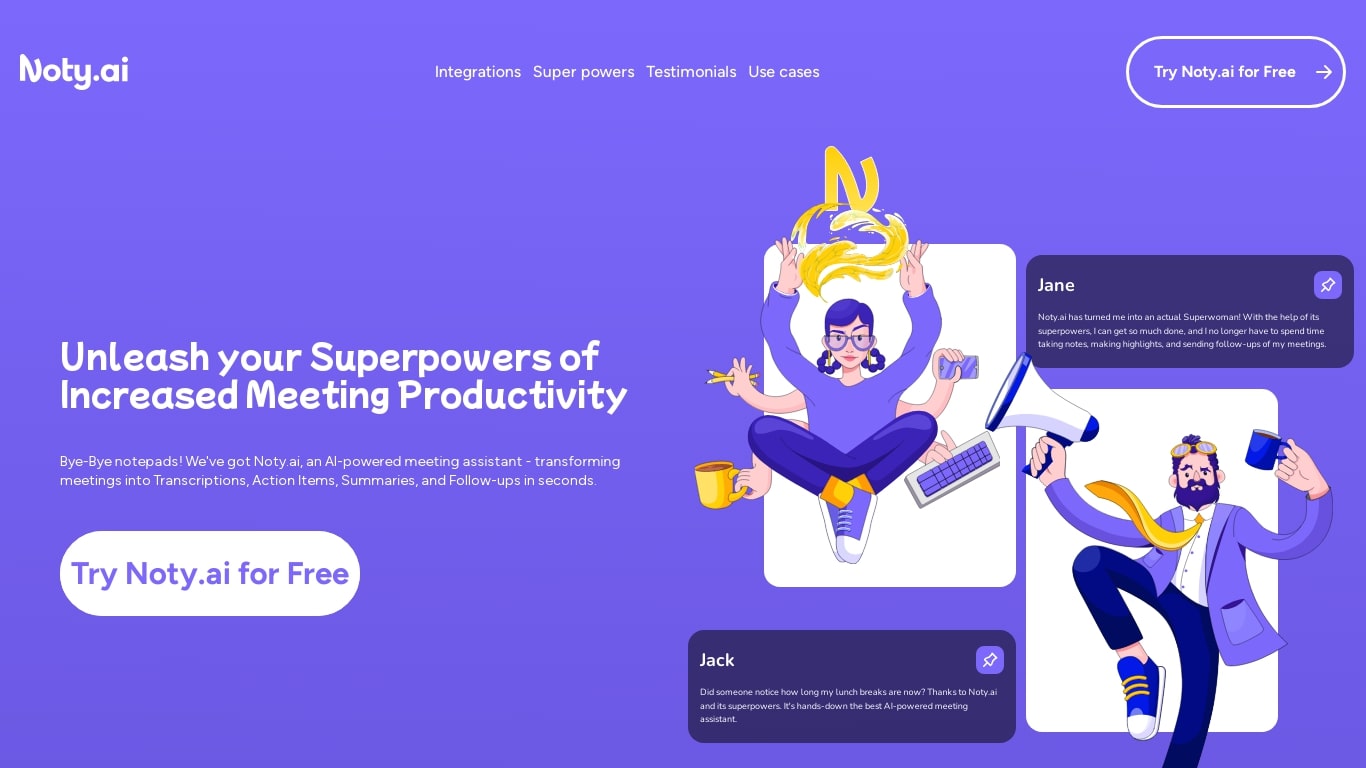
What is Noty AI?
Noty AI is a meeting assistant that turns live calls into transcripts, summaries, and tasks your team can act on. It records conversations in real time, highlights key moments during the call, and generates post-meeting recaps so nothing discussed gets lost between sessions.
The product works with Google Meet, Zoom, and Microsoft Teams. Transcription runs while the meeting is in progress, and you can search transcripts afterward, add comments, or chat with Noty to pull specific details from a past discussion.
After each call, Noty builds summaries, detects action items with deadlines and assignees, and drafts follow-up messages you can send to participants. Meetings are organized in a searchable workspace with exports to Docs, PDF, or plain text.
Project managers, customer success teams, and remote workers use Noty to cut post-meeting admin and keep projects moving without manual note-taking.
CoffeeChat AI Upvotes
Noty AI Upvotes
CoffeeChat AI Top Features
Generate questions: Automatically generate personalized questions for your coffee chats.
Select your vibe: Choose the 'Professional' vibe to align the questions with the tone of your meeting.
Copy bio: Input a short bio about the person you are meeting to customize the questions.
Professional Focus: Designed specifically for professional networking scenarios.
Creators: Built by a team of developers known on Twitter as @susantoscott, @chrispramana, and @wilsonlimset.
Noty AI Top Features
Live transcription during Google Meet, Zoom, and Teams calls with searchable transcripts afterward
Post-meeting summaries you can review, edit, comment on, or query through in-app chat
Action items, deadlines, and assignees pulled from conversation into a shared to-do list
One-click follow-ups that send recap emails with takeaways and tasks to participants
Global search across all meeting data with export to Docs, PDF, or plain text
CoffeeChat AI Category
- Meeting Assistant
Noty AI Category
- Meeting Assistant
CoffeeChat AI Pricing Type
- Freemium
Noty AI Pricing Type
- Freemium