CoffeeChat AI vs Shadow
In the clash of CoffeeChat AI vs Shadow , which AI Meeting Assistant tool emerges victorious? We assess reviews, pricing, alternatives, features, upvotes, and more.
When we put CoffeeChat AI and Shadow head to head, which one emerges as the victor?
Let's take a closer look at CoffeeChat AI and Shadow , both of which are AI-driven meeting assistant tools, and see what sets them apart. Neither tool takes the lead, as they both have the same upvote count. You can help us determine the winner by casting your vote and tipping the scales in favor of one of the tools.
You don't agree with the result? Cast your vote to help us decide!
CoffeeChat AI

What is CoffeeChat AI?
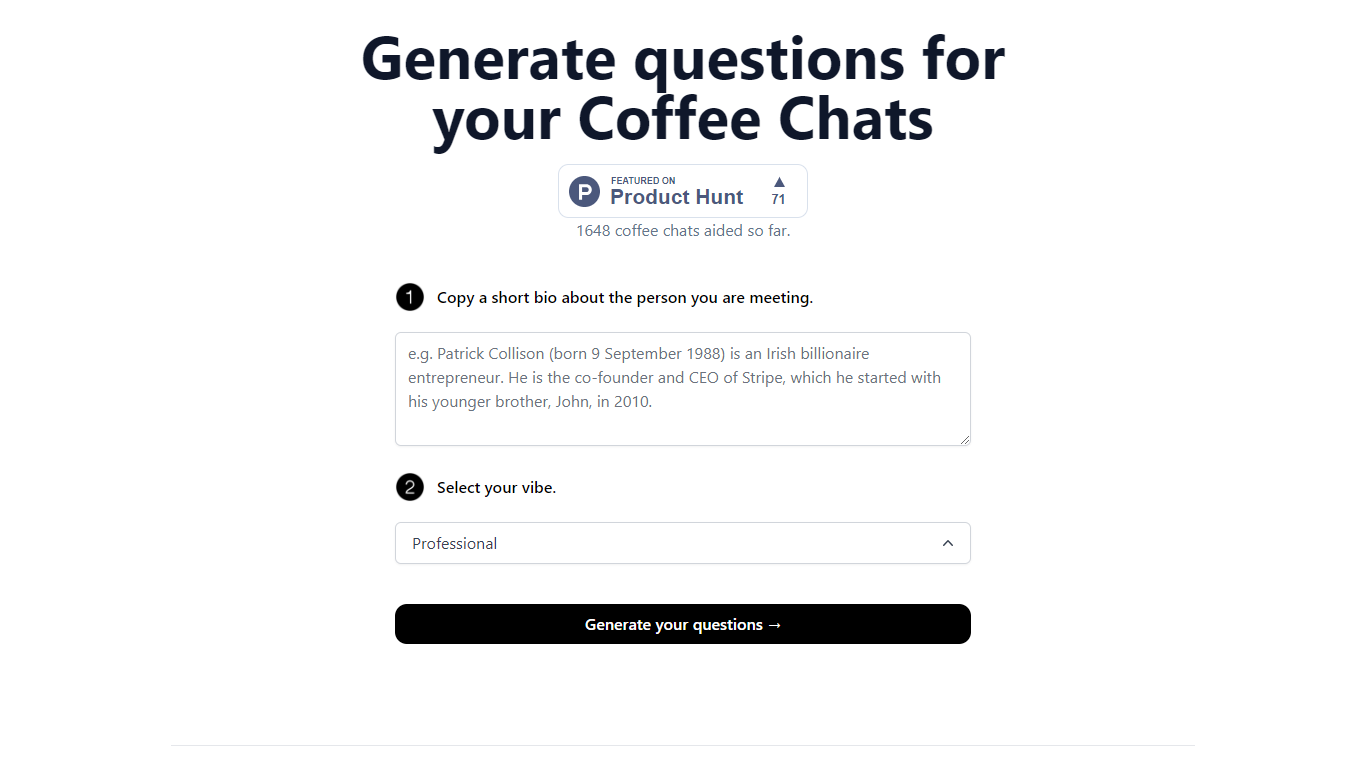
CoffeeChat AI is an innovative tool designed to enhance the experience of professional networking by providing personalized conversation starters for your coffee chats. Created by a team of developers, @susantoscott, @chrispramana, and @wilsonlimset, this tool helps to break the ice and engage in more meaningful discussions.
By simply copying a short bio of the person you're meeting and selecting the desired vibe - which, in this case, is 'Professional' - you can generate a set of tailored questions that will help facilitate your conversation. CoffeeChat AI aims to aid networking efforts and has a user-friendly interface to cater to professionals from various sectors looking to make the most out of their interactions.
Shadow
What is Shadow ?
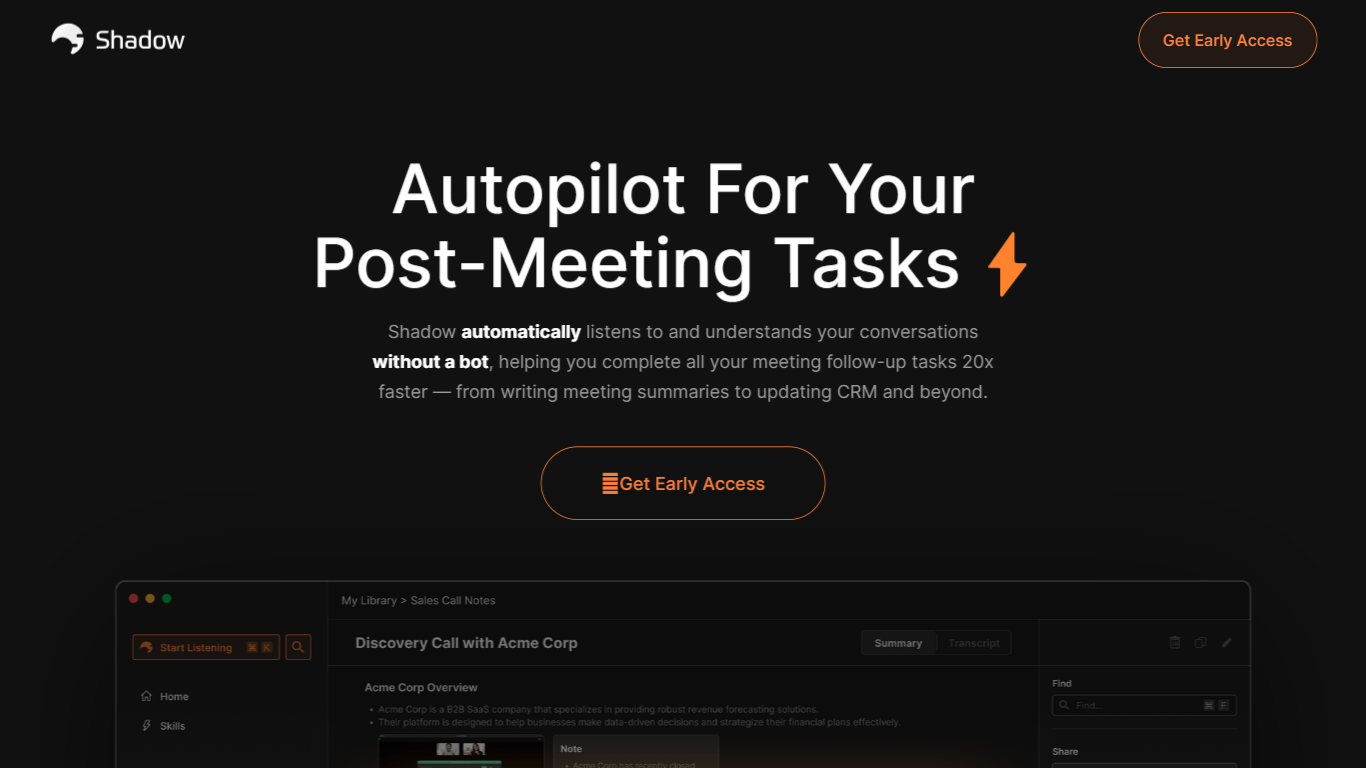
Shadow is a macOS app that captures what you say, hear, and see on your screen, then runs custom Skills to turn that context into meeting notes, emails, code, or other outputs. It works in the background during calls and on a keyboard shortcut anywhere else, so you stay focused on the conversation instead of juggling notes and follow-ups.
Unlike bot-based meeting recorders, Shadow never joins your call. It detects meetings automatically, transcribes locally on your Mac, labels speakers in real time, and captures meeting screenshots on its own. When a call ends, you pick a Meeting Skill or write your own prompt to generate notes, BANT breakdowns, action items, or follow-up emails.
Outside meetings, Action Skills let you press a shortcut on any screen. Shadow listens to your voice, reads selected text, and screenshots the active window to run prompts that paste results into your app or show them where you are working. Teams at companies like Vercel, Rippling, and Intercom already use it for faster meeting follow-through and hands-free writing.
CoffeeChat AI Upvotes
Shadow Upvotes
CoffeeChat AI Top Features
Generate questions: Automatically generate personalized questions for your coffee chats.
Select your vibe: Choose the 'Professional' vibe to align the questions with the tone of your meeting.
Copy bio: Input a short bio about the person you are meeting to customize the questions.
Professional Focus: Designed specifically for professional networking scenarios.
Creators: Built by a team of developers known on Twitter as @susantoscott, @chrispramana, and @wilsonlimset.
Shadow Top Features
Records meetings without joining as a bot, entirely in the background
Transcribes audio locally on your Mac so recordings never leave your device
Autopilot mode detects meetings, records discussions, and structures takeaways automatically
Works with Zoom, Slack, Teams, Meet, Webex, and Discord
Custom Meeting and Action Skills turn transcripts and screen context into notes, emails, or code
Voice input for Action Skills is about 4x faster than typing
Webhooks send transcripts and Skill results to Zapier, n8n, or Make
CoffeeChat AI Category
- Meeting Assistant
Shadow Category
- Meeting Assistant
CoffeeChat AI Pricing Type
- Freemium
Shadow Pricing Type
- Freemium