
Last updated 07-26-2026
Category:
Reviews:
Join thousands of AI enthusiasts in the World of AI!
Shadow
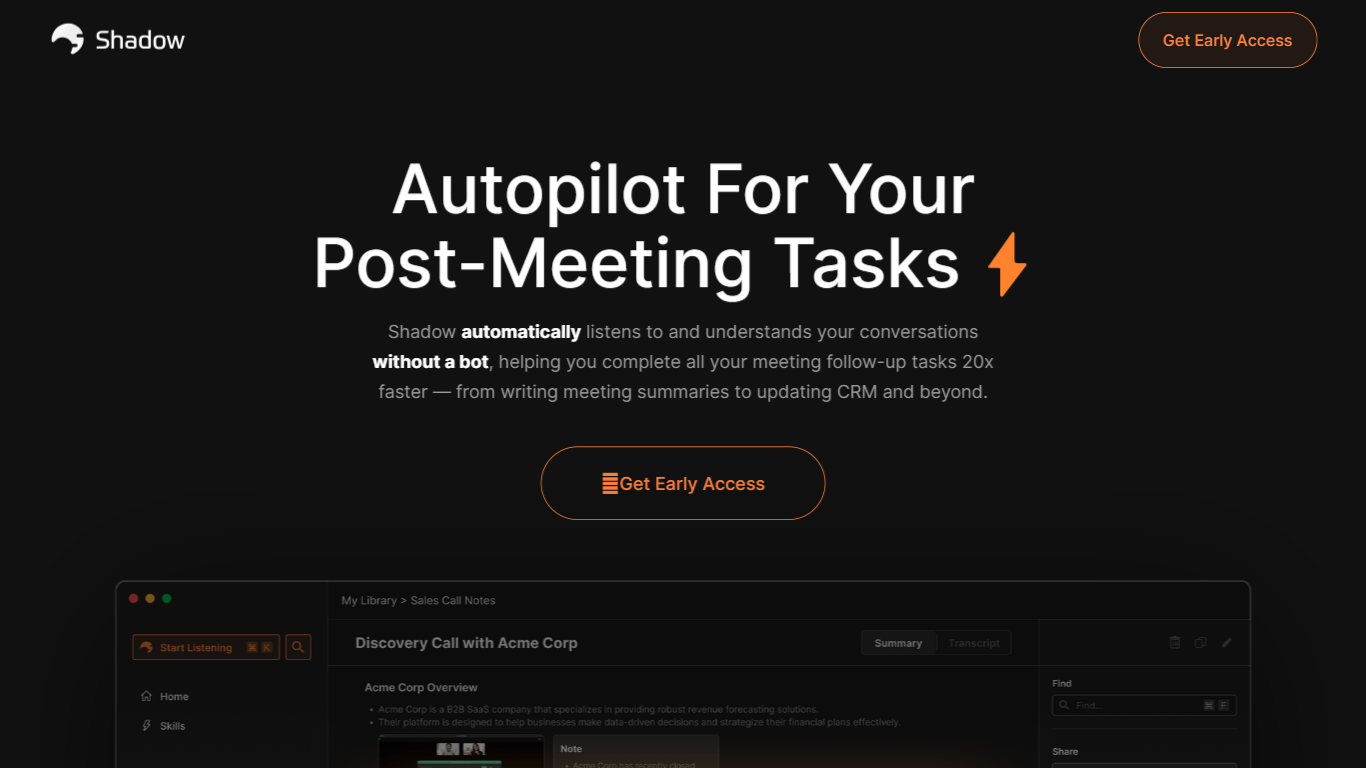
Shadow is a macOS app that captures what you say, hear, and see on your screen, then runs custom Skills to turn that context into meeting notes, emails, code, or other outputs. It works in the background during calls and on a keyboard shortcut anywhere else, so you stay focused on the conversation instead of juggling notes and follow-ups.
Unlike bot-based meeting recorders, Shadow never joins your call. It detects meetings automatically, transcribes locally on your Mac, labels speakers in real time, and captures meeting screenshots on its own. When a call ends, you pick a Meeting Skill or write your own prompt to generate notes, BANT breakdowns, action items, or follow-up emails.
Outside meetings, Action Skills let you press a shortcut on any screen. Shadow listens to your voice, reads selected text, and screenshots the active window to run prompts that paste results into your app or show them where you are working. Teams at companies like Vercel, Rippling, and Intercom already use it for faster meeting follow-through and hands-free writing.
Records meetings without joining as a bot, entirely in the background
Transcribes audio locally on your Mac so recordings never leave your device
Autopilot mode detects meetings, records discussions, and structures takeaways automatically
Works with Zoom, Slack, Teams, Meet, Webex, and Discord
Custom Meeting and Action Skills turn transcripts and screen context into notes, emails, or code
Voice input for Action Skills is about 4x faster than typing
Webhooks send transcripts and Skill results to Zapier, n8n, or Make
Captures meetings without a bot joining the call.
Core transcription runs locally on your Mac, keeping audio on your device.
Free tier includes unlimited transcription, recording, and smart screenshots.
Custom Skills can generate notes, emails, and other outputs from meeting or screen context.
Currently limited to macOS, with Windows and other platforms still on a waitlist.
AI-powered Skills require external LLM API calls when you trigger them.
No cross-device sync is advertised on the site today.
What is Shadow?
Shadow is a macOS app that sees your screen, hears your voice, and runs custom Skills on that context. It captures meetings without joining as a bot and can also run Action Skills from a keyboard shortcut anywhere on your Mac.
Does Shadow have a free plan?
Yes. Shadow's Free plan includes unlimited transcription, audio recording, and smart screenshots at no cost. New users also get two weeks of Plus features free with no credit card required.
Does Shadow join meetings as a bot?
No. Shadow operates entirely in the background on your Mac and never joins a call as a bot. It detects meeting windows, records audio, and captures screenshots locally while you talk.
What platforms does Shadow run on?
Shadow is available as a macOS download today. Windows and other platforms are on a waitlist, and the download page links to a separate sign-up form for those devices.
Is my data private with Shadow?
Shadow is local-first by default. Transcription happens on your Mac, audio does not leave your device, and meetings are stored locally. Skills only call external LLM APIs when you trigger them.
Does Shadow use my data to train AI models?
No. Shadow states that meeting content and Skill outputs are never used to train AI models. Its privacy policy also notes that neither Shadow nor providers like OpenAI use your data for model training.
What's the difference between Meeting Skills and Action Skills?
Meeting Skills run when a call ends on captured meeting audio, screenshots, and transcripts. Action Skills run on demand from a keyboard shortcut on any screen, using voice, selected text, and an active-window screenshot as input.