Video Transcriber AI vs Shadow
In the clash of Video Transcriber AI vs Shadow , which AI Meeting Assistant tool emerges victorious? We assess reviews, pricing, alternatives, features, upvotes, and more.
When we put Video Transcriber AI and Shadow head to head, which one emerges as the victor?
Let's take a closer look at Video Transcriber AI and Shadow , both of which are AI-driven meeting assistant tools, and see what sets them apart. Video Transcriber AI is the clear winner in terms of upvotes. Video Transcriber AI has been upvoted 7 times by aitools.fyi users, and Shadow has been upvoted 6 times.
Does the result make you go "hmm"? Cast your vote and turn that frown upside down!
Video Transcriber AI

What is Video Transcriber AI?
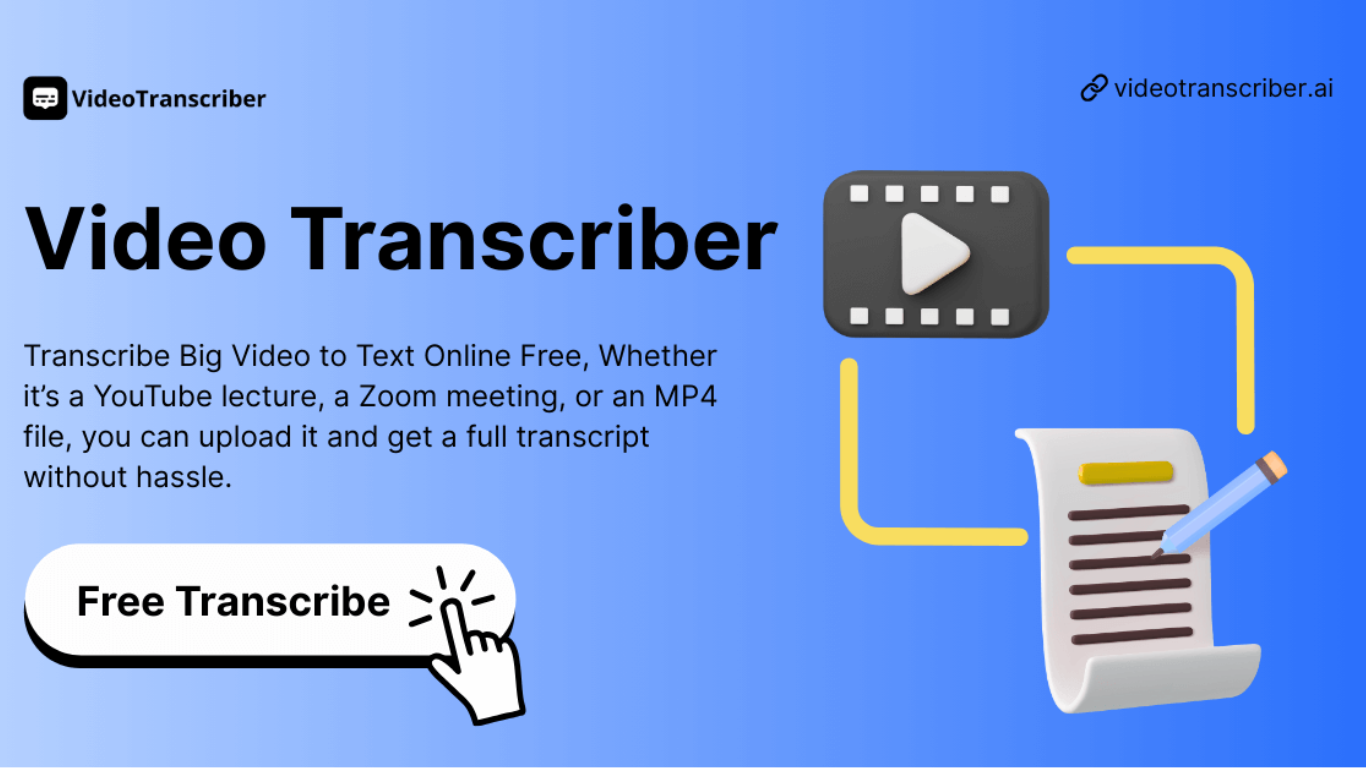
Video Transcriber AI is a meeting and media transcription web app that turns uploaded videos, audio files, or platform links into editable text with speaker labels. You drag in MP4, WAV, or a YouTube URL, pick a note mode like Smart Summary, and download TXT or SRT output from the browser.
Many transcription sites cap free users hard or hide speaker diarization behind enterprise tiers. Video Transcriber AI splits work into Basic and Premium quotas: the free plan allows 10 Basic quotas per day (up to 20 minutes of transcript or translation) while paid plans raise monthly limits and file size caps from 500 MB to 5 GB per upload.
It fits creators, journalists, students, and teams who need YouTube, TikTok, Zoom, or local file support in one place. The product also ships a Transcript API with timestamped JSON, SRT, and VTT export for developers who want the same engine inside their own apps.
Shadow
What is Shadow ?
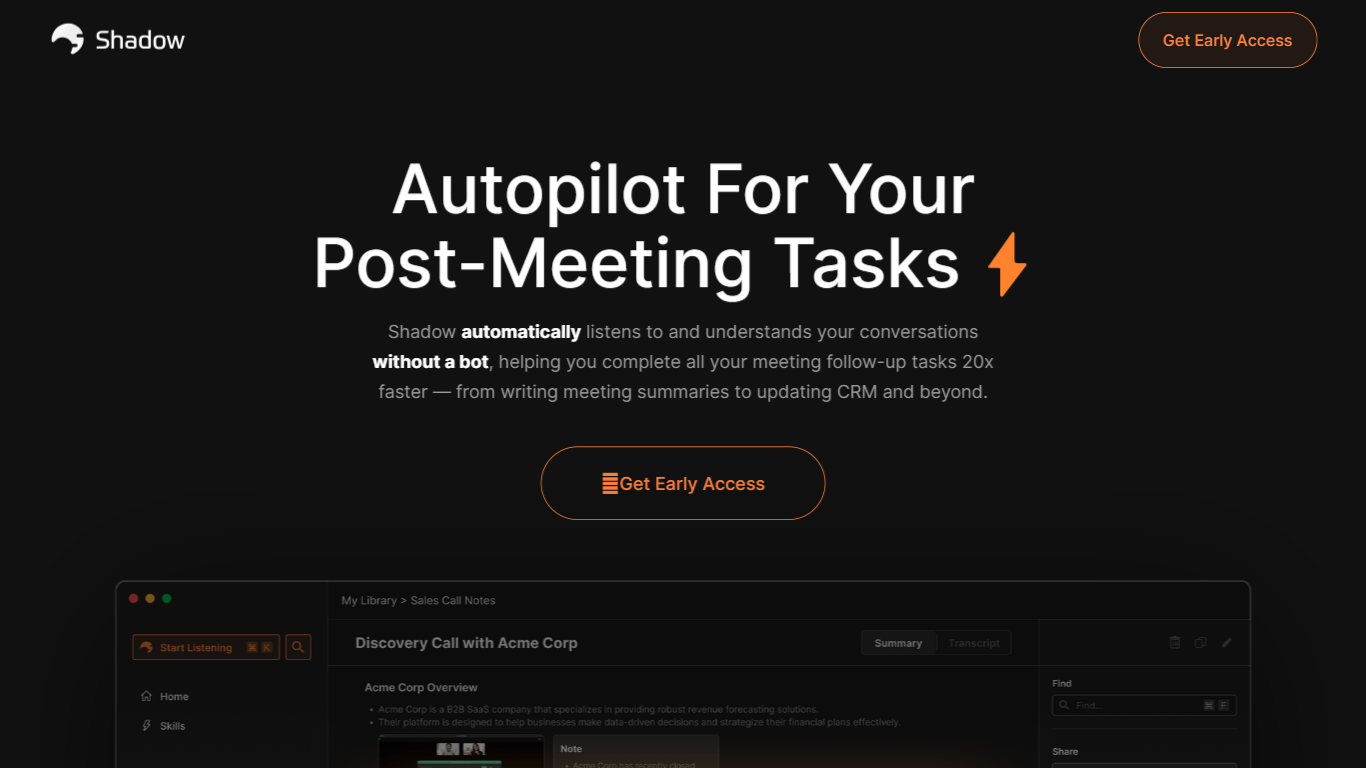
Shadow is a macOS app that captures what you say, hear, and see on your screen, then runs custom Skills to turn that context into meeting notes, emails, code, or other outputs. It works in the background during calls and on a keyboard shortcut anywhere else, so you stay focused on the conversation instead of juggling notes and follow-ups.
Unlike bot-based meeting recorders, Shadow never joins your call. It detects meetings automatically, transcribes locally on your Mac, labels speakers in real time, and captures meeting screenshots on its own. When a call ends, you pick a Meeting Skill or write your own prompt to generate notes, BANT breakdowns, action items, or follow-up emails.
Outside meetings, Action Skills let you press a shortcut on any screen. Shadow listens to your voice, reads selected text, and screenshots the active window to run prompts that paste results into your app or show them where you are working. Teams at companies like Vercel, Rippling, and Intercom already use it for faster meeting follow-through and hands-free writing.
Video Transcriber AI Upvotes
Shadow Upvotes
Video Transcriber AI Top Features
Free tier includes 10 Basic quotas per day covering up to 20 minutes of transcript work
Supports 200+ languages with automatic detection and translation
Processes up to 5 audio or video files simultaneously in the queue
Paid plans raise per-file limits from 500 MB on Free to 5 GB on Basic and above
Transcript API accepts YouTube, TikTok, Instagram, and direct uploads in one REST endpoint
Exports SRT, VTT, TXT, and timestamped JSON for subtitles or developer pipelines
Shadow Top Features
Records meetings without joining as a bot, entirely in the background
Transcribes audio locally on your Mac so recordings never leave your device
Autopilot mode detects meetings, records discussions, and structures takeaways automatically
Works with Zoom, Slack, Teams, Meet, Webex, and Discord
Custom Meeting and Action Skills turn transcripts and screen context into notes, emails, or code
Voice input for Action Skills is about 4x faster than typing
Webhooks send transcripts and Skill results to Zapier, n8n, or Make
Video Transcriber AI Category
- Meeting Assistant
Shadow Category
- Meeting Assistant
Video Transcriber AI Pricing Type
- Freemium
Shadow Pricing Type
- Freemium