Cogmi vs PDF Candy
When comparing Cogmi vs PDF Candy, which AI Productivity tool shines brighter? We look at pricing, alternatives, upvotes, features, reviews, and more.
Between Cogmi and PDF Candy, which one is superior?
When we put Cogmi and PDF Candy side by side, both being AI-powered productivity tools, PDF Candy stands out as the clear frontrunner in terms of upvotes. PDF Candy has been upvoted 12 times by aitools.fyi users, and Cogmi has been upvoted 6 times.
Don't agree with the result? Cast your vote and be a part of the decision-making process!
Cogmi
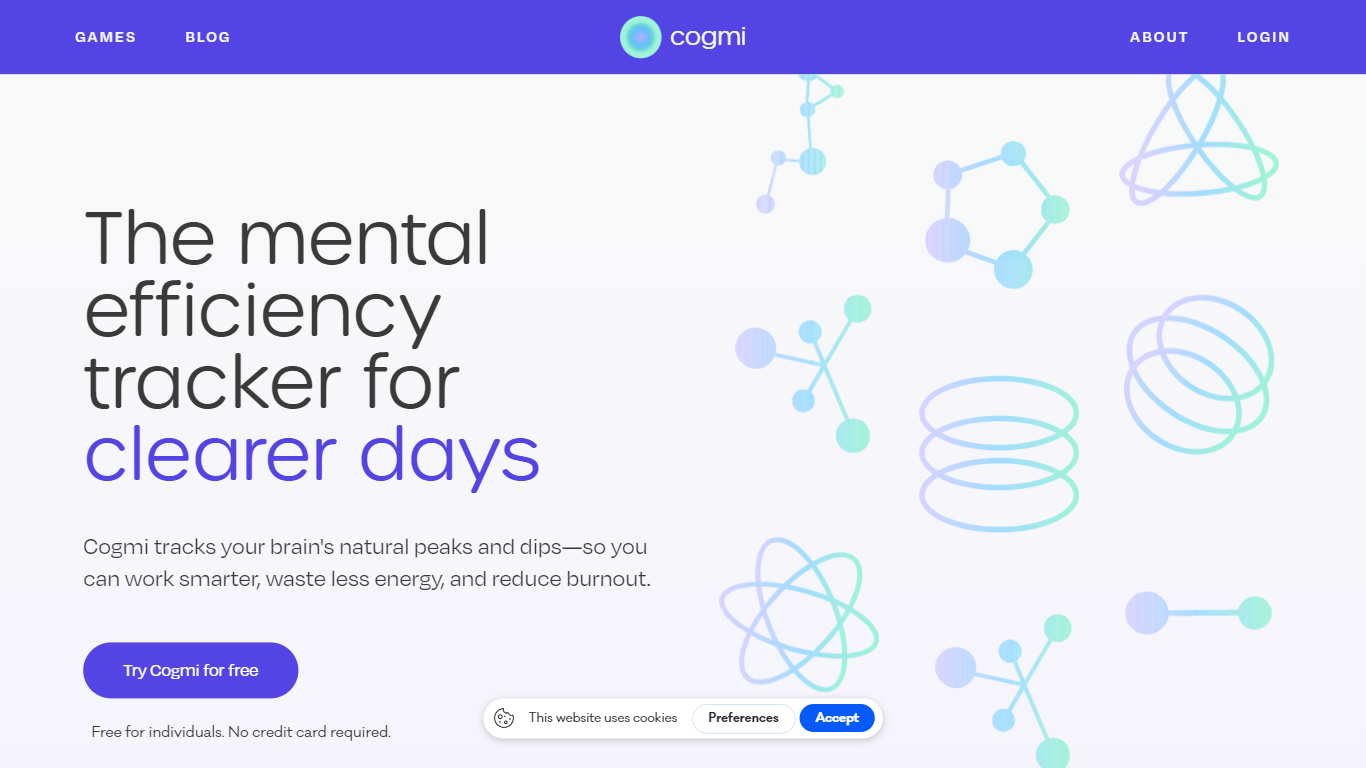

What is Cogmi ?
Cogmi maps your brain's cognitive performance throughout the day by combining data from wearable devices with science-backed cognitive tests. It provides a live daily brain map that helps users understand their mental state and optimize their work accordingly.
What sets Cogmi apart is its integration of real-time wearable data with cognitive testing to deliver fatigue alerts before mental crashes and early detection of brain fog. It uses AI to suggest tasks that match your current cognitive sharpness, enabling smarter scheduling of work and breaks.
Users can track how lifestyle changes like supplements, workouts, or sleep affect their cognitive performance over time. Cogmi supports both individuals and teams aiming to improve productivity and mental well-being by aligning tasks with real-time brain function. The tool is free to join and does not require a credit card to start.
PDF Candy
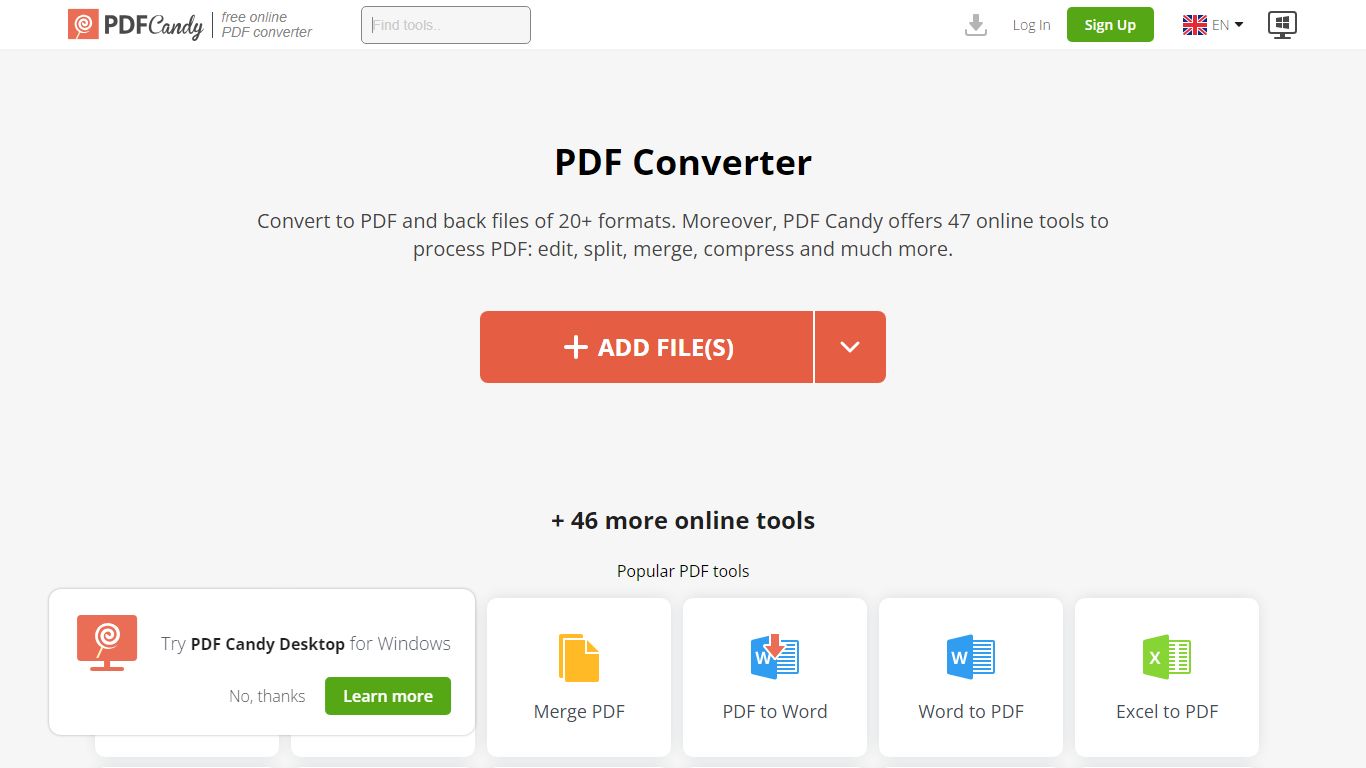
What is PDF Candy?
PDF Candy packs 90+ browser-based PDF tools into one productivity hub for editing, converting, merging, compressing, signing, and protecting documents. Newer additions include AI summarize, chat, and translate workflows alongside classics like PDF to Word and JPG to PDF.
Competing PDF sites usually split free limits across separate pages. PDF Candy keeps a forever-free web tier with no ads and no account required, then sells priority processing, 500 MB uploads, and an offline Windows desktop app with 35 tools. Paid bundles also include Video Candy and Image Candy web access.
Office workers, students, and small businesses reach for PDF Candy when they need a quick conversion without installing software, or when they want batch-friendly desktop processing. Files upload from Dropbox or Google Drive, and the site deletes uploads within two hours under GDPR rules.
Cogmi Upvotes
PDF Candy Upvotes
Cogmi Top Features
🧠 Live brain map: Real-time cognitive performance tracking throughout the day.
⏰ Fatigue alerts: Notifications before mental crashes to help prevent burnout.
🎯 AI task matching: Suggestions for tasks based on current cognitive sharpness.
📅 Peak scheduling: Plan meetings and deep work during highest focus windows.
☀️ Break timing: Recommendations for optimal moments for walks, naps, or snacks.
🔗 Wearable integration: Combines data from wearable devices with cognitive tests.
🧩 Science-backed tests: Uses validated cognitive games to measure brain performance.
PDF Candy Top Features
Offers 90+ online PDF tools covering edit, convert, merge, split, compress, and sign workflows
AI tools summarize PDFs, chat with document content, and translate PDF text in the browser
Forever free web tier works without signup and shows no ads
Paid web plans raise uploads to 500 MB per task with no hourly limits
Desktop + Web Yearly plan costs $4 per month and includes offline Windows software with 35 tools
Lifetime Desktop + Web license is a one-time $99 payment
Site supports 18 localized language versions from English to Korean
Cogmi Category
- Productivity
PDF Candy Category
- Productivity
Cogmi Pricing Type
- Freemium
PDF Candy Pricing Type
- Freemium