
Last updated 08-11-2026
Category:
Reviews:
Join thousands of AI enthusiasts in the World of AI!
PDF Candy
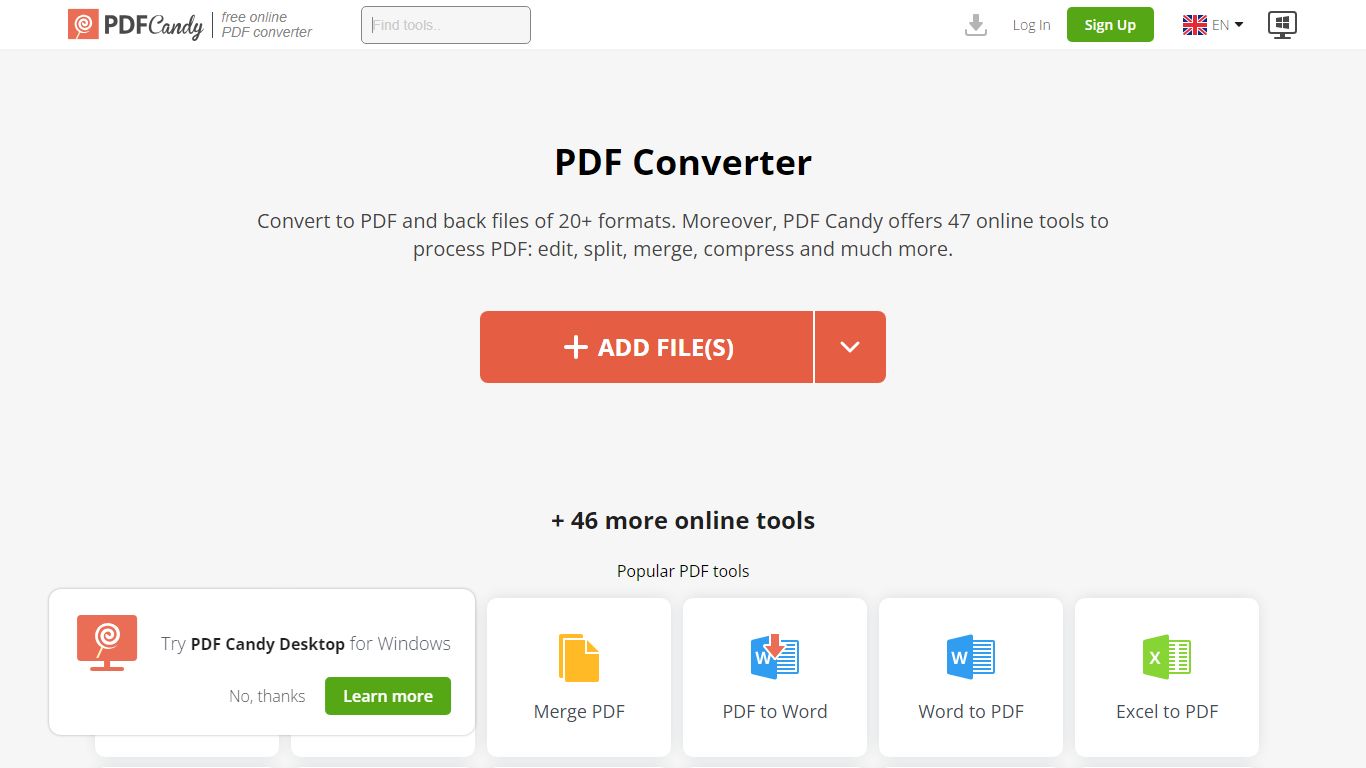
PDF Candy packs 90+ browser-based PDF tools into one productivity hub for editing, converting, merging, compressing, signing, and protecting documents. Newer additions include AI summarize, chat, and translate workflows alongside classics like PDF to Word and JPG to PDF.
Competing PDF sites usually split free limits across separate pages. PDF Candy keeps a forever-free web tier with no ads and no account required, then sells priority processing, 500 MB uploads, and an offline Windows desktop app with 35 tools. Paid bundles also include Video Candy and Image Candy web access.
Office workers, students, and small businesses reach for PDF Candy when they need a quick conversion without installing software, or when they want batch-friendly desktop processing. Files upload from Dropbox or Google Drive, and the site deletes uploads within two hours under GDPR rules.
Offers 90+ online PDF tools covering edit, convert, merge, split, compress, and sign workflows
AI tools summarize PDFs, chat with document content, and translate PDF text in the browser
Forever free web tier works without signup and shows no ads
Paid web plans raise uploads to 500 MB per task with no hourly limits
Desktop + Web Yearly plan costs $4 per month and includes offline Windows software with 35 tools
Lifetime Desktop + Web license is a one-time $99 payment
Site supports 18 localized language versions from English to Korean
More than 90 tools cover conversion, editing, and AI workflows in one site.
Forever free tier needs no account and shows no ads.
Paid plans lift file size to 500 MB and remove hourly limits.
Windows desktop app works offline with 35 tools.
Free tier caps page counts, hourly usage, and file sizes.
Lifetime license covers one desktop version, not future major upgrades.
Desktop app is Windows-only with no macOS download listed.
What is PDF Candy?
PDF Candy is a productivity site with more than 90 free online PDF tools for editing, converting, merging, compressing, and signing documents. It also adds AI features to summarize PDFs, chat with files, and translate PDF content in the browser.
How much does PDF Candy cost?
PDF Candy's forever free plan costs $0 with page and hourly limits. The Web Monthly plan is $6 per month, Desktop + Web Yearly is $4 per month, and the Desktop + Web Lifetime license is a one-time $99 payment.
Does PDF Candy have a free plan?
Yes. PDF Candy's free Web + Desktop tier costs $0 per month, requires no account, shows no ads, and covers most tools with page, hourly, and file-size restrictions. Batch processing stays limited on the free tier.
What is PDF Candy Desktop?
PDF Candy Desktop is a downloadable Windows app with 35 PDF tools that runs offline without an internet connection. Paid Desktop + Web plans include both the desktop app and full web access with higher limits.
Is PDF Candy secure?
PDF Candy states that uploaded and processed files are stored for no longer than two hours to comply with GDPR. Payments run through Paddle, and the site publishes separate security, privacy, and refund policies.
What AI features does PDF Candy include?
PDF Candy lists three AI tools: PDF Summarizer, Chat with PDF, and Translate PDF. These sit alongside standard conversion and editing tools in the same online toolkit.