Cogram vs Divi AI
In the clash of Cogram vs Divi AI, which AI All In One tool emerges victorious? We assess reviews, pricing, alternatives, features, upvotes, and more.
When we put Cogram and Divi AI head to head, which one emerges as the victor?
Let's take a closer look at Cogram and Divi AI, both of which are AI-driven all in one tools, and see what sets them apart. Both tools are equally favored, as indicated by the identical upvote count. Be a part of the decision-making process. Your vote could determine the winner.
You don't agree with the result? Cast your vote to help us decide!
Cogram


What is Cogram?
Cogram gives architects and engineers one workspace for project documentation, from meeting minutes and field reports to RFIs, submittals, and project email. The platform connects to Procore, Deltek, Unanet, Microsoft Teams, Outlook, Autodesk, Zoom, and Google Meet, then outputs drafts in your firm's templates instead of generic summaries.
Generic meeting assistants capture call notes. Cogram is built around AEC workflows: RFIs and submittals sync with Procore, field reports come from voice and photos on site, and the project Agent answers questions against drawings and correspondence. Modular pricing lets firms buy only the modules they need, and external collaborator accounts are free.
Project managers, design leads, and construction administrators use Cogram to cut repetitive admin work the homepage estimates can save several hours per week. Individuals can start a 14-day trial; team pricing is quoted per seat after a demo.
Divi AI
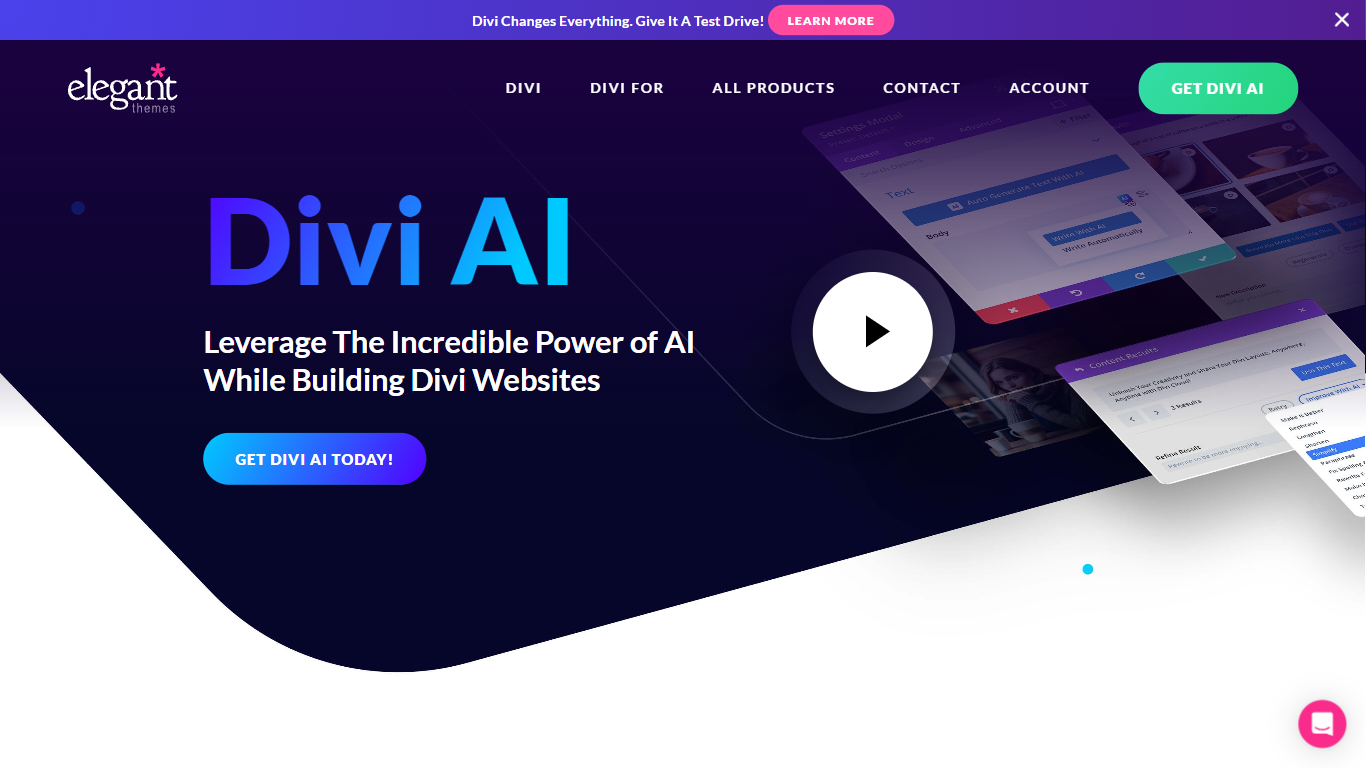
What is Divi AI?
Divi AI lives inside the Divi Visual Builder for WordPress and generates layouts, copy, images, and custom CSS from prompts. It builds full websites through Divi Quick Sites, drafts new sections on demand, and writes code fine-tuned on the Divi module codebase. Existing Divi customers get a limited free trial; unlimited generation requires a Divi AI or Divi Pro subscription.
General tools like ChatGPT or Jasper sit outside your WordPress workflow and cannot see your page context or Divi modules. Divi AI reads your site name, page content, and surrounding modules to suggest on-brand layouts, and it uploads generated images straight to the WordPress media library. That tight integration with Divi's visual builder is the main reason to use it over a separate AI writing tab.
Web designers, freelancers, and agencies already building with Divi use it to skip manual layout assembly and stock photo hunts. Small business owners running their own WordPress sites also lean on Quick Sites to spin up a full site with consistent brand fonts and colors stored for future pages.
Cogram Upvotes
Divi AI Upvotes
Cogram Top Features
Project Agent answers questions and analyzes AEC documents with project context
Meeting minutes and field reports generated in your firm's templates from calls or site visits
RFI and submittal logging integrated with Procore for faster review cycles
Email filing and search across all project correspondence
Integrations with Procore, Deltek, Unanet, Microsoft Teams, Outlook, Autodesk, Zoom, and Google Meet
SOC 2 Type II certified with SAML SSO, MFA, and no training on customer data
14-day free trial for individuals; external collaborator accounts are free on team plans
Divi AI Top Features
Divi Quick Sites generates full websites with AI layouts, copy, and photos in one click
Standalone Divi AI plan costs $193 per year ($16.08 per month billed annually) for unlimited generation
Code and custom CSS generation is fine-tuned on the Divi module codebase inside Visual Builder
Reference-image editing, outpainting, upscaling, and style transfer for module images
Divi Pro bundle at $277 per year includes Divi AI with unlimited usage across unlimited sites
Brand fonts and colors can be stored so AI layouts stay on-brand across pages
Cogram Category
- All In One
Divi AI Category
- All In One
Cogram Pricing Type
- Freemium
Divi AI Pricing Type
- Paid