ColorBliss vs Kidgeni
In the face-off between ColorBliss vs Kidgeni, which AI Fun tool takes the crown? We scrutinize features, alternatives, upvotes, reviews, pricing, and more.
In a face-off between ColorBliss and Kidgeni, which one takes the crown?
If we were to analyze ColorBliss and Kidgeni, both of which are AI-powered fun tools, what would we find? Kidgeni is the clear winner in terms of upvotes. Kidgeni has 10 upvotes, and ColorBliss has 7 upvotes.
Feeling rebellious? Cast your vote and shake things up!
ColorBliss
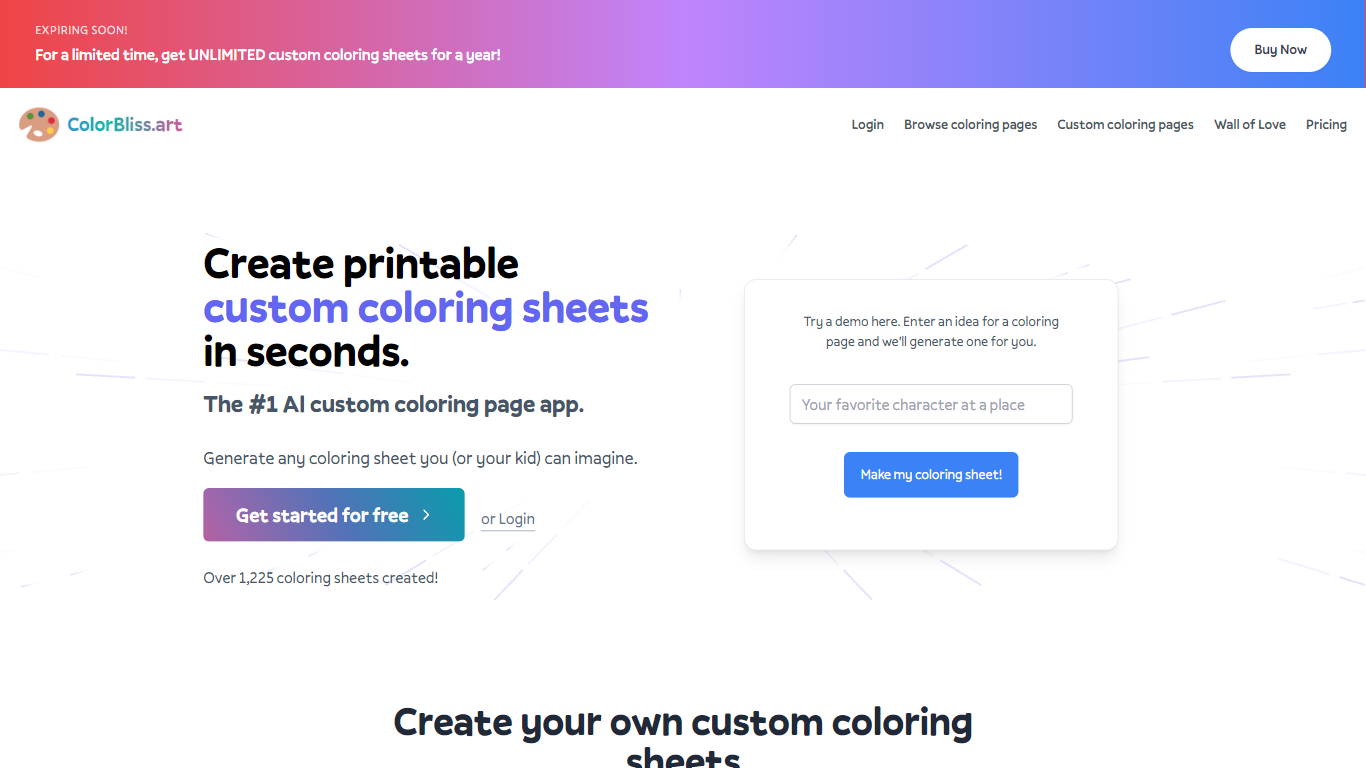

What is ColorBliss?
ColorBliss is a fun AI coloring page generator that turns text prompts, photos, or rough sketches into printable black and white line art. You describe a scene, upload a family photo, or drop in a drawing, and it returns a page you can download as PNG or PDF at 300 DPI. The site also includes Magic Color, which fills line art inside the app with styles like watercolor, markers, and pastels.
Most general image generators aim for full color artwork, so you end up cleaning shading before anything prints well. ColorBliss is built only for coloring workflows: photo conversion, word art, consistent characters across book pages, and bulk batches up to 50 pages at once on higher plans. That narrow focus is why KDP sellers and teachers pick it over Midjourney or DALL-E for printable pages.
Parents use ColorBliss for road trip activities and birthday party favors. Teachers build classroom worksheets in minutes. Self-published authors on Amazon KDP and Etsy sellers on the Artist plan rely on commercial licensing to sell coloring books built from their own prompts and photos.
Kidgeni
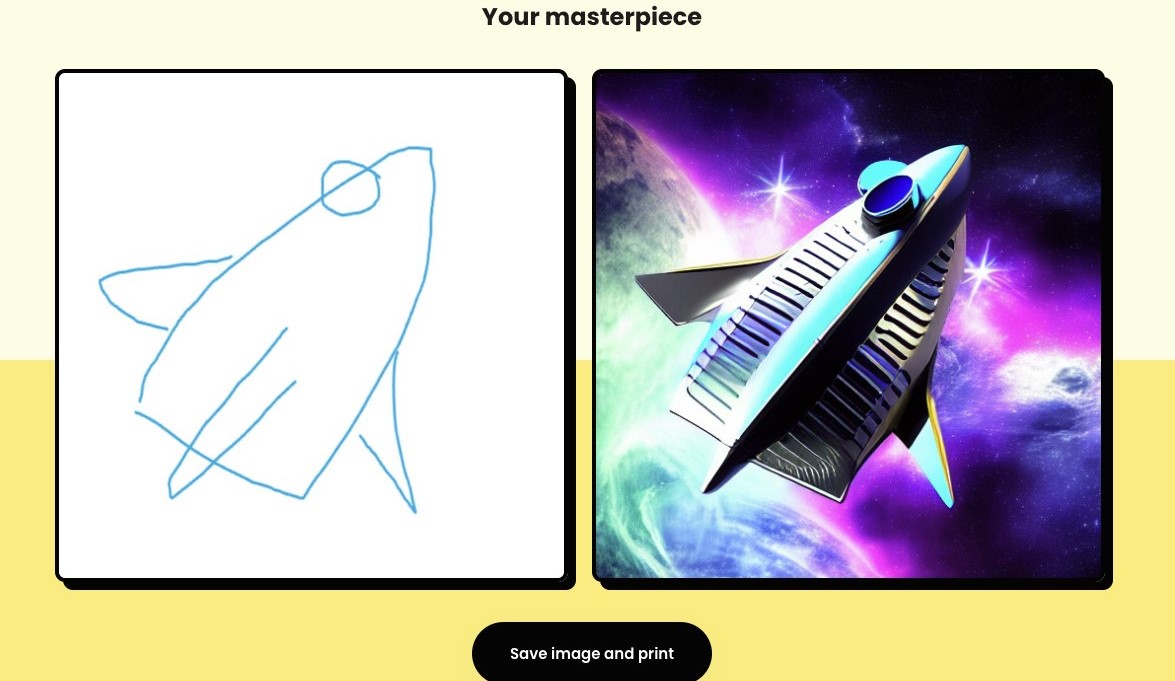
What is Kidgeni?
Kidgeni is a fun AI playground where kids turn ideas into art, animated doodles, bedtime stories, and printable books. The homepage splits the product into Create, Doodle, and Stories modes, plus coloring pages and merch printing on shirts, hoodies, and long sleeves. New accounts get 15 free credits to start generating before choosing a paid plan.
Most kid-facing AI tools focus on chat or homework help. Kidgeni leans into hands-on creation: sketch a doodle and watch it transform, write a short prompt and get a story you can publish, or send a design to print on wearable merch. The Education plan even bundles classroom access for up to 30 students, which sets it apart from single-family art apps.
Parents, teachers, and young creators who want a guided space to experiment with art and storytelling without opening a general-purpose chatbot will find Kidgeni built for that job. It is less about coding lessons and more about letting kids make things they can hold, wear, or read aloud.
ColorBliss Upvotes
Kidgeni Upvotes
ColorBliss Top Features
Free demo on the homepage with no signup; paid free tier includes 12 coloring pages for new accounts
Photo to coloring page converter with multiple line art styles including cartoon, pencil sketch, and manga
Downloads as PNG or PDF at 300 DPI for home or classroom printing
Magic Color fills pages in 7 styles: digital ink, colored pencils, watercolor, marker, crayons, pastels, and cel shading
Artist plan at $25 per month includes commercial licensing for books and printables on Amazon KDP or Etsy
Bulk generation creates up to 50 pages at once on Artist and Business plans
Kidgeni Top Features
Sign up and receive 15 free credits to start creating art and stories
Turn hand-drawn doodles into finished artwork with the Doodle mode
Generate kid-friendly stories and publish them as real books
Print AI designs on t-shirts, hoodies, and long sleeves from the platform
Experiment plan includes 250 credits per month; Engage and Education plans offer unlimited monthly credits
Education license covers up to 30 students for classroom use
ColorBliss Category
- Fun
Kidgeni Category
- Fun
ColorBliss Pricing Type
- Freemium
Kidgeni Pricing Type
- Freemium