Colorcinch vs Lightricks
When comparing Colorcinch vs Lightricks, which AI Photo Editing tool shines brighter? We look at pricing, alternatives, upvotes, features, reviews, and more.
Between Colorcinch and Lightricks, which one is superior?
When we put Colorcinch and Lightricks side by side, both being AI-powered photo editing tools, Both tools have received the same number of upvotes from aitools.fyi users. You can help us determine the winner by casting your vote and tipping the scales in favor of one of the tools.
Not your cup of tea? Upvote your preferred tool and stir things up!
Colorcinch
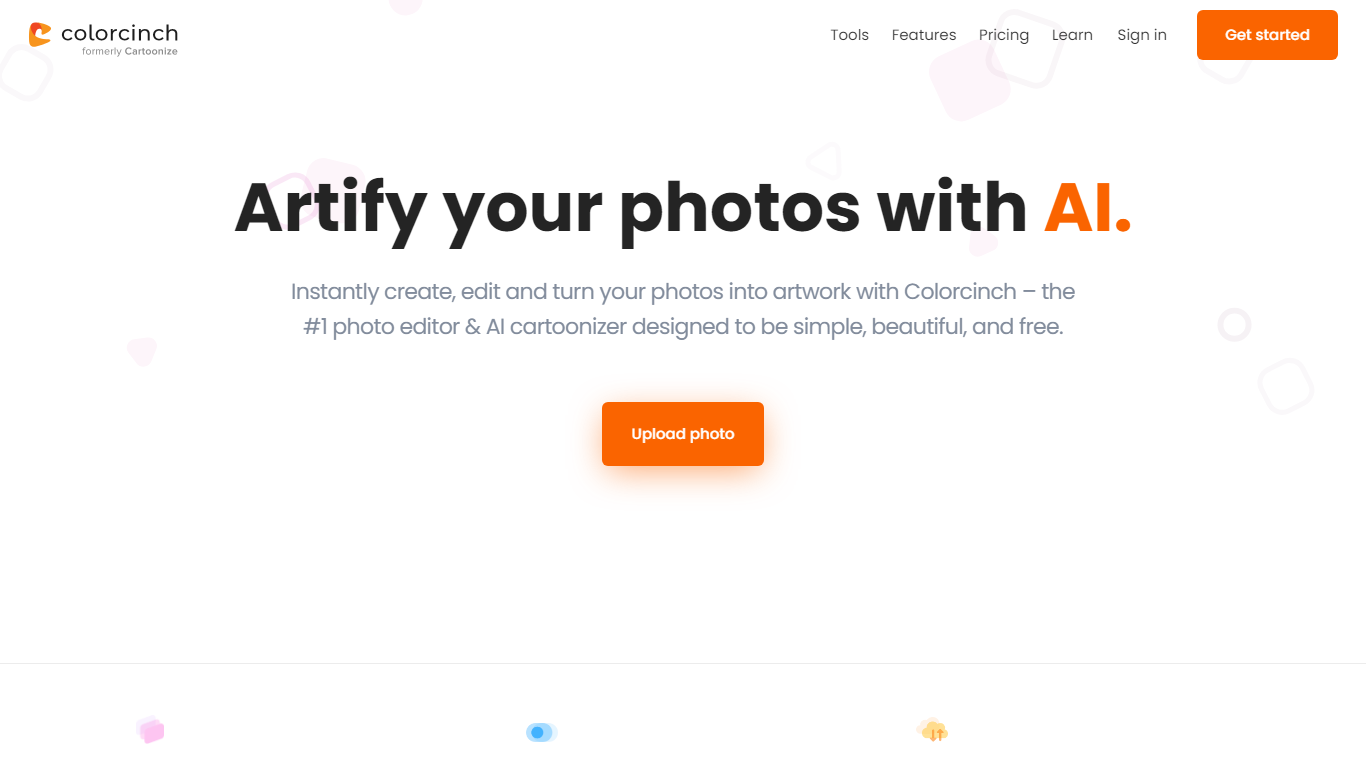

What is Colorcinch?
Colorcinch turns photos into cartoons, sketches, and stylized artwork from a browser editor at cartoonize.net. Upload a photo and pick from cartoonizer effects, background removal, upscaling, face restoration, inpainting, and collage tools without opening desktop software. The site also ships a mobile app for iOS and Android with the same one-tap effects.
Most cartoonizer sites stop at a single filter. Colorcinch bundles a full photo editor with layers, masks, overlays, 400 DPI print export, and a library of 4 million stock photos, vectors, and icons. That breadth targets creators who want stylized output plus cleanup tools in one tab.
Hobby photographers, social media creators, and small business owners use it for avatars, product shots, and quick marketing graphics. You can start without signing up, though premium assets and advanced exports may require an account.
The free tier covers basic uploads and editing, with paid options for heavier use. Projects can be accessed online or offline, and exports support JPG, PNG, and PDF formats.
Lightricks
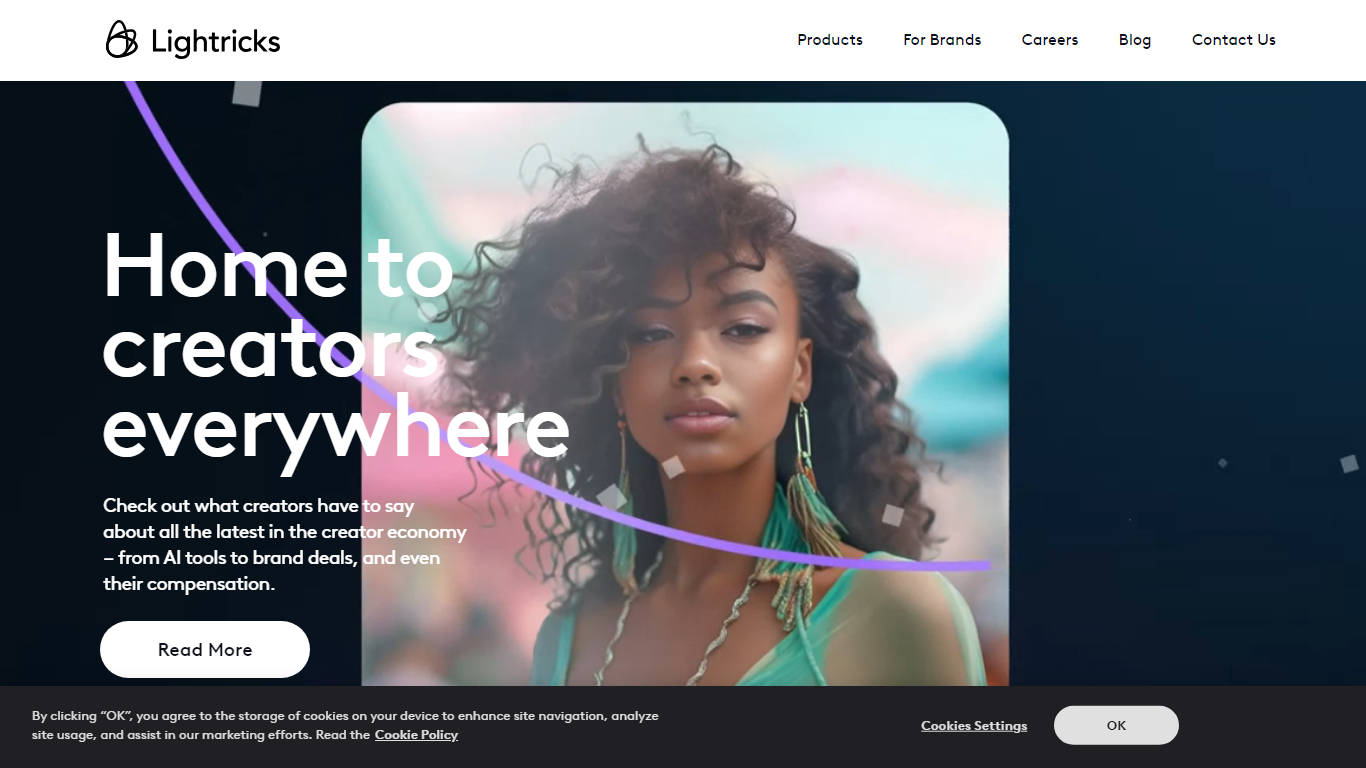
What is Lightricks?
Lightricks builds mobile and web tools for photo and video creators, backed by in-house AI models like the open-source LTX-2.3 video generator. Its consumer apps include Facetune for portrait retouching, Videoleap for phone video editing, Photoleap for AI image creation, and LTX Studio for end-to-end visual storytelling. Popular Pays connects brands with creators for influencer campaigns.
Adobe and Canva target desktop workflows with broad suites. Lightricks focuses on phone-first editing and generative video, shipping fast open models developers can deploy via API while folding the same tech into its own vertically integrated apps. The company reports 730 million app downloads, 15 million monthly users, and 6.6 million monthly subscribers across its portfolio.
Casual creators, social media influencers, and marketing teams use Lightricks apps to retouch selfies, edit Reels and TikToks, turn stills into video clips, and run creator partnerships. Individual apps are free to download with in-app subscription upgrades; enterprise teams contact Lightricks for LTX Studio and Popular Pays.
Colorcinch Upvotes
Lightricks Upvotes
Colorcinch Top Features
One-click photo to cartoon, sketch, and specialty filter effects
AI background removal, inpainting, face restoration, and image upscale tools
4 million stock photos, vector graphics, and icon sets built in
Layer-based editor with masks, overlays, frames, and freehand drawing
Export images up to 400 DPI for print-ready output
Free iOS and Android app with cartoonize, restore, and HD export tools
Lightricks Top Features
Facetune retouches photos and videos for social-ready portraits
Videoleap adds pro-level cuts, effects, and remix tools on mobile
Photoleap generates and edits images with AI plus manual controls
LTX Studio turns concepts into finished video stories in one platform
Open-source LTX-2.3 model generates video in seconds with creative control
Popular Pays matches brands with creators for paid content campaigns
Colorcinch Category
- Photo Editing
Lightricks Category
- Photo Editing
Colorcinch Pricing Type
- Freemium
Lightricks Pricing Type
- Freemium