
Last updated 08-14-2026
Category:
Reviews:
Join thousands of AI enthusiasts in the World of AI!
Colorcinch
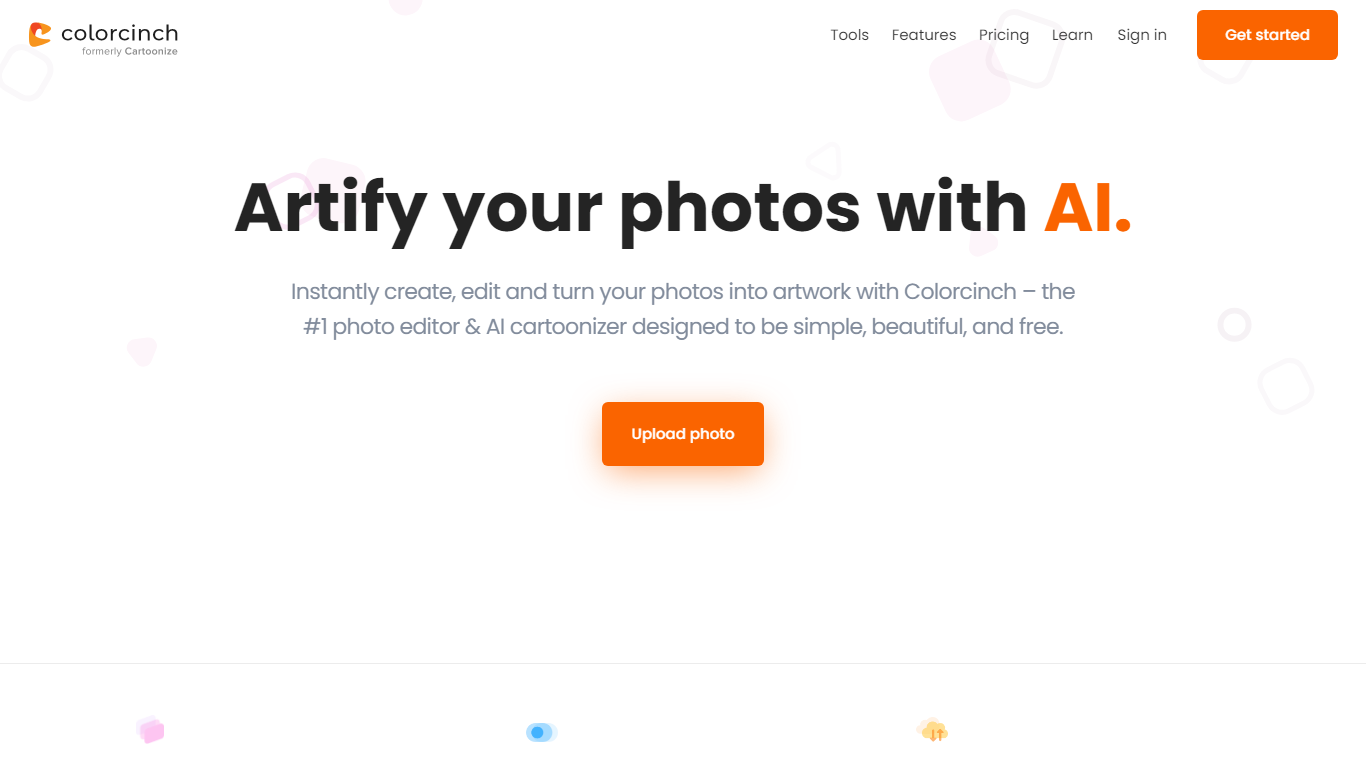
Colorcinch turns photos into cartoons, sketches, and stylized artwork from a browser editor at cartoonize.net. Upload a photo and pick from cartoonizer effects, background removal, upscaling, face restoration, inpainting, and collage tools without opening desktop software. The site also ships a mobile app for iOS and Android with the same one-tap effects.
Most cartoonizer sites stop at a single filter. Colorcinch bundles a full photo editor with layers, masks, overlays, 400 DPI print export, and a library of 4 million stock photos, vectors, and icons. That breadth targets creators who want stylized output plus cleanup tools in one tab.
Hobby photographers, social media creators, and small business owners use it for avatars, product shots, and quick marketing graphics. You can start without signing up, though premium assets and advanced exports may require an account.
The free tier covers basic uploads and editing, with paid options for heavier use. Projects can be accessed online or offline, and exports support JPG, PNG, and PDF formats.
One-click photo to cartoon, sketch, and specialty filter effects
AI background removal, inpainting, face restoration, and image upscale tools
4 million stock photos, vector graphics, and icon sets built in
Layer-based editor with masks, overlays, frames, and freehand drawing
Export images up to 400 DPI for print-ready output
Free iOS and Android app with cartoonize, restore, and HD export tools
One-click cartoon and sketch effects plus a full layer-based editor
Bundled AI tools for background removal, upscaling, and face fixes
4 million stock assets included for quick compositions
No signup required to start editing in the browser
Premium stock and advanced exports may need a paid plan
Heavy browser editing can slow on large 400 DPI exports
cartoonize.net branding differs from the Colorcinch product name
Offline access depends on saving projects locally first
What is Colorcinch?
Colorcinch is an online photo editor at cartoonize.net that turns photos into cartoons and sketches, removes backgrounds, upscales images, and applies masks and overlays. Colorcinch also offers iOS and Android apps with the same editing tools.
Is Colorcinch free to use?
Colorcinch lets you upload photos and start editing without signing up. The homepage promotes free uploads, while premium stock assets and advanced features may require a paid plan inside the editor.
What file formats does Colorcinch export?
Colorcinch can compress and convert images to JPG and PNG, and it also supports PDF export. Print exports can reach up to 400 DPI through the adjustable export dial.
Does Colorcinch work on mobile?
Yes. Colorcinch offers a free mobile app for iOS and Android that cartoonizes photos, removes backgrounds, upscales images, restores faces, and exports in HD.
What AI tools does Colorcinch include?
Colorcinch bundles AI background removal, image upscaling, face restoration, inpainting removal, de-oldify, and face-to-sticker tools alongside its cartoonizer filters. Each tool follows an upload, process, and download workflow.
Do I need an account for Colorcinch?
Colorcinch says no sign up is required to start editing online. You can upload a photo and apply effects immediately, then create an account later if you want to save projects across devices.