Colorcinch vs Imagen
Explore the showdown between Colorcinch vs Imagen and find out which AI Photo Editing tool wins. We analyze upvotes, features, reviews, pricing, alternatives, and more.
In a face-off between Colorcinch and Imagen, which one takes the crown?
When we contrast Colorcinch with Imagen, both of which are exceptional AI-operated photo editing tools, and place them side by side, we can spot several crucial similarities and divergences. The upvote count shows a clear preference for Imagen. Imagen has garnered 9 upvotes, and Colorcinch has garnered 6 upvotes.
Don't agree with the result? Cast your vote and be a part of the decision-making process!
Colorcinch

What is Colorcinch?
Colorcinch turns photos into cartoons, sketches, and stylized artwork from a browser editor at cartoonize.net. Upload a photo and pick from cartoonizer effects, background removal, upscaling, face restoration, inpainting, and collage tools without opening desktop software. The site also ships a mobile app for iOS and Android with the same one-tap effects.
Most cartoonizer sites stop at a single filter. Colorcinch bundles a full photo editor with layers, masks, overlays, 400 DPI print export, and a library of 4 million stock photos, vectors, and icons. That breadth targets creators who want stylized output plus cleanup tools in one tab.
Hobby photographers, social media creators, and small business owners use it for avatars, product shots, and quick marketing graphics. You can start without signing up, though premium assets and advanced exports may require an account.
The free tier covers basic uploads and editing, with paid options for heavier use. Projects can be accessed online or offline, and exports support JPG, PNG, and PDF formats.
Imagen
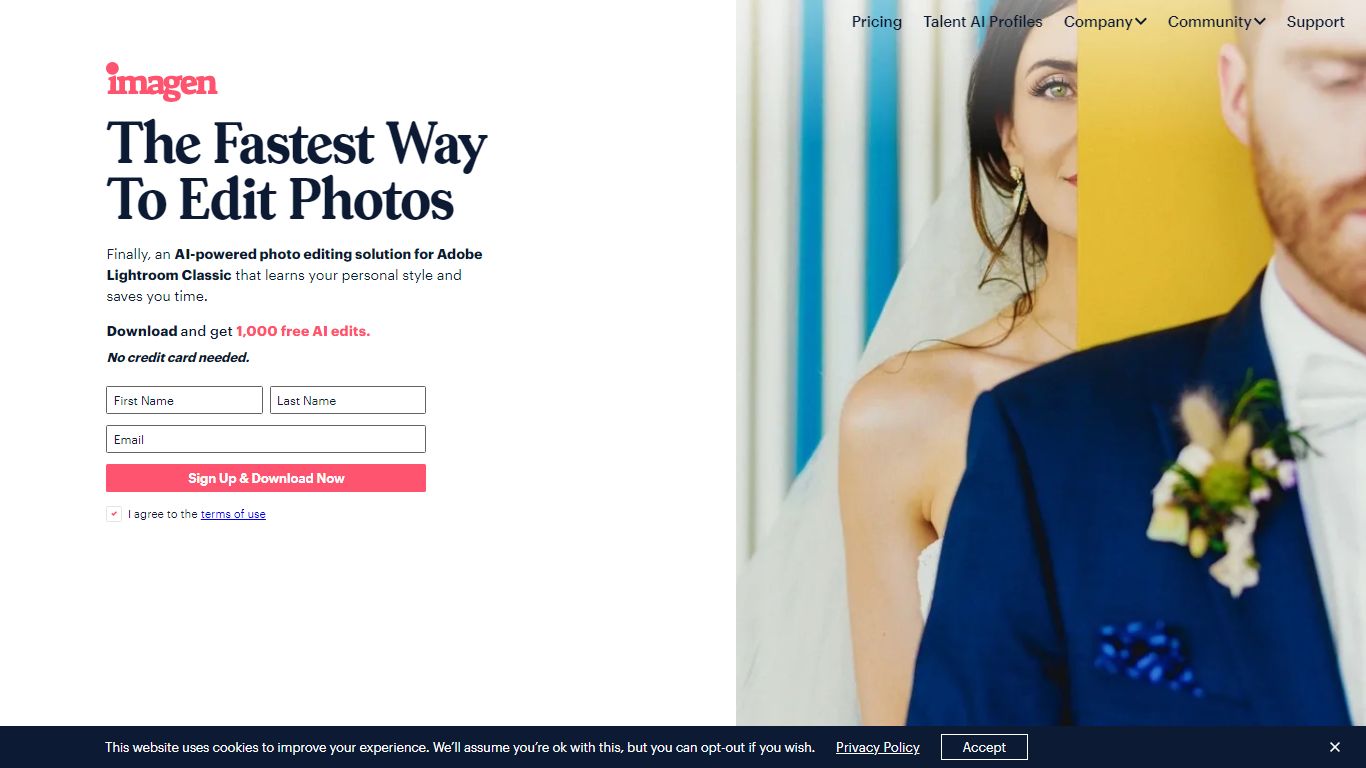
What is Imagen?
Imagen learns your Lightroom editing style and applies it across entire catalogs in Adobe Lightroom Classic. You build a Personal AI Profile from past edits or start with Talent AI Profiles from photographers like Taylor Jackson and Jose Villa, then batch-edit weddings, portraits, sports, and real estate shoots in minutes instead of hours.
Preset packs and manual batch syncing still eat time when every image needs different exposure tweaks. Imagen adjusts white balance, exposure, and color per photo while matching your profile, and claims 96% faster workflows with edits under half a second each. The trade-off is Lightroom Classic lock-in: this is not a standalone editor or a Capture One replacement.
Wedding, portrait, event, and real estate photographers use Imagen to cull, color-correct, mask, crop, and retouch before delivery. Pay-as-you-go starts at $0.50 per photo with a $7 monthly minimum, while the Limitless plan runs $179 per month on annual billing for unlimited solo editing and culling.
Colorcinch Upvotes
Imagen Upvotes
Colorcinch Top Features
One-click photo to cartoon, sketch, and specialty filter effects
AI background removal, inpainting, face restoration, and image upscale tools
4 million stock photos, vector graphics, and icon sets built in
Layer-based editor with masks, overlays, frames, and freehand drawing
Export images up to 400 DPI for print-ready output
Free iOS and Android app with cartoonize, restore, and HD export tools
Imagen Top Features
Personal AI Profile learns your style from 2,000 previously edited photos in Lightroom Classic
Lite Personal AI Profile builds from a preset and a short questionnaire in minutes
Over 20 Talent AI Profiles from photographers including Taylor Jackson, Jose Villa, and Susan Stripling
Edits complete in under half a second per photo with claimed 96% workflow time savings
Pay-as-you-go from $0.50 per photo with a $7 monthly minimum that rolls over as credit
Limitless plan at $179 per month (annual billing) includes unlimited editing and AI culling
1,000 free AI edits on signup with no credit card required
Colorcinch Category
- Photo Editing
Imagen Category
- Photo Editing
Colorcinch Pricing Type
- Freemium
Imagen Pricing Type
- Freemium