Background Remover - Stockphotos.com vs Colorcinch
Dive into the comparison of Background Remover - Stockphotos.com vs Colorcinch and discover which AI Photo Editing tool stands out. We examine alternatives, upvotes, features, reviews, pricing, and beyond.
In a comparison between Background Remover - Stockphotos.com and Colorcinch, which one comes out on top?
When we compare Background Remover - Stockphotos.com and Colorcinch, two exceptional photo editing tools powered by artificial intelligence, and place them side by side, several key similarities and differences come to light. Background Remover - Stockphotos.com is the clear winner in terms of upvotes. The number of upvotes for Background Remover - Stockphotos.com stands at 8, and for Colorcinch it's 6.
Don't agree with the result? Cast your vote and be a part of the decision-making process!
Background Remover - Stockphotos.com
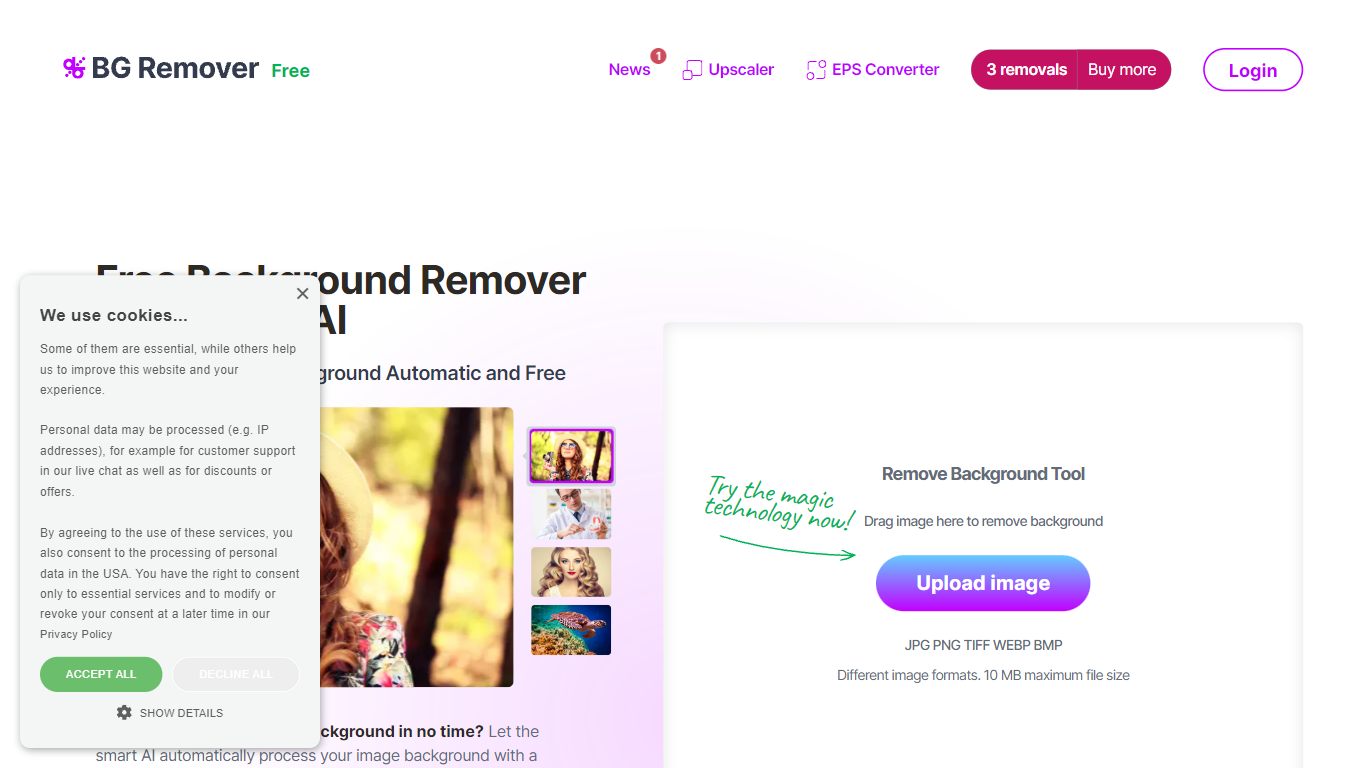

What is Background Remover - Stockphotos.com?
Discover the effortless way to remove image backgrounds with Stockphotos.com's AI Image Background Remover. This free online tool utilizes advanced artificial intelligence to swiftly and accurately extract objects from images, erasing backgrounds in an impressive 8 seconds per image. Compatible with multiple image formats such as JPG, PNG, TIFF, WEBP, and BMP, the tool simplifies the task without the need for manual image manipulation.
Enhance your creative process with capabilities like replacing backgrounds with ease, creating transparent PNG files, and upscaling images for finer detail. The AI technology seamlessly smoothens edges and ensures no pixelation, providing you a clean slate to place any new background. Furthermore, Stockphotos.com offers an API for easy integration into various web and mobile applications, expanding its use into e-commerce and designers' toolsets.
Colorcinch
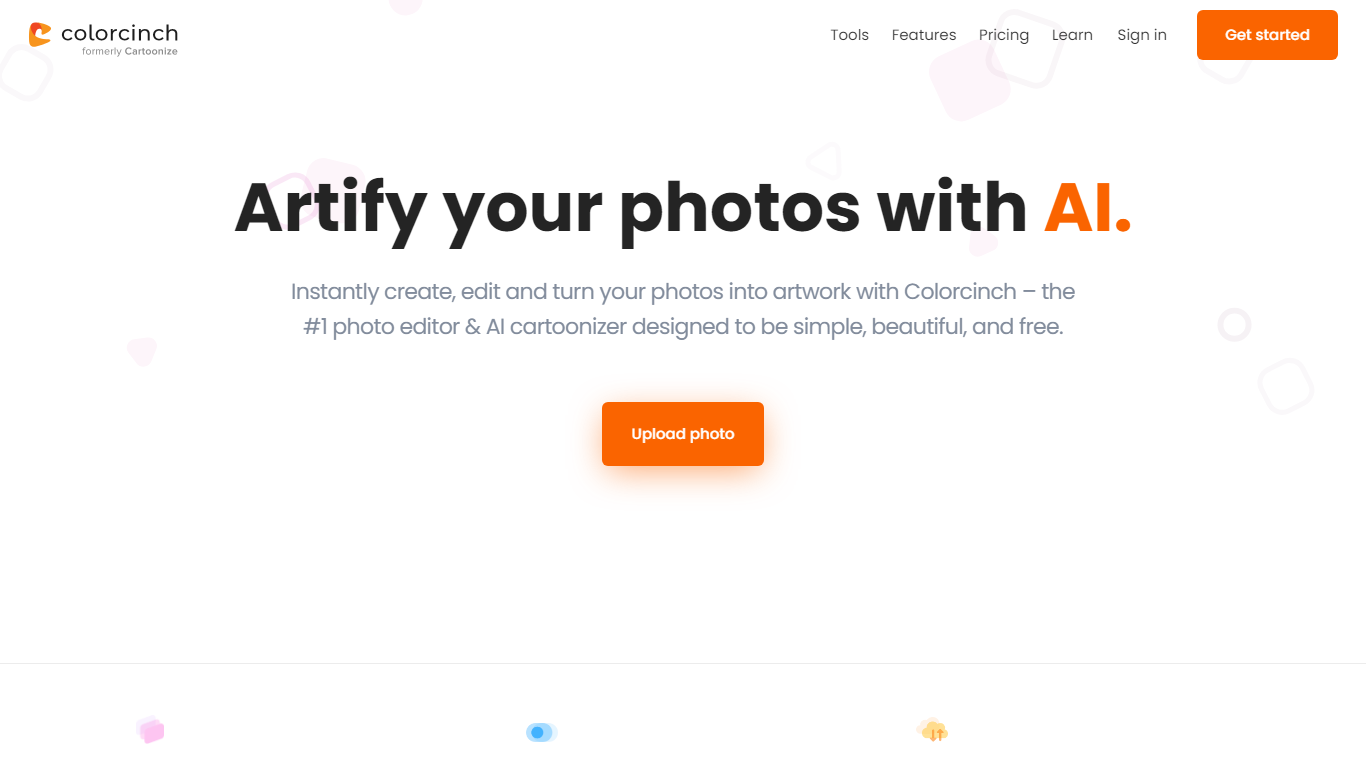
What is Colorcinch?
Colorcinch turns photos into cartoons, sketches, and stylized artwork from a browser editor at cartoonize.net. Upload a photo and pick from cartoonizer effects, background removal, upscaling, face restoration, inpainting, and collage tools without opening desktop software. The site also ships a mobile app for iOS and Android with the same one-tap effects.
Most cartoonizer sites stop at a single filter. Colorcinch bundles a full photo editor with layers, masks, overlays, 400 DPI print export, and a library of 4 million stock photos, vectors, and icons. That breadth targets creators who want stylized output plus cleanup tools in one tab.
Hobby photographers, social media creators, and small business owners use it for avatars, product shots, and quick marketing graphics. You can start without signing up, though premium assets and advanced exports may require an account.
The free tier covers basic uploads and editing, with paid options for heavier use. Projects can be accessed online or offline, and exports support JPG, PNG, and PDF formats.
Background Remover - Stockphotos.com Upvotes
Colorcinch Upvotes
Background Remover - Stockphotos.com Top Features
Automatic Removal: AI-powered removal process that clears backgrounds in seconds.
File Format Support: Works with a wide range of image formats including JPG PNG TIFF WEBP and BMP.
Free to Use: Offers 3 free removals with additional perks like 10 free upscales for image enlargement.
API for Integration: An accessible API to integrate background removal in other products and workflows.
Instant Download: Create and download images with new backgrounds or transparent PNGs immediately.
Colorcinch Top Features
One-click photo to cartoon, sketch, and specialty filter effects
AI background removal, inpainting, face restoration, and image upscale tools
4 million stock photos, vector graphics, and icon sets built in
Layer-based editor with masks, overlays, frames, and freehand drawing
Export images up to 400 DPI for print-ready output
Free iOS and Android app with cartoonize, restore, and HD export tools
Background Remover - Stockphotos.com Category
- Photo Editing
Colorcinch Category
- Photo Editing
Background Remover - Stockphotos.com Pricing Type
- Free
Colorcinch Pricing Type
- Freemium