Colorcinch vs Profile Picture Maker By Picsart
Compare Colorcinch vs Profile Picture Maker By Picsart and see which AI Photo Editing tool is better when we compare features, reviews, pricing, alternatives, upvotes, etc.
Which one is better? Colorcinch or Profile Picture Maker By Picsart?
When we compare Colorcinch with Profile Picture Maker By Picsart, which are both AI-powered photo editing tools, Profile Picture Maker By Picsart stands out as the clear frontrunner in terms of upvotes. Profile Picture Maker By Picsart has 9 upvotes, and Colorcinch has 6 upvotes.
Disagree with the result? Upvote your favorite tool and help it win!
Colorcinch

What is Colorcinch?
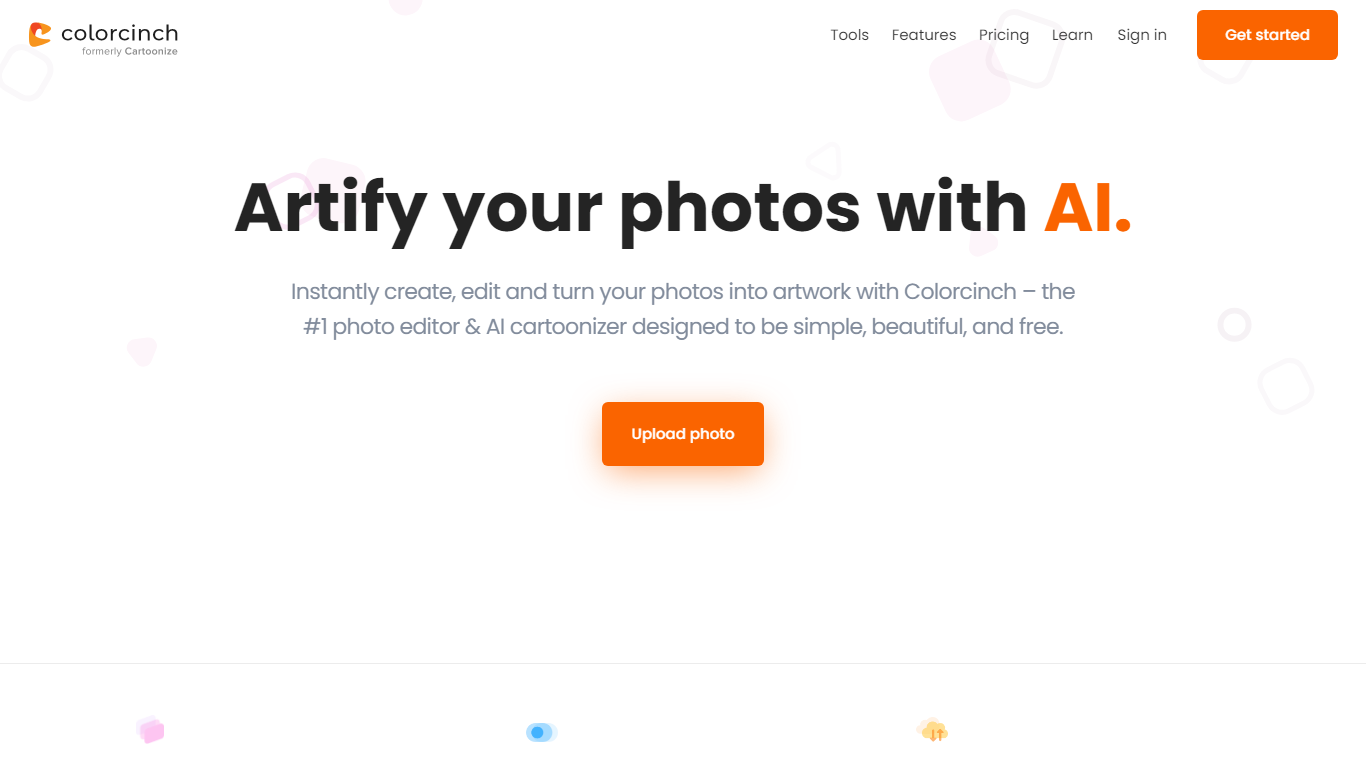
Colorcinch turns photos into cartoons, sketches, and stylized artwork from a browser editor at cartoonize.net. Upload a photo and pick from cartoonizer effects, background removal, upscaling, face restoration, inpainting, and collage tools without opening desktop software. The site also ships a mobile app for iOS and Android with the same one-tap effects.
Most cartoonizer sites stop at a single filter. Colorcinch bundles a full photo editor with layers, masks, overlays, 400 DPI print export, and a library of 4 million stock photos, vectors, and icons. That breadth targets creators who want stylized output plus cleanup tools in one tab.
Hobby photographers, social media creators, and small business owners use it for avatars, product shots, and quick marketing graphics. You can start without signing up, though premium assets and advanced exports may require an account.
The free tier covers basic uploads and editing, with paid options for heavier use. Projects can be accessed online or offline, and exports support JPG, PNG, and PDF formats.
Profile Picture Maker By Picsart

What is Profile Picture Maker By Picsart?
Profile Picture Maker By Picsart crops, reframes, and styles square avatars for social platforms inside the free Quicktools browser editor. You upload a photo, optionally swap the background, add borders or colors, then export preset sizes for Instagram, LinkedIn, Discord, and other networks.
Most avatar editors auto-remove backgrounds whether you want that or not. Picsart's version lets you keep or replace the backdrop, then rotate, scale, and position the subject before picking platform-specific dimensions like 400x400 for LinkedIn or 128x128 for Discord.
Creators refreshing Instagram, Zoom, or Slack avatars use it because it needs no account, stores no images, and advertises 1 to 2 minute results. The page rates 4.8 out of 5 from 51 reviews and sits inside Picsart's broader Quicktools suite launched in 2021.
Colorcinch Upvotes
Profile Picture Maker By Picsart Upvotes
Colorcinch Top Features
One-click photo to cartoon, sketch, and specialty filter effects
AI background removal, inpainting, face restoration, and image upscale tools
4 million stock photos, vector graphics, and icon sets built in
Layer-based editor with masks, overlays, frames, and freehand drawing
Export images up to 400 DPI for print-ready output
Free iOS and Android app with cartoonize, restore, and HD export tools
Profile Picture Maker By Picsart Top Features
100% free profile picture editor with no sign-up required
Optional background removal or custom colored and patterned backdrops
Border and fine-tune controls for rotate, scale, and positioning
Preset export sizes for Instagram (320x320), LinkedIn (400x400), Discord (128x128), and more
Drag-and-drop upload with advertised 1 to 2 minute processing
No image storage policy stated on the tool page
4.8 star Quicktools rating from 51 reviews
Colorcinch Category
- Photo Editing
Profile Picture Maker By Picsart Category
- Photo Editing
Colorcinch Pricing Type
- Freemium
Profile Picture Maker By Picsart Pricing Type
- Free