AI Image Upscaler on AI Image Enlarger vs Colorcinch
In the battle of AI Image Upscaler on AI Image Enlarger vs Colorcinch, which AI Photo Editing tool comes out on top? We compare reviews, pricing, alternatives, upvotes, features, and more.
Between AI Image Upscaler on AI Image Enlarger and Colorcinch, which one is superior?
Upon comparing AI Image Upscaler on AI Image Enlarger with Colorcinch, which are both AI-powered photo editing tools, The upvote count reveals a draw, with both tools earning the same number of upvotes. Join the aitools.fyi users in deciding the winner by casting your vote.
Want to flip the script? Upvote your favorite tool and change the game!
AI Image Upscaler on AI Image Enlarger


What is AI Image Upscaler on AI Image Enlarger?
This Imglarger photo editing tool enlarges JPG, PNG, or WebP images to 2x or 4x resolution in your browser. You upload a file up to 10 MB and 1024 px wide, pick a scale factor, and the model sharpens edges and textures for 4K screens, product catalogs, or social posts. It handles portraits, AI art, anime frames, and product shots without installing desktop software.
Standard resize tools stretch pixels and leave blurry blocks. Imglarger's upscaler rebuilds detail with a focused workflow: upload, choose 200% or 400%, preview side by side, then download. You give up local batch power on the free tier and must trust cloud processing, though files auto-delete within six hours.
E-commerce teams batch-prepare catalog assets on paid plans. Digital artists upscale Midjourney or Stable Diffusion outputs, and photographers rescue compressed client files before print runs.
Colorcinch
What is Colorcinch?
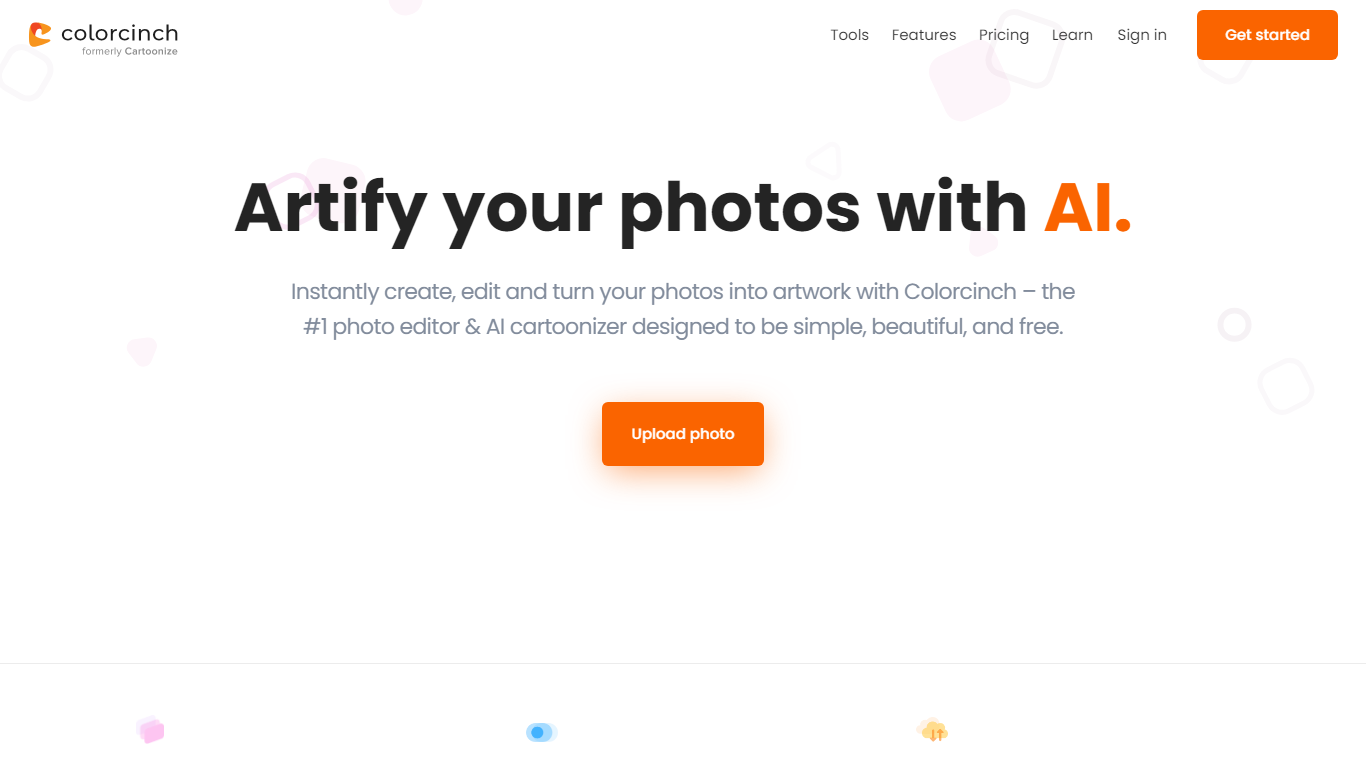
Colorcinch turns photos into cartoons, sketches, and stylized artwork from a browser editor at cartoonize.net. Upload a photo and pick from cartoonizer effects, background removal, upscaling, face restoration, inpainting, and collage tools without opening desktop software. The site also ships a mobile app for iOS and Android with the same one-tap effects.
Most cartoonizer sites stop at a single filter. Colorcinch bundles a full photo editor with layers, masks, overlays, 400 DPI print export, and a library of 4 million stock photos, vectors, and icons. That breadth targets creators who want stylized output plus cleanup tools in one tab.
Hobby photographers, social media creators, and small business owners use it for avatars, product shots, and quick marketing graphics. You can start without signing up, though premium assets and advanced exports may require an account.
The free tier covers basic uploads and editing, with paid options for heavier use. Projects can be accessed online or offline, and exports support JPG, PNG, and PDF formats.
AI Image Upscaler on AI Image Enlarger Upvotes
Colorcinch Upvotes
AI Image Upscaler on AI Image Enlarger Top Features
Upscale images to 200% or 400% with a single upload step
Accepts JPG, PNG, and WebP files up to 10 MB and 1024 px input width
Preview upscaled output beside the original before downloading
Batch upscale multiple images on paid plans starting at $4.99 per month
Processed files are automatically deleted within six hours
Dedicated anime upscaler and enlarger tools live on the same Imglarger site
Colorcinch Top Features
One-click photo to cartoon, sketch, and specialty filter effects
AI background removal, inpainting, face restoration, and image upscale tools
4 million stock photos, vector graphics, and icon sets built in
Layer-based editor with masks, overlays, frames, and freehand drawing
Export images up to 400 DPI for print-ready output
Free iOS and Android app with cartoonize, restore, and HD export tools
AI Image Upscaler on AI Image Enlarger Category
- Photo Editing
Colorcinch Category
- Photo Editing
AI Image Upscaler on AI Image Enlarger Pricing Type
- Freemium
Colorcinch Pricing Type
- Freemium