Colorcinch vs RemoveBG
Explore the showdown between Colorcinch vs RemoveBG and find out which AI Photo Editing tool wins. We analyze upvotes, features, reviews, pricing, alternatives, and more.
In a face-off between Colorcinch and RemoveBG, which one takes the crown?
When we contrast Colorcinch with RemoveBG, both of which are exceptional AI-operated photo editing tools, and place them side by side, we can spot several crucial similarities and divergences. In the race for upvotes, RemoveBG takes the trophy. RemoveBG has garnered 11 upvotes, and Colorcinch has garnered 6 upvotes.
Does the result make you go "hmm"? Cast your vote and turn that frown upside down!
Colorcinch

What is Colorcinch?
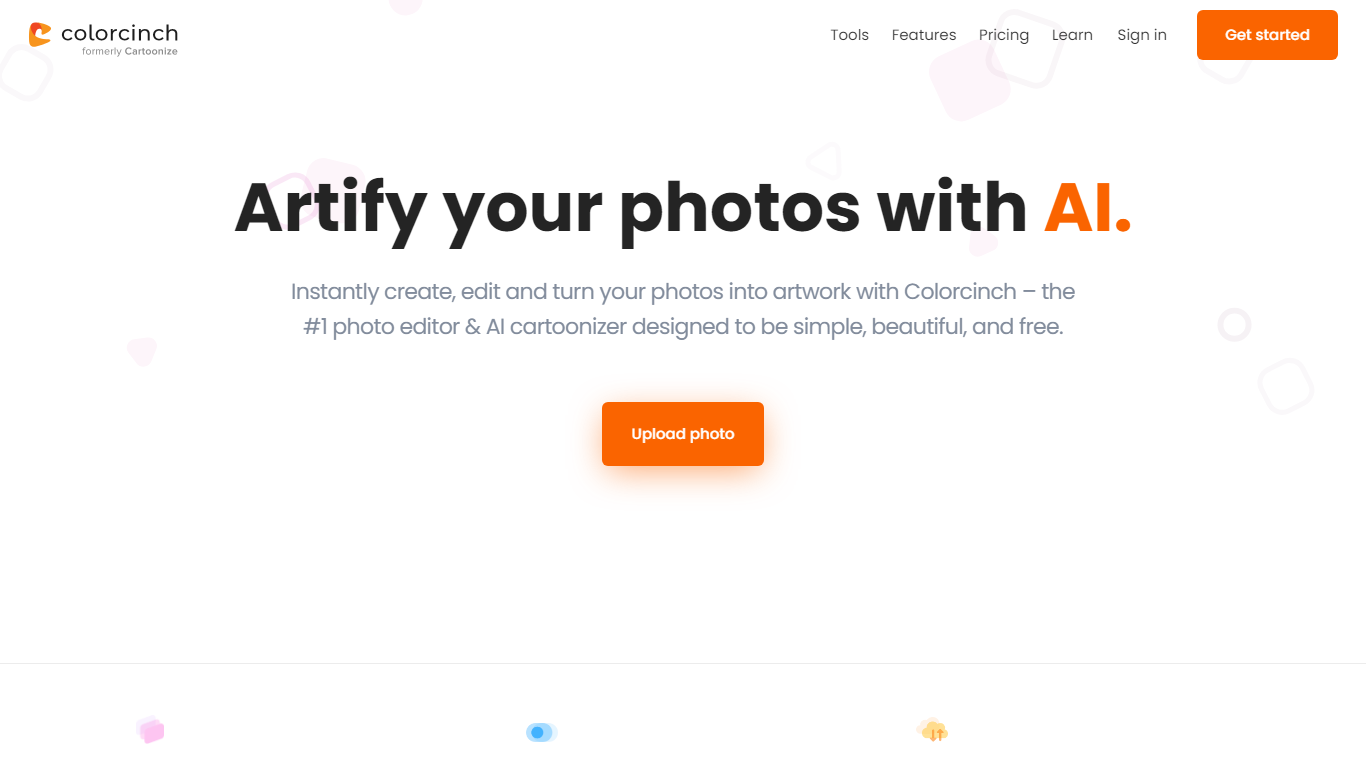
Colorcinch turns photos into cartoons, sketches, and stylized artwork from a browser editor at cartoonize.net. Upload a photo and pick from cartoonizer effects, background removal, upscaling, face restoration, inpainting, and collage tools without opening desktop software. The site also ships a mobile app for iOS and Android with the same one-tap effects.
Most cartoonizer sites stop at a single filter. Colorcinch bundles a full photo editor with layers, masks, overlays, 400 DPI print export, and a library of 4 million stock photos, vectors, and icons. That breadth targets creators who want stylized output plus cleanup tools in one tab.
Hobby photographers, social media creators, and small business owners use it for avatars, product shots, and quick marketing graphics. You can start without signing up, though premium assets and advanced exports may require an account.
The free tier covers basic uploads and editing, with paid options for heavier use. Projects can be accessed online or offline, and exports support JPG, PNG, and PDF formats.
RemoveBG

What is RemoveBG?
RemoveBG is a powerful and user-friendly online tool that allows you to remove image backgrounds in seconds, and the best part is, it's completely free! With advanced AI technology, RemoveBG makes background removal a breeze, saving you time and effort. Whether you need to edit images for creative projects, marketing materials, or personal use, RemoveBG has got you covered.
With RemoveBG, the process of removing image backgrounds is as easy as 1-2-3. First, choose the image you want to edit and upload it into the tool. Second, let the advanced AI technology analyze your image and automatically remove the background. Finally, download the new image and use it for any purpose you desire. Say goodbye to background woes and hello to hassle-free image editing with RemoveBG.
Colorcinch Upvotes
RemoveBG Upvotes
Colorcinch Top Features
One-click photo to cartoon, sketch, and specialty filter effects
AI background removal, inpainting, face restoration, and image upscale tools
4 million stock photos, vector graphics, and icon sets built in
Layer-based editor with masks, overlays, frames, and freehand drawing
Export images up to 400 DPI for print-ready output
Free iOS and Android app with cartoonize, restore, and HD export tools
RemoveBG Top Features
Quick and Easy Background Removal: RemoveBG makes it incredibly simple to remove image backgrounds with just a few clicks. No need for complex editing software or extensive manual work.
Free of Cost: RemoveBG offers its background removal services completely free of charge. Say goodbye to expensive editing tools and hello to cost-effective image editing.
Advanced AI Technology: Powered by advanced AI technology RemoveBG analyzes your images and accurately detects and removes the background ensuring clean and professional results.
Versatile Usage: The images edited with RemoveBG can be used for a wide range of purposes including creative projects marketing materials or personal use. The possibilities are endless.
User-Friendly Interface: RemoveBG's user-friendly interface makes it easy for anyone to use regardless of their level of expertise in image editing. No technical skills required.
Colorcinch Category
- Photo Editing
RemoveBG Category
- Photo Editing
Colorcinch Pricing Type
- Freemium
RemoveBG Pricing Type
- Free