Commabot vs Formula Bot
In the clash of Commabot vs Formula Bot, which AI Excel tool emerges victorious? We assess reviews, pricing, alternatives, features, upvotes, and more.
When we put Commabot and Formula Bot head to head, which one emerges as the victor?
Let's take a closer look at Commabot and Formula Bot, both of which are AI-driven excel tools, and see what sets them apart. The upvote count favors Formula Bot, making it the clear winner. Formula Bot has 9 upvotes, and Commabot has 6 upvotes.
Think we got it wrong? Cast your vote and show us who's boss!
Commabot

What is Commabot?
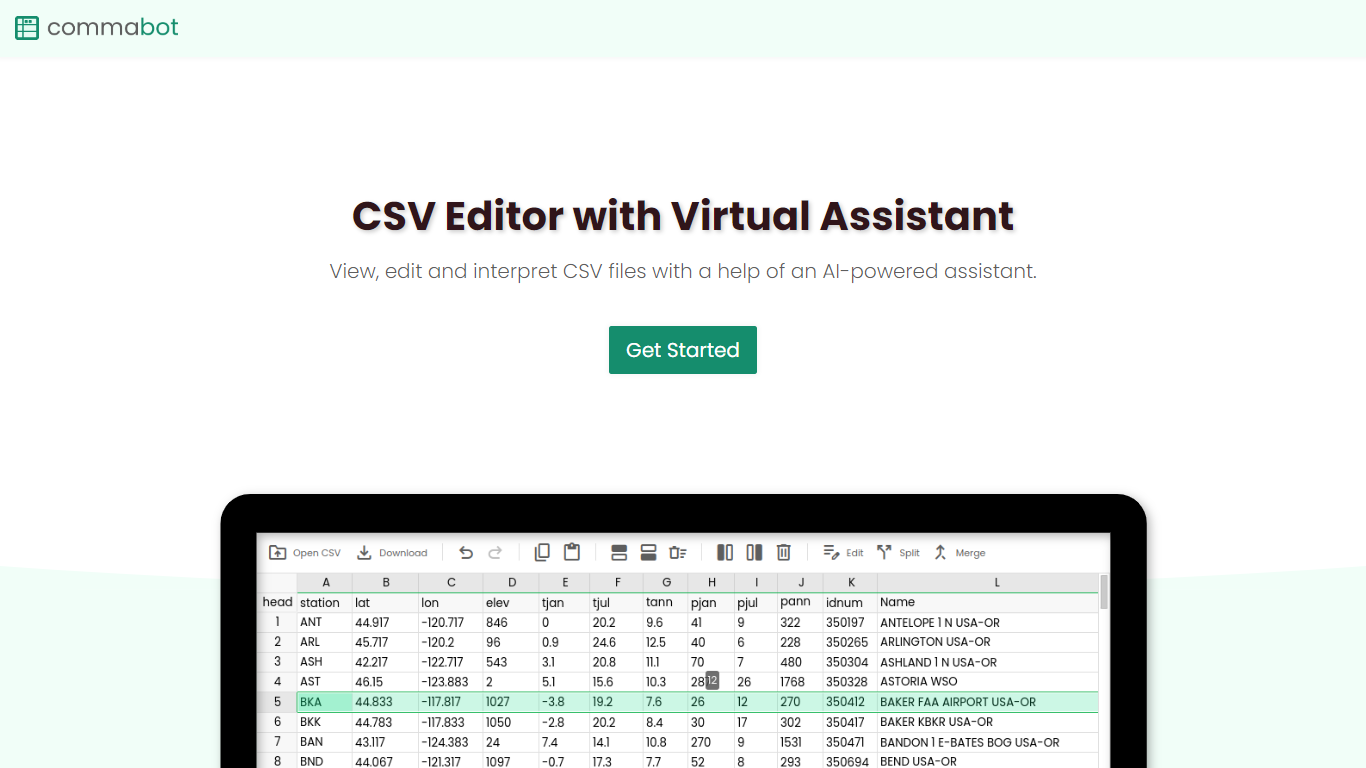
Commabot is a browser-based Excel alternative for CSV work: you upload a file and handle analysis, cleaning, and transformation in a chat interface instead of writing spreadsheet formulas. The homepage frames it as a conversational CSV editor for sales reports, survey results, financial records, and other tabular files.
The About page also describes specialized contact list prep workflows: deduplicating contacts, standardizing phone numbers to E.164, removing unsubscribes, merging multiple lists, and formatting exports for HubSpot or Salesforce import. That gives the product both open-ended CSV chat and CRM-ready contact cleanup paths.
You sign in with Google to upload files. Commabot runs on Google Cloud infrastructure and processes uploads in memory unless you explicitly save them to your account.
Formula Bot

What is Formula Bot?
Formula Bot is an Excel and data analytics workspace where you upload spreadsheets or connect databases, then ask questions in plain English to get formulas, charts, cleaned tables, and written insights back in one chat. It handles .xlsx, .csv, and connected sources without requiring Excel plugins or VBA macros.
Most Excel AI helpers stop at formula syntax. Formula Bot also reshapes messy datasets, runs sentiment analysis on text columns, generates dashboards from templates, and shows the Python, SQL, or R code behind each answer so you can verify or export it. That mix targets analysts who want speed without hiding the logic.
Operations teams, BI analysts, and spreadsheet-heavy small businesses are the audience named in site testimonials. The free tier lets you try real questions with no credit card, while paid plans add premium models, scheduled reports, and shared workspaces.
Commabot Upvotes
Formula Bot Upvotes
Commabot Top Features
Upload a single CSV file at a time and ask questions in plain English to explore and modify your data
Generate charts and summaries from uploaded files through the chat interface
Clean and transform tabular data without writing spreadsheet formulas
Standardize phone numbers to E.164 format through dedicated contact prep workflows
Format contact lists for HubSpot or Salesforce import using workflow templates
Merge multiple contact lists into one consolidated dataset
Workflow templates show usage count and average processing time before you run them
Formula Bot Top Features
Excel AI page generates formulas from plain-English prompts and explains existing formulas in your sheet
Upload .xlsx, .xls, or .csv files or paste data from Excel and Google Sheets with no plugin install
Starter plan at $18 per month includes 250 chat messages and 2,500 AI Actions per month
MAX plan at $29 per month adds unlimited chat messages and 5,000 AI Actions per user
AI dashboard generator builds interactive dashboards from templates with scheduled data refreshes
Shows generated Python, SQL, and R code for every analysis request for verification and export
Connects databases, warehouses, and cloud files with row-level security on Enterprise plans
Commabot Category
- Excel
Formula Bot Category
- Excel
Commabot Pricing Type
- Free
Formula Bot Pricing Type
- Freemium