Commabot vs Ai Prompts (formerly Formula Generator)
When comparing Commabot vs Ai Prompts (formerly Formula Generator), which AI Excel tool shines brighter? We look at pricing, alternatives, upvotes, features, reviews, and more.
Between Commabot and Ai Prompts (formerly Formula Generator), which one is superior?
When we put Commabot and Ai Prompts (formerly Formula Generator) side by side, both being AI-powered excel tools, Neither tool takes the lead, as they both have the same upvote count. Join the aitools.fyi users in deciding the winner by casting your vote.
You don't agree with the result? Cast your vote to help us decide!
Commabot

What is Commabot?
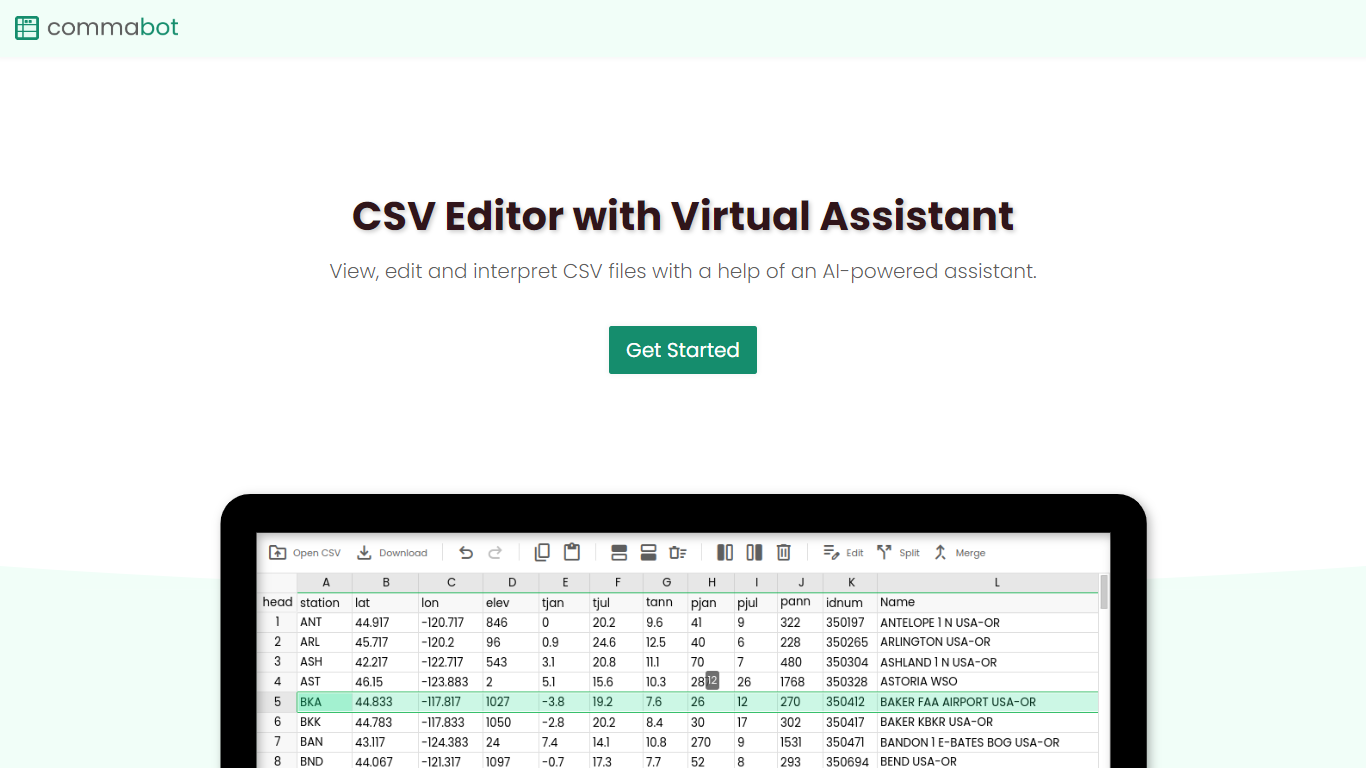
Commabot is a browser-based Excel alternative for CSV work: you upload a file and handle analysis, cleaning, and transformation in a chat interface instead of writing spreadsheet formulas. The homepage frames it as a conversational CSV editor for sales reports, survey results, financial records, and other tabular files.
The About page also describes specialized contact list prep workflows: deduplicating contacts, standardizing phone numbers to E.164, removing unsubscribes, merging multiple lists, and formatting exports for HubSpot or Salesforce import. That gives the product both open-ended CSV chat and CRM-ready contact cleanup paths.
You sign in with Google to upload files. Commabot runs on Google Cloud infrastructure and processes uploads in memory unless you explicitly save them to your account.
Ai Prompts (formerly Formula Generator)
What is Ai Prompts (formerly Formula Generator)?
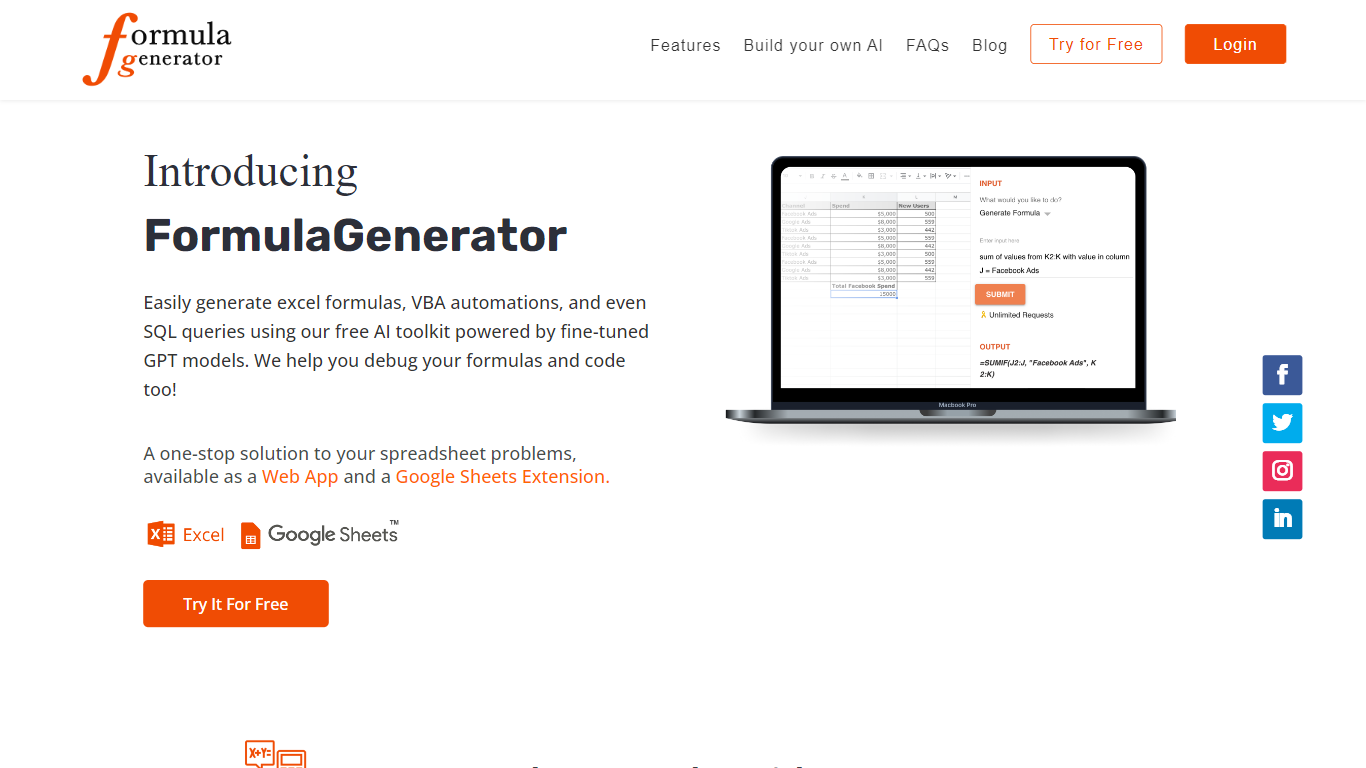
Ai Prompts at formulagenerator.app is a free educational site that teaches spreadsheet users how to get accurate Excel and Google Sheets formulas from ChatGPT. Instead of hosting a formula builder, it walks through prompt engineering, system instructions, and repeatable prompt templates so analysts can describe calculations in plain language and turn model output into working sheet logic.
The guides cover building formula generator setups with the OpenAI API, keeping context across sessions, and reviewing or debugging formulas when results look wrong. Readers also get practical prompt patterns for VBA macros, SQL queries, and Google Apps Script when they want automation beyond a single cell formula.
It fits finance teams, operations staff, and analysts who already work in spreadsheets and want a reference for prompting ChatGPT without writing code themselves. You bring your own ChatGPT or API access; the site itself is read-only content with no signup or hosted generator on the page.
Commabot Upvotes
Ai Prompts (formerly Formula Generator) Upvotes
Commabot Top Features
Upload a single CSV file at a time and ask questions in plain English to explore and modify your data
Generate charts and summaries from uploaded files through the chat interface
Clean and transform tabular data without writing spreadsheet formulas
Standardize phone numbers to E.164 format through dedicated contact prep workflows
Format contact lists for HubSpot or Salesforce import using workflow templates
Merge multiple contact lists into one consolidated dataset
Workflow templates show usage count and average processing time before you run them
Ai Prompts (formerly Formula Generator) Top Features
OpenAI API wiring guide for connecting ChatGPT to Google Sheets or a custom frontend
System instruction templates that keep spreadsheet context across follow-up ChatGPT prompts
Sample prompts for VBA macros, SQL queries, and Google Apps Script automation
Debugging walkthroughs for formula logic, cell references, and structural errors in generated output
Automation examples that reference Zapier and Make for scheduled sheet updates
Commabot Category
- Excel
Ai Prompts (formerly Formula Generator) Category
- Excel
Commabot Pricing Type
- Free
Ai Prompts (formerly Formula Generator) Pricing Type
- Free