Commabot vs SheetGod
When comparing Commabot vs SheetGod, which AI Excel tool shines brighter? We look at pricing, alternatives, upvotes, features, reviews, and more.
In a comparison between Commabot and SheetGod, which one comes out on top?
When we put Commabot and SheetGod side by side, both being AI-powered excel tools, The upvote count reveals a draw, with both tools earning the same number of upvotes. The power is in your hands! Cast your vote and have a say in deciding the winner.
Want to flip the script? Upvote your favorite tool and change the game!
Commabot
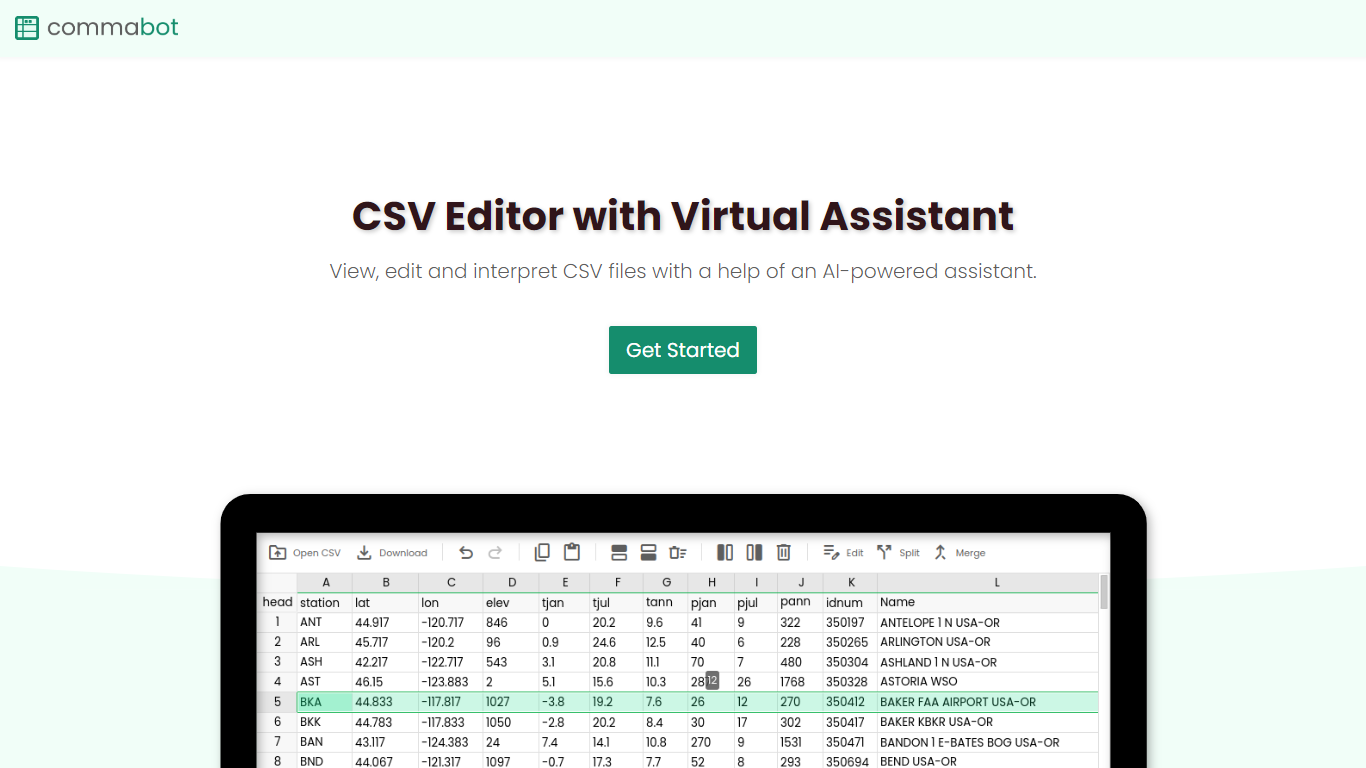

What is Commabot?
Commabot is a browser-based Excel alternative for CSV work: you upload a file and handle analysis, cleaning, and transformation in a chat interface instead of writing spreadsheet formulas. The homepage frames it as a conversational CSV editor for sales reports, survey results, financial records, and other tabular files.
The About page also describes specialized contact list prep workflows: deduplicating contacts, standardizing phone numbers to E.164, removing unsubscribes, merging multiple lists, and formatting exports for HubSpot or Salesforce import. That gives the product both open-ended CSV chat and CRM-ready contact cleanup paths.
You sign in with Google to upload files. Commabot runs on Google Cloud infrastructure and processes uploads in memory unless you explicitly save them to your account.
SheetGod
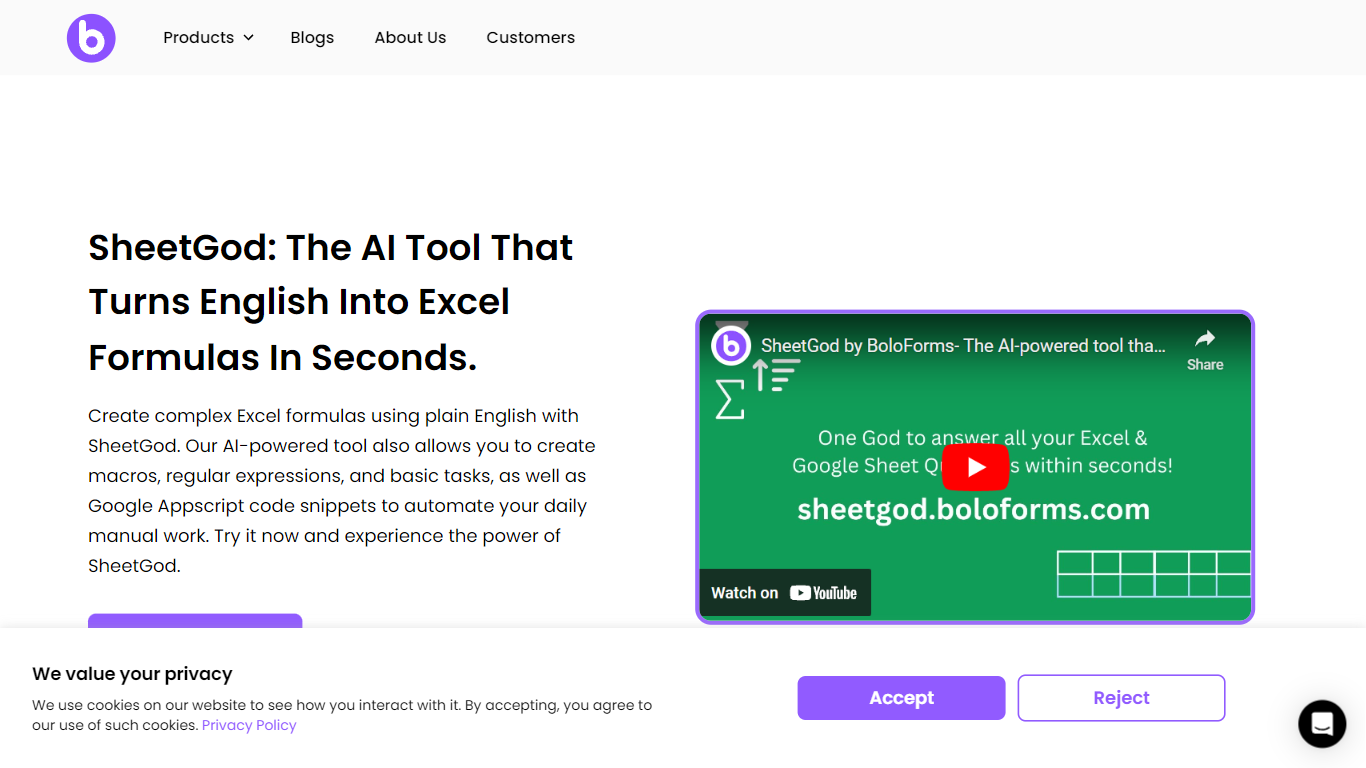
What is SheetGod?
SheetGod is a spreadsheet helper from BoloForms that turns plain English into Excel formulas, VBA macros, Google Apps Script snippets, and regex patterns. You pick one of five categories (Formulas, VBA, Regex, Apps Script, or Basic Tasks), describe what you need, and paste the output into Microsoft Excel or Google Sheets. The product page says more than 50,000 businesses use it.
Most formula generators stop at a single cell calculation. SheetGod stretches further into automation code, regex extraction, built-in tutorials, bulk marketing emails, PDF generation from spreadsheet rows, and add-on scaffolding for Google Workspace and Excel. Its parent company BoloSign is part of the NVIDIA Inception program, though SheetGod itself is a standalone spreadsheet tool rather than an eSignature product.
SheetGod suits beginners who want step-by-step Excel and Sheets tutorials alongside generated answers, and spreadsheet-heavy teams tired of hunting syntax for VBA or Apps Script. Support channels include live chat, email, a help center, and bookable Google Meet sessions, plus one-on-one Zoom and WhatsApp onboarding on signup.
Commabot Upvotes
SheetGod Upvotes
Commabot Top Features
Upload a single CSV file at a time and ask questions in plain English to explore and modify your data
Generate charts and summaries from uploaded files through the chat interface
Clean and transform tabular data without writing spreadsheet formulas
Standardize phone numbers to E.164 format through dedicated contact prep workflows
Format contact lists for HubSpot or Salesforce import using workflow templates
Merge multiple contact lists into one consolidated dataset
Workflow templates show usage count and average processing time before you run them
SheetGod Top Features
Five request categories: Formulas, VBA, Regex, Apps Script, and Basic Tasks
Generates VBA and Google Apps Script code to automate repetitive spreadsheet work
Regex support for extracting specific values from messy datasets
Built-in step-by-step tutorials for common Excel and Google Sheets tasks
Creates bulk marketing emails and PDFs from spreadsheet data
Builds Google Workspace add-ons and Microsoft Excel add-ins from prompts
Commabot Category
- Excel
SheetGod Category
- Excel
Commabot Pricing Type
- Free
SheetGod Pricing Type
- Freemium