Compose AI vs SummarAIze
When comparing Compose AI vs SummarAIze, which AI Content Creation tool shines brighter? We look at pricing, alternatives, upvotes, features, reviews, and more.
In a comparison between Compose AI and SummarAIze, which one comes out on top?
When we put Compose AI and SummarAIze side by side, both being AI-powered content creation tools, The upvote count reveals a draw, with both tools earning the same number of upvotes. The power is in your hands! Cast your vote and have a say in deciding the winner.
Want to flip the script? Upvote your favorite tool and change the game!
Compose AI

What is Compose AI?
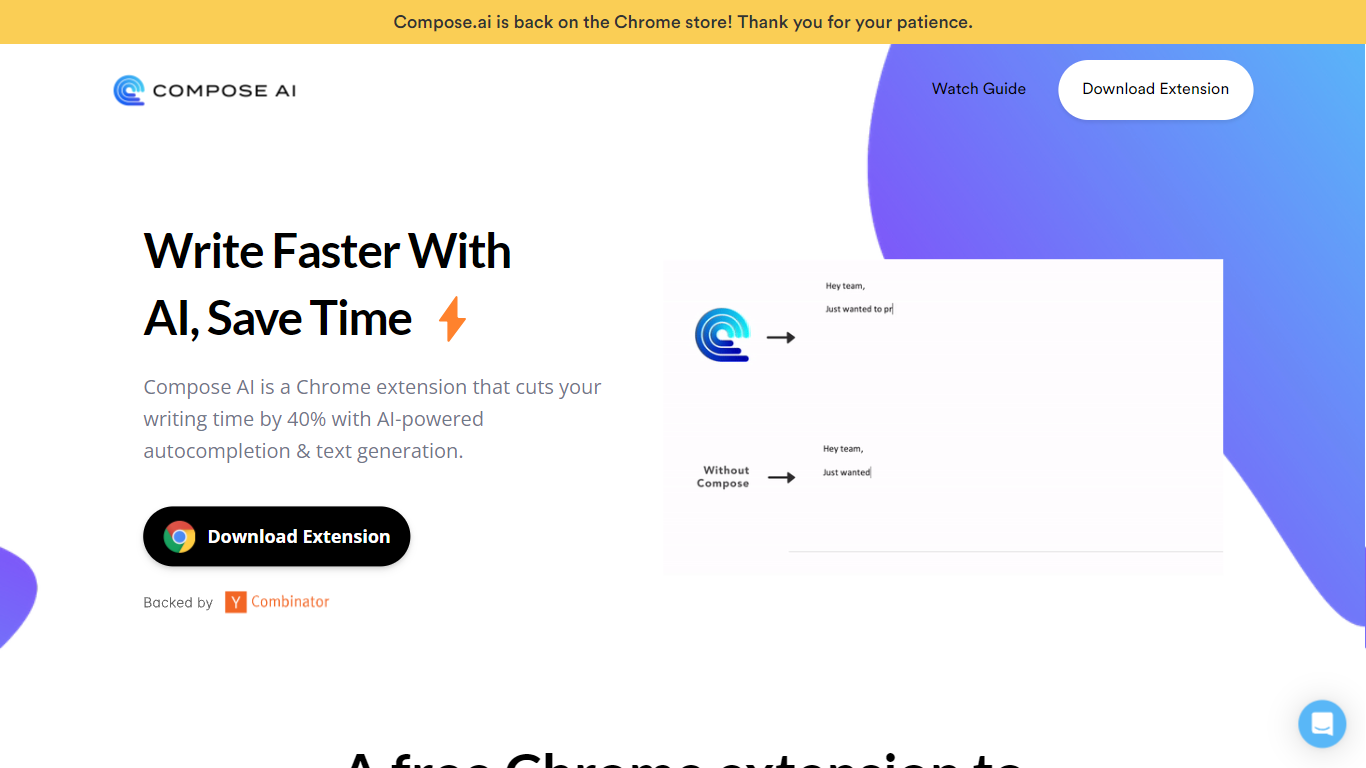
Compose AI is a Chrome extension that accelerates writing by providing AI-powered autocomplete and text generation. It helps users compose emails, documents, and chat messages more efficiently by reducing typing time by up to 40%. The tool offers sentence completions, rephrasing suggestions, and can generate full emails from brief prompts.
What distinguishes Compose AI from other writing assistants is its ability to learn and adapt to the user's unique writing style, offering personalized suggestions that make writing feel natural. It integrates seamlessly with platforms like Google Docs and Gmail, enabling users to write faster without switching tools. While it supports popular platforms, its integration options are currently limited compared to some competitors.
Compose AI offers both free and premium plans, with the premium version providing advanced personalization and priority support. Privacy is a priority; the tool uses user text solely to improve autocomplete suggestions and does not sell user data. This makes Compose AI a versatile and secure assistant for various writing tasks.
SummarAIze

What is SummarAIze?
Transform audio and video recordings into social posts, email newsletters, blog articles, and video clips in minutes. This platform acts as an automated content repurposing workflow that eliminates manual rewatching and writing.
Unlike traditional transcription or single-function writing tools, the system utilizes a credit model where 1 credit equals either 1 minute of transcription or 1 generated asset. Users configure Brand Kits to maintain a consistent voice, tone, and set of style rules across every project without repeating context.
The software supports large file uploads up to 10GB in formats like MP3, WAV, M4A, MP4, MOV, and M4V. Integrations with Google Drive, Dropbox, Zoom, and YouTube enable seamless file importing from existing storage services.
Collaboration features include shareable links for sending results directly to clients or team members without requiring logins. Plans start at $29 per month for the Creator tier and scale up to $149 per month for the Business tier.
Compose AI Upvotes
SummarAIze Upvotes
Compose AI Top Features
✍️ AI Autocomplete: Finish sentences quickly with smart suggestions.
🔄 Sentence Rephrasing: Highlight text to get alternative phrasings instantly.
📧 Email Generation: Create full professional email replies from a few words with one click.
🎯 Personalized Style: Learns your voice to tailor suggestions uniquely for you.
🌐 Integration: Works within Google Docs and Gmail with plans to support more platforms.
💰 Pricing: Free version available; premium plan offers advanced features and priority support.
SummarAIze Top Features
Brand Kits to save your tone, audience, keywords, and style rules for 100 percent on-brand assets
Ask SummarAIze chat interface to generate additional assets or refine existing content without limits
Large file support handling uploads up to 10GB for multilingual audio and video recordings
Flexible credit system where 1 credit equals 1 minute of transcription or 1 generated asset
Cloud integrations supporting direct file imports from Google Drive, Dropbox, Zoom, and YouTube
Shareable links allowing one-click sharing with clients and team members without requiring logins
Compose AI Category
- Content Creation
SummarAIze Category
- Content Creation
Compose AI Pricing Type
- Freemium
SummarAIze Pricing Type
- Freemium