
Last updated 07-29-2026
Category:
Reviews:
Join thousands of AI enthusiasts in the World of AI!
SummarAIze
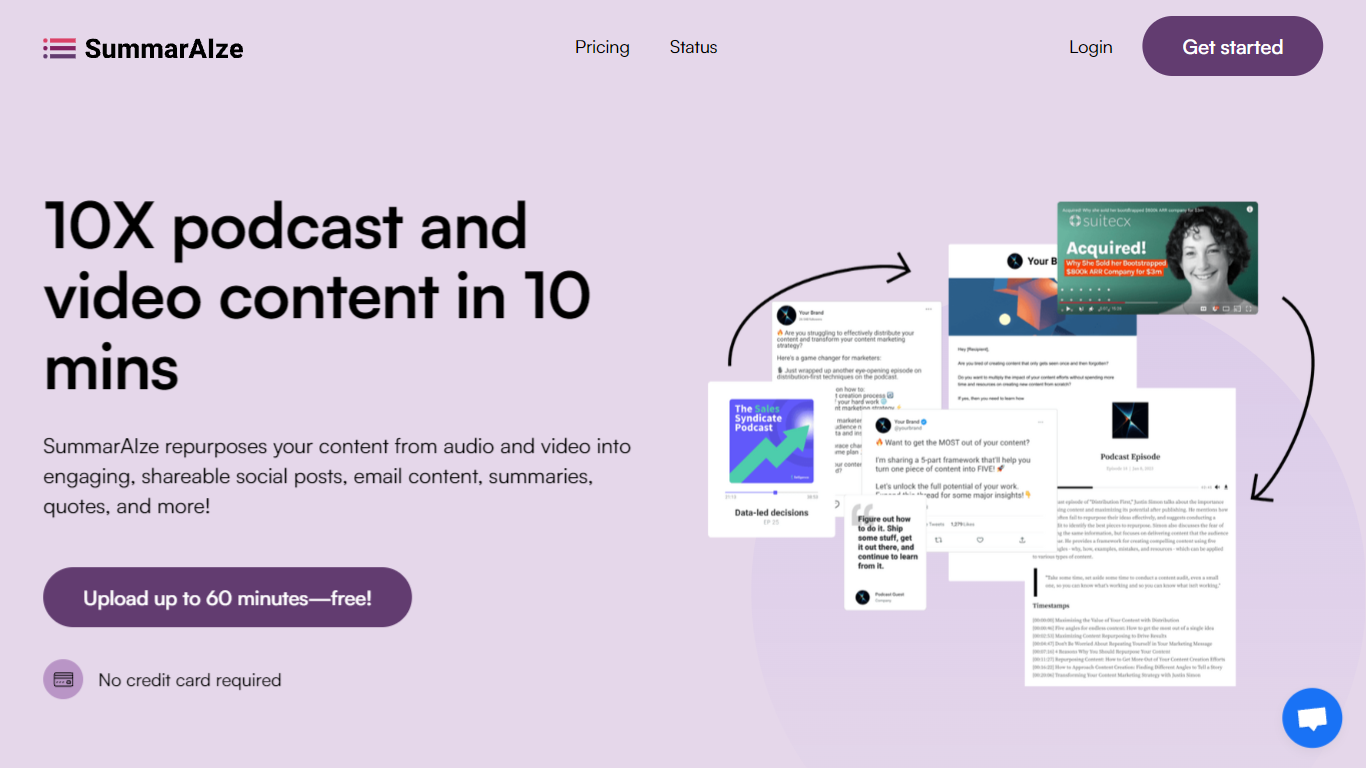
Transform audio and video recordings into social posts, email newsletters, blog articles, and video clips in minutes. This platform acts as an automated content repurposing workflow that eliminates manual rewatching and writing.
Unlike traditional transcription or single-function writing tools, the system utilizes a credit model where 1 credit equals either 1 minute of transcription or 1 generated asset. Users configure Brand Kits to maintain a consistent voice, tone, and set of style rules across every project without repeating context.
The software supports large file uploads up to 10GB in formats like MP3, WAV, M4A, MP4, MOV, and M4V. Integrations with Google Drive, Dropbox, Zoom, and YouTube enable seamless file importing from existing storage services.
Collaboration features include shareable links for sending results directly to clients or team members without requiring logins. Plans start at $29 per month for the Creator tier and scale up to $149 per month for the Business tier.
Brand Kits to save your tone, audience, keywords, and style rules for 100 percent on-brand assets
Ask SummarAIze chat interface to generate additional assets or refine existing content without limits
Large file support handling uploads up to 10GB for multilingual audio and video recordings
Flexible credit system where 1 credit equals 1 minute of transcription or 1 generated asset
Cloud integrations supporting direct file imports from Google Drive, Dropbox, Zoom, and YouTube
Shareable links allowing one-click sharing with clients and team members without requiring logins
Replaces multiple software subscriptions and reduces manual repurposing time from hours to minutes
Maintains strict brand consistency across all output channels through customizable Brand Kits
Handles large files up to 10GB and supports multilingual audio and video recordings
Offers transparent pricing tiers starting at $29 per month with flexible credit management
Credit-based system requires careful planning for high-volume content creators
Lacks advanced native video editing tools found in dedicated timeline software
How does the credit system work in SummarAIze?
In SummarAIze, 1 credit equals either 1 minute of transcription or 1 generated asset. Regenerating content or using Ask SummarAIze also consumes 1 credit per request.
Can I upload content from cloud storage services to SummarAIze?
SummarAIze supports direct file imports from Google Drive, Dropbox, Zoom, and YouTube links to simplify your regular workflow.
What happens if I run out of credits in SummarAIze?
If you exhaust your allowance in SummarAIze, you can upgrade your subscription plan or buy a one-time credit pack to continue creating.
Do I need technical skills to operate SummarAIze?
SummarAIze requires no technical setup or prompt engineering. You simply upload your audio or video file, select your templates, and let the software generate the assets.
Can I customize the generated output to match my brand style in SummarAIze?
SummarAIze provides Brand Kits that let you define your tone, audience, keywords, and writing rules once so every piece of content matches your guidelines.
How fast does SummarAIze process my uploaded content?
SummarAIze processes 90 percent of user uploads in under 2 minutes so you can get your publishing materials quickly.
Will I lose access to my saved content if I cancel my SummarAIze subscription?
SummarAIze allows you to keep all previously generated content even after canceling your plan, as the subscription only affects new generations.