Contentpresso vs Figflow
Explore the showdown between Contentpresso vs Figflow and find out which AI Design tool wins. We analyze upvotes, features, reviews, pricing, alternatives, and more.
When comparing Contentpresso and Figflow , which one rises above the other?
When we contrast Contentpresso with Figflow , both of which are exceptional AI-operated design tools, and place them side by side, we can spot several crucial similarities and divergences. Interestingly, both tools have managed to secure the same number of upvotes. Since other aitools.fyi users could decide the winner, the ball is in your court now to cast your vote and help us determine the winner.
Don't agree with the result? Cast your vote and be a part of the decision-making process!
Contentpresso
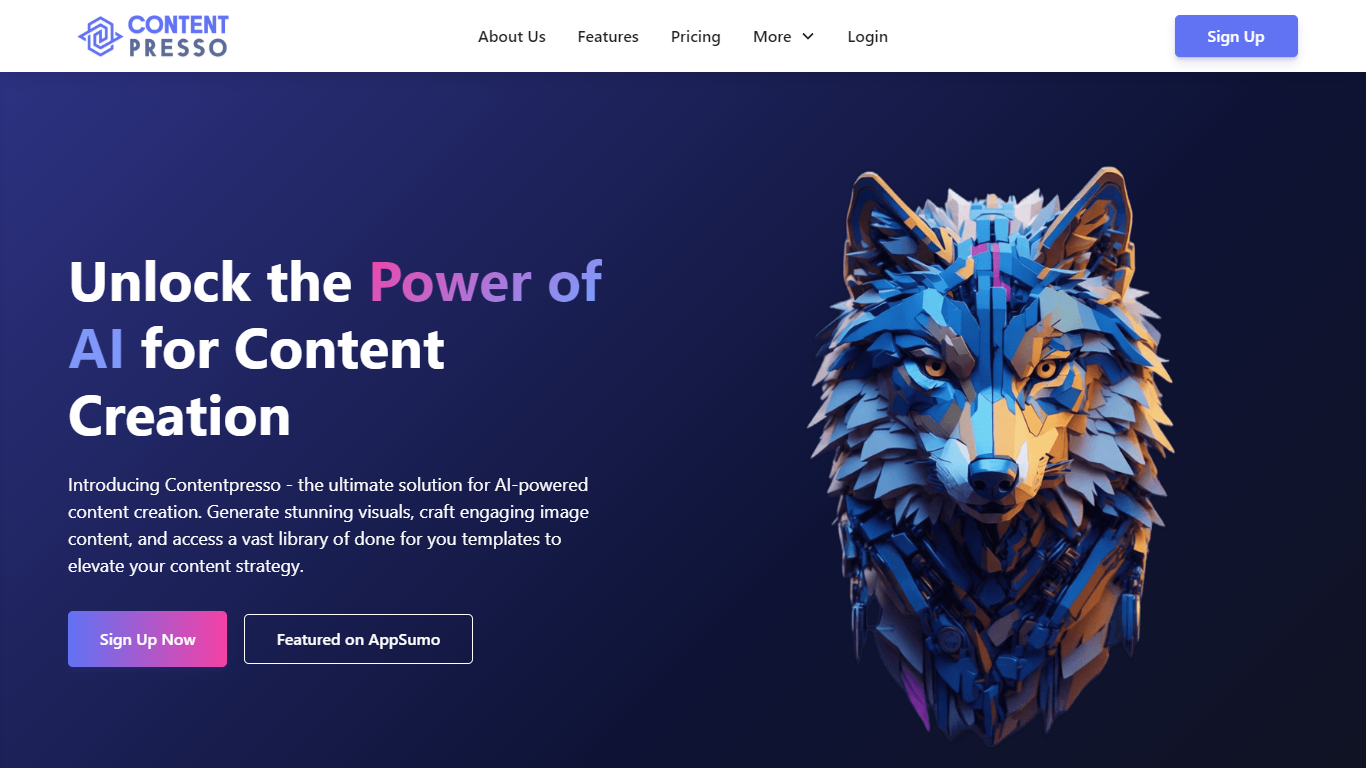

What is Contentpresso ?
Contentpresso is an innovative platform designed to revolutionize content creation through the power of AI. With Contentpresso, creators can generate visually stunning graphics using advanced AI Image Generation tools and embellish their designs with a multitude of customizable Canva Templates. Perfect for social media content, business presentations, or any design project, Contentpresso offers a user-friendly experience that simplifies the creative process.
Users can access over 10,000 templates across 100+ categories, each fully customizable to reflect their unique brand and style. Additionally, Contentpresso prides itself on delivering time and cost-efficient solutions for content creation, enabling businesses and individuals to boost their productivity and personal brand authority.
Figflow
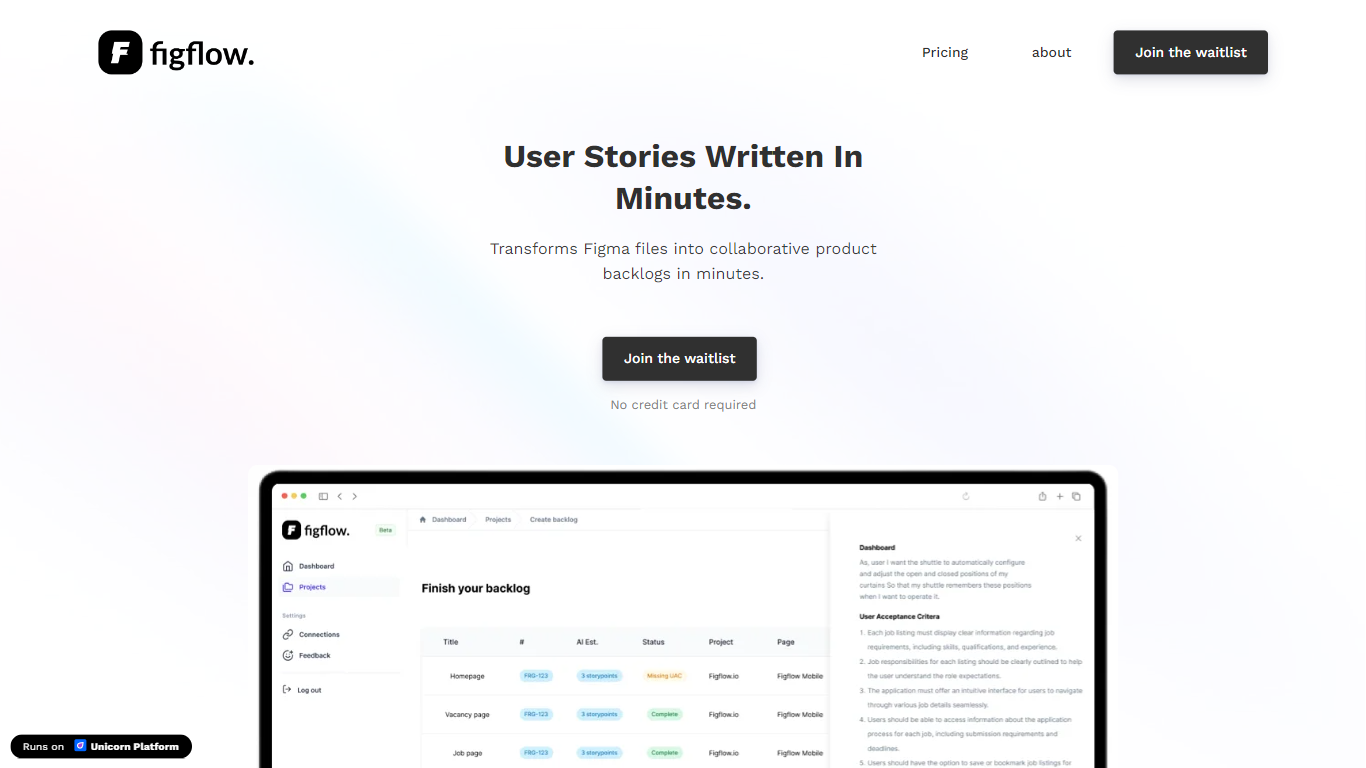
What is Figflow ?
Figflow turns Figma files into structured product backlogs with user stories, acceptance criteria, and story point estimates. You connect Figma through OAuth, upload frames, and Figflow drafts tickets from what is already on the canvas. It targets the handoff gap between design files and sprint-ready work.
Most backlog tools expect you to write stories from scratch. Figflow starts from your Figma screens, embeds design screenshots inside each story, and uses its AI assistant to shape voice and tone. The Professional plan at $9 per month removes the 250-interaction cap on the free Personal tier, which is the main reason teams outgrow the starter plan.
Product owners, product managers, and product designers use Figflow to cut manual story writing before refinement sessions. It fits teams that live in Figma and want a single workspace for multiple projects without exporting screens into a separate doc for every ticket.
Contentpresso Upvotes
Figflow Upvotes
Contentpresso Top Features
AI Image Generation: Leverage AI to create stunning images tailored to your content needs.
Canva Template Library: Access a vast selection of customizable templates for various niches.
Customizable Content: Personalize the output to align with your brand and message.
Time-Saving: Streamline content creation with efficient, AI-driven processes.
Affordable Pricing: Multiple pricing plans to accommodate different needs and budgets.
Figflow Top Features
OAuth Figma integration pulls projects without manual file exports
Personal plan includes 250 free AI interactions before paid upgrade
Professional plan at $9 per month unlocks unlimited AI interactions and projects
AI assistant drafts acceptance criteria from design frames and user stories
Design screenshots attach directly to user stories instead of separate exports
Supports 10 languages including English, Dutch, French, German, Spanish, and Japanese
Contentpresso Category
- Design
Figflow Category
- Design
Contentpresso Pricing Type
- Freemium
Figflow Pricing Type
- Freemium