Continue vs Tabnine
In the clash of Continue vs Tabnine, which AI Code Assistant tool emerges victorious? We assess reviews, pricing, alternatives, features, upvotes, and more.
When we put Continue and Tabnine head to head, which one emerges as the victor?
Let's take a closer look at Continue and Tabnine, both of which are AI-driven code assistant tools, and see what sets them apart. Continue is the clear winner in terms of upvotes. Continue has received 6 upvotes from aitools.fyi users, while Tabnine has received 4 upvotes.
Disagree with the result? Upvote your favorite tool and help it win!
Continue
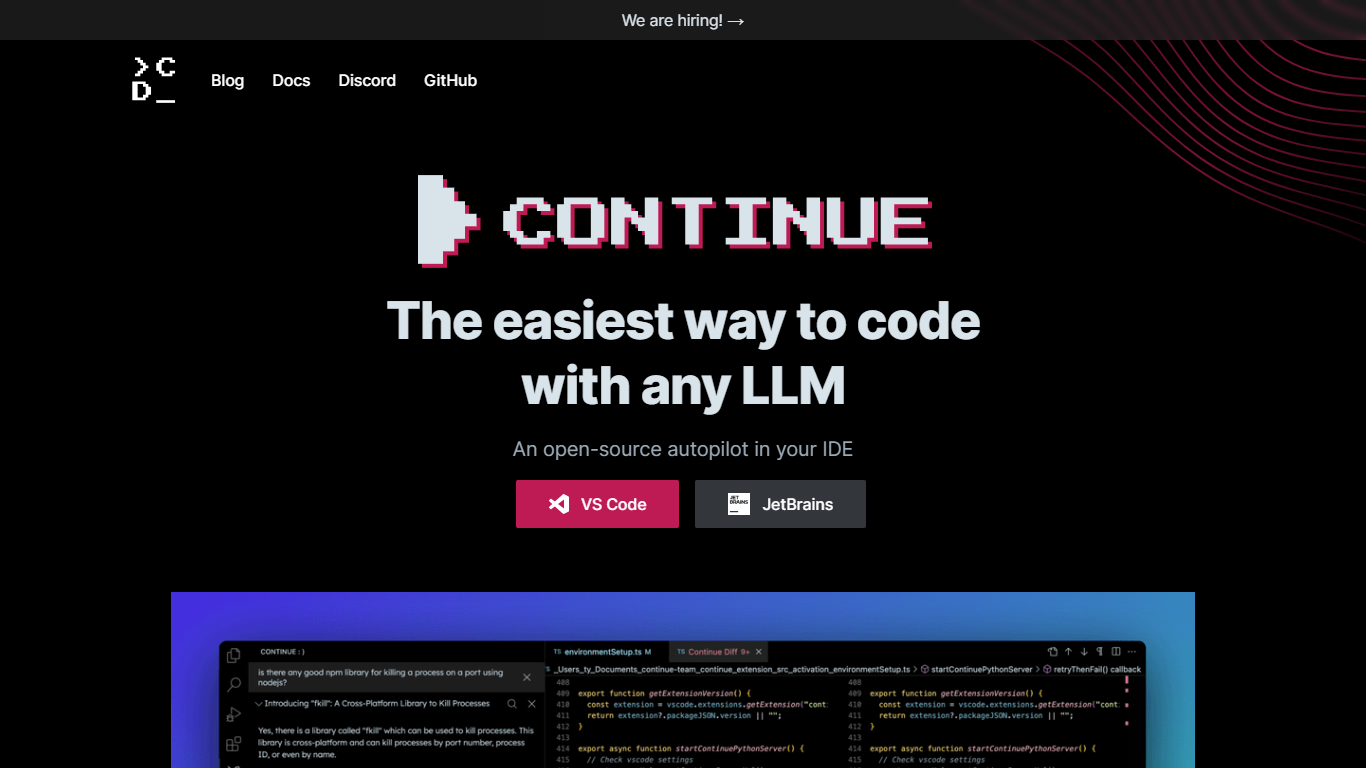

What is Continue?
Continue is an open source AI coding assistant that plugs into VS Code and JetBrains. It adds chat, inline autocomplete, targeted edits, and agent mode inside the editor you already use, so you can ask questions, refactor code, and run multi-step tasks without switching apps.
You bring your own model provider. Continue supports OpenAI, Anthropic, Google, Mistral, Azure, Amazon Bedrock, Ollama, and many others, and lets you assign different models to different roles like chat, edit, autocomplete, and embeddings. Configuration lives in a YAML file you can version with your repo.
Continue also ships a terminal CLI called cn for AI-assisted workflows outside the IDE. In 2026, Continue announced it was acquired by Cursor. The open source codebase and documentation remain available, and the VS Code and JetBrains extensions still install from their marketplaces.
Tabnine
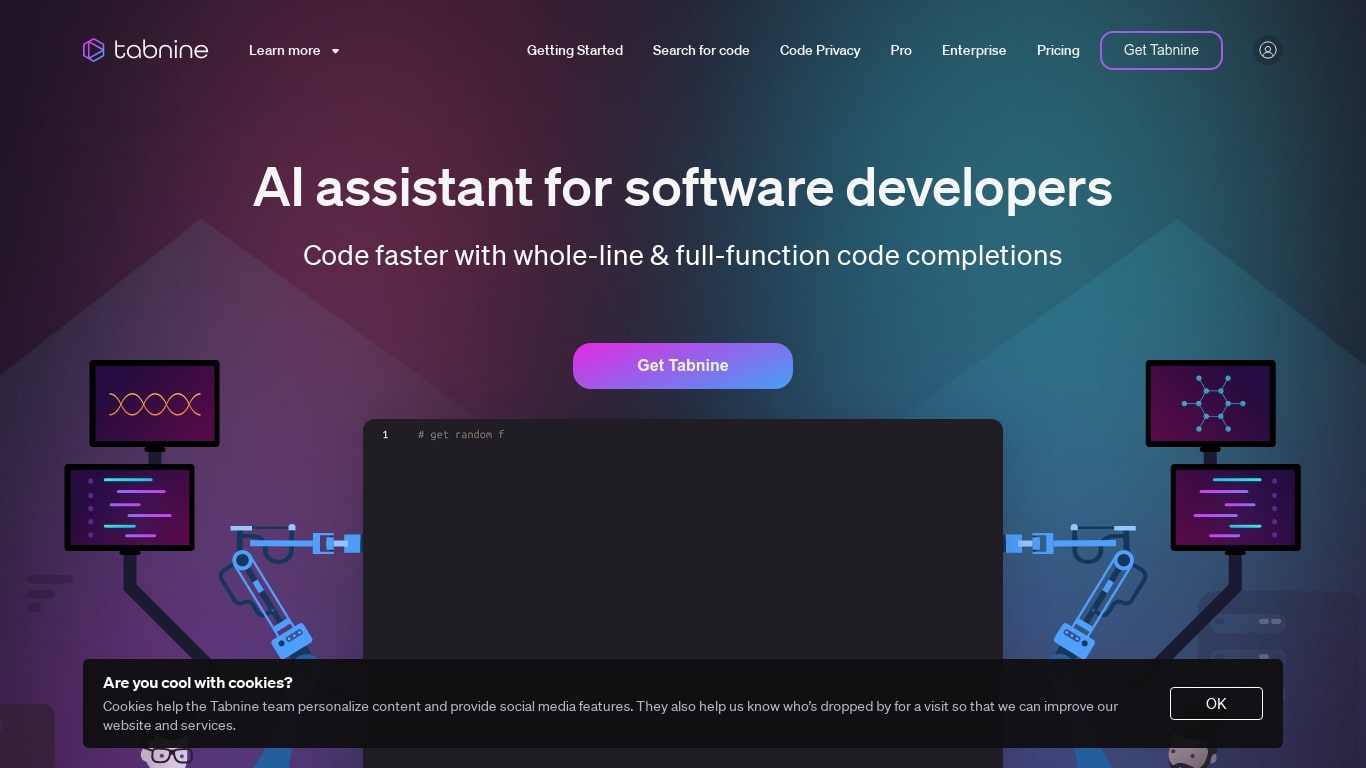
What is Tabnine?
Tabnine is a sophisticated AI coding assistant designed to enhance the efficiency and security of your coding process. It intelligently accelerates the delivery of code by providing real-time, relevant, and context-aware code completions. With Tabnine, you can expect an increase in your productivity, as it automates more than 30% of coding tasks, adapts to your specific coding style, and ensures your code remains private, secure, and compliant with industry standards.
The tool integrates seamlessly with your existing coding environment, enabling a smooth coding experience without the need for extensive configuration. Whether you're working on complex software projects or simple scripts, Tabnine's advanced algorithms and machine learning capabilities provide high-quality suggestions that evolve with your codebase. By streamlining your workflow and safeguarding your code, Tabnine is an indispensable assistant for developers of all skill levels.
Continue Upvotes
Tabnine Upvotes
Continue Top Features
Agent mode handles multi-step development tasks with tool calling and MCP server support
Chat mode answers questions about your codebase without leaving the editor
Edit mode rewrites selected code sections from natural language instructions
Autocomplete suggests inline completions as you type
Continue CLI (cn) brings the same agent workflows to the terminal
Connect any supported LLM provider or run local models through Ollama
Customize prompts, rules, and model roles through config.yaml
Tabnine Top Features
Code Automation: Provides over 30% code automation to boost productivity.
Code Privacy: Ensures that your code remains private and secure.
Compliance: Meets security and compliance standards for safe coding practices.
Custom Adaptation: Adapts to your specific codebase and coding style.
Developer Support: Trusted by millions of developers worldwide for enhancing code delivery.
Continue Category
- Code Assistant
Tabnine Category
- Code Assistant
Continue Pricing Type
- Freemium
Tabnine Pricing Type
- Freemium