Continue vs Warp
In the battle of Continue vs Warp, which AI Code Assistant tool comes out on top? We compare reviews, pricing, alternatives, upvotes, features, and more.
Between Continue and Warp, which one is superior?
Upon comparing Continue with Warp, which are both AI-powered code assistant tools, Warp stands out as the clear frontrunner in terms of upvotes. Warp has garnered 8 upvotes, and Continue has garnered 6 upvotes.
Disagree with the result? Upvote your favorite tool and help it win!
Continue
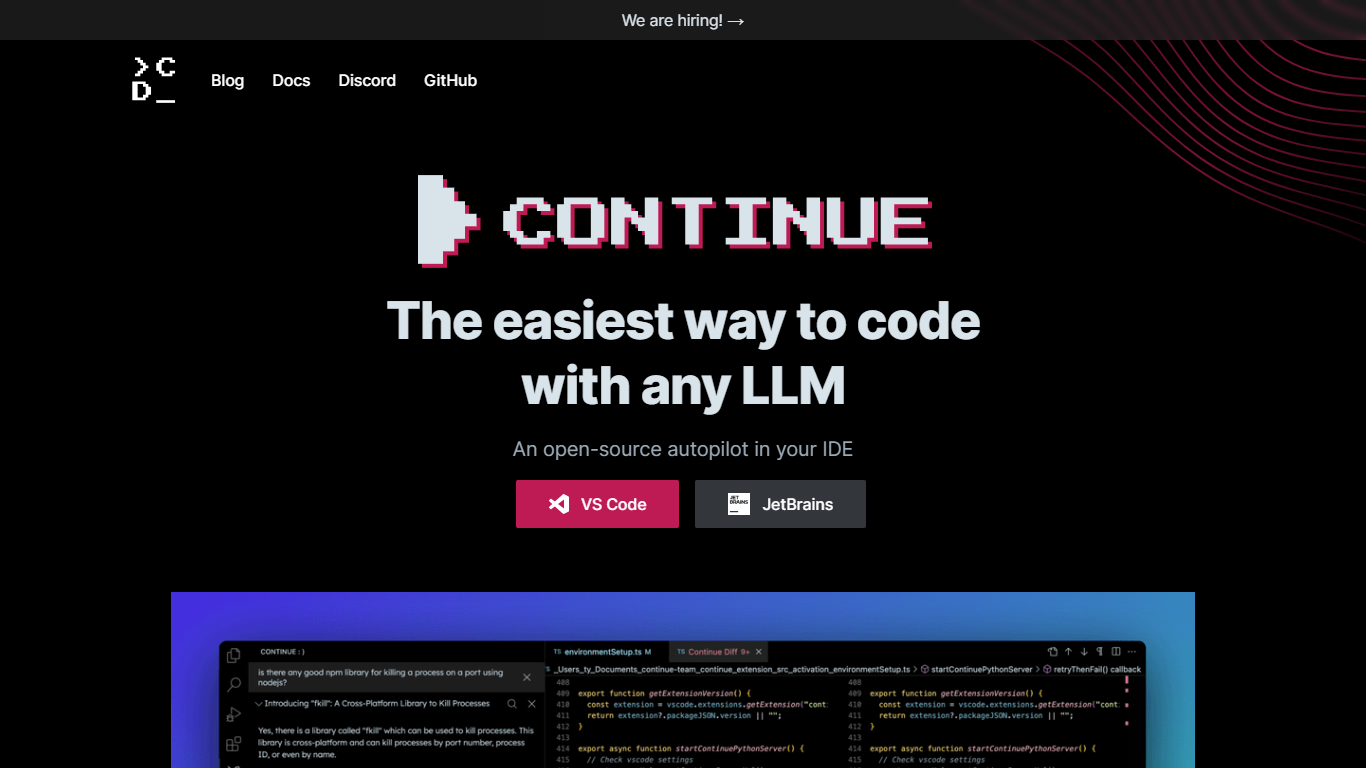

What is Continue?
Continue is an open source AI coding assistant that plugs into VS Code and JetBrains. It adds chat, inline autocomplete, targeted edits, and agent mode inside the editor you already use, so you can ask questions, refactor code, and run multi-step tasks without switching apps.
You bring your own model provider. Continue supports OpenAI, Anthropic, Google, Mistral, Azure, Amazon Bedrock, Ollama, and many others, and lets you assign different models to different roles like chat, edit, autocomplete, and embeddings. Configuration lives in a YAML file you can version with your repo.
Continue also ships a terminal CLI called cn for AI-assisted workflows outside the IDE. In 2026, Continue announced it was acquired by Cursor. The open source codebase and documentation remain available, and the VS Code and JetBrains extensions still install from their marketplaces.
Warp
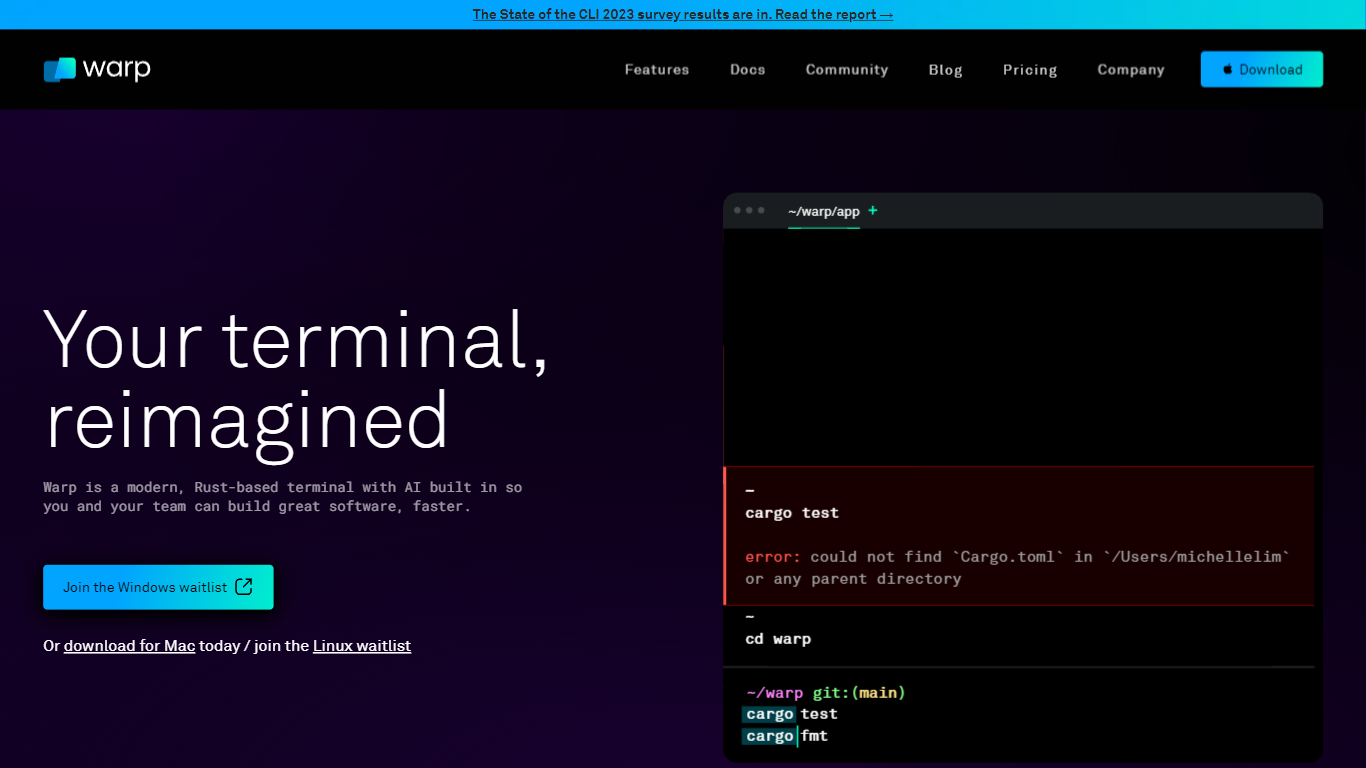
What is Warp?
Warp is revolutionizing the terminal experience for developers worldwide. At its core, Warp is a modern, Rust-based terminal designed to enhance productivity, speed, and efficiency. With a built-in AI and knowledge-sharing tools, Warp offers smart autocompletions and intelligent command executions that significantly accelerate the development process.
In addition to its performance advantages, Warp prioritizes privacy and security, never collecting input or output data and ensuring any saved data is encrypted. The terminal's user interface is highly customizable with popular themes, and the modern text input editor provides a convenient and familiar IDE experience.
Leading developers have praised Warp for its exceptional features such as easy navigation, one-click output copying, and its ability to execute saved workflows on-demand. The terminal is not just about speed; it's about providing a seamless and smart development environment that resonates with today's technological demands. Warp is available for Mac, with a waitlist for Windows and Linux users, promising a future where all developers can benefit from its advanced features.
Continue Upvotes
Warp Upvotes
Continue Top Features
Agent mode handles multi-step development tasks with tool calling and MCP server support
Chat mode answers questions about your codebase without leaving the editor
Edit mode rewrites selected code sections from natural language instructions
Autocomplete suggests inline completions as you type
Continue CLI (cn) brings the same agent workflows to the terminal
Connect any supported LLM provider or run local models through Ollama
Customize prompts, rules, and model roles through config.yaml
Warp Top Features
Smart Autocompletions: Utilize AI-powered tools and knowledge sharing for faster coding.
Modern Text Input Editor: Enjoy a coding experience akin to modern IDEs with advanced text editing.
Increased Efficiency: Speed through tasks with Rust-based performance optimized for quick command execution.
Privacy and Security First: Trust in a terminal that safeguards your data encrypting information at rest.
Customizable UI: Tailor Warp to your preferences with a selection of themes and visual customization options.
Continue Category
- Code Assistant
Warp Category
- Code Assistant
Continue Pricing Type
- Freemium
Warp Pricing Type
- Freemium