Cosine vs Prisma Editor
In the face-off between Cosine vs Prisma Editor, which AI Developer tool takes the crown? We scrutinize features, alternatives, upvotes, reviews, pricing, and more.
When we put Cosine and Prisma Editor head to head, which one emerges as the victor?
If we were to analyze Cosine and Prisma Editor, both of which are AI-powered developer tools, what would we find? The upvote count shows a clear preference for Cosine. Cosine has 7 upvotes, and Prisma Editor has 6 upvotes.
Disagree with the result? Upvote your favorite tool and help it win!
Cosine
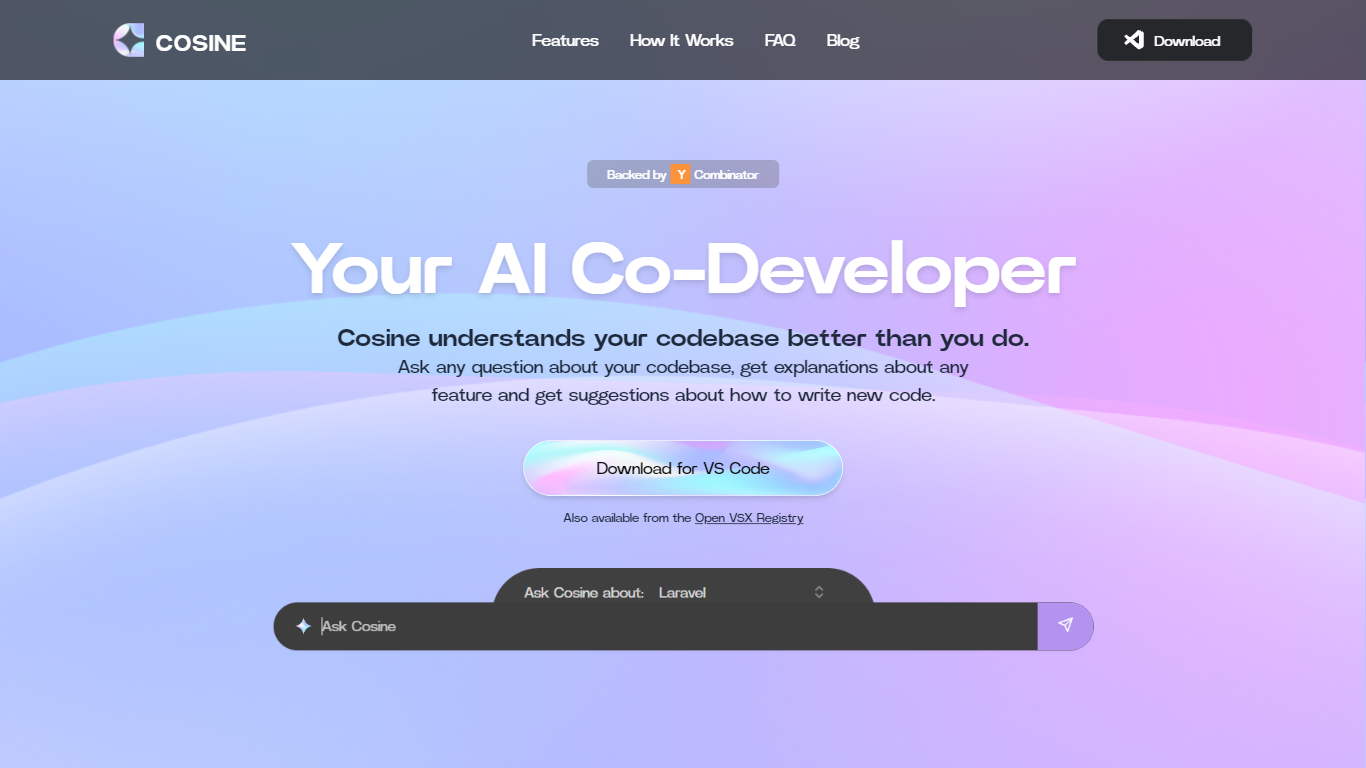

What is Cosine?
Cosine is revolutionizing the way developers interact with their codebase. Acting as an AI-powered co-developer, Cosine is designed to assist programmers by providing immediate, context-aware answers to questions about their code. This tool is not just a simple language model interface; it combines extensive heuristics such as static analysis and semantic search to deliver fully contextual insights. Whether developers seek to locate implementation of features, plan new functionality, or decode complex parts of the code, Cosine steps in to help by understanding the codebase on an intricate level. With features like indexing, semantic search, tagging, and relationship graph creation, Cosine facilitates smoother navigation and understanding of large and intricate codebases. Supported by Y Combinator, this cutting-edge tool is available for VS Code and can also be accessed from the Open VSX Registry, promising a new era of coding efficiency and knowledge transfer.
Prisma Editor
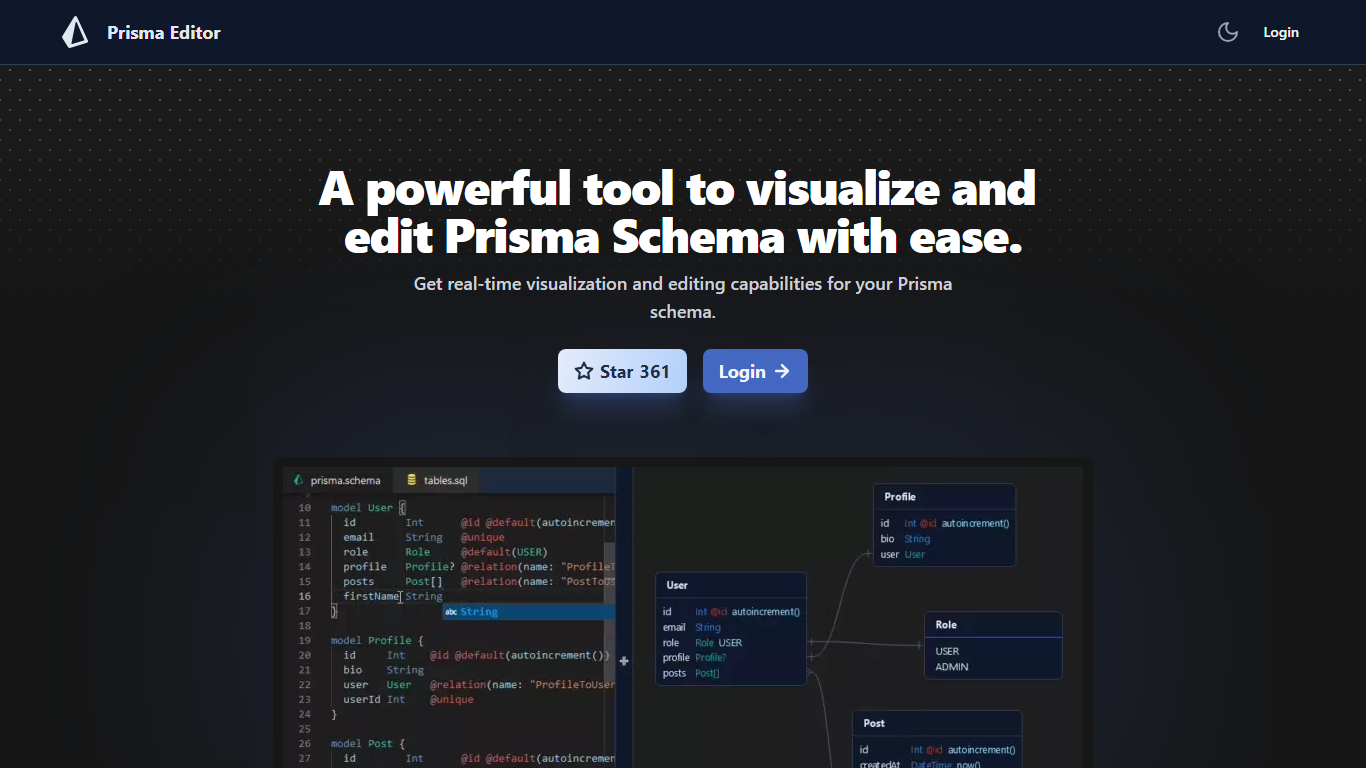
What is Prisma Editor?
Prisma Editor is a browser-based visual editor for Prisma schema files that renders your models as an interactive graph while you edit. Changes update the diagram in real time, and you can tweak fields directly on the graph instead of scrolling through plain text.
Prisma Studio shows data rows, while Prisma Editor focuses on schema design with shareable links and natural-language schema generation through OpenAI. The site labels itself a community project that is not affiliated with Prisma HQ, and the open-source repo on GitHub reports more than 1,000 stars.
TypeScript teams prototyping databases use it to whiteboard relations before committing schema.prisma changes. Login unlocks the editor, and shared links let teammates review the same graph without passing files around.
Cosine Upvotes
Prisma Editor Upvotes
Cosine Top Features
Intelligent Codebase Understanding: In-depth knowledge of your code from graph relationships between files and functions to deep semantic understanding.
Contextual Question Answering: Superhuman level answers to both high-level and nuanced queries about your project.
Heuristic Combination: Use of static analysis semantic search and other heuristics to provide fully contextual answers beyond basic LLM capabilities.
Feature Implementation Guides: Step-by-step guidance on adding new features or modifying existing code.
Ready Accessibility: Download for VS Code also available from the Open VSX Registry making it easy to integrate with existing workflows.
Prisma Editor Top Features
Real-time graph visualization updates as you create or modify Prisma models
Direct schema editing from the visual graph without leaving the diagram view
Shareable schema links for collaborative reviews across a team
OpenAI integration turns natural language prompts into boilerplate schema code
Open-source project on GitHub (mohammed-bahumaish/prisma-editor) with 1,035 stars listed on the homepage
Featured in Awesome Prisma, the T3 collection, and Product Hunt according to site badges
Cosine Category
- Developer
Prisma Editor Category
- Developer
Cosine Pricing Type
- Freemium
Prisma Editor Pricing Type
- Free