Crayo vs Gling
In the battle of Crayo vs Gling, which AI Video Editing tool comes out on top? We compare reviews, pricing, alternatives, upvotes, features, and more.
Between Crayo and Gling, which one is superior?
Upon comparing Crayo with Gling, which are both AI-powered video editing tools, With more upvotes, Crayo is the preferred choice. Crayo has attracted 7 upvotes from aitools.fyi users, and Gling has attracted 4 upvotes.
Think we got it wrong? Cast your vote and show us who's boss!
Crayo
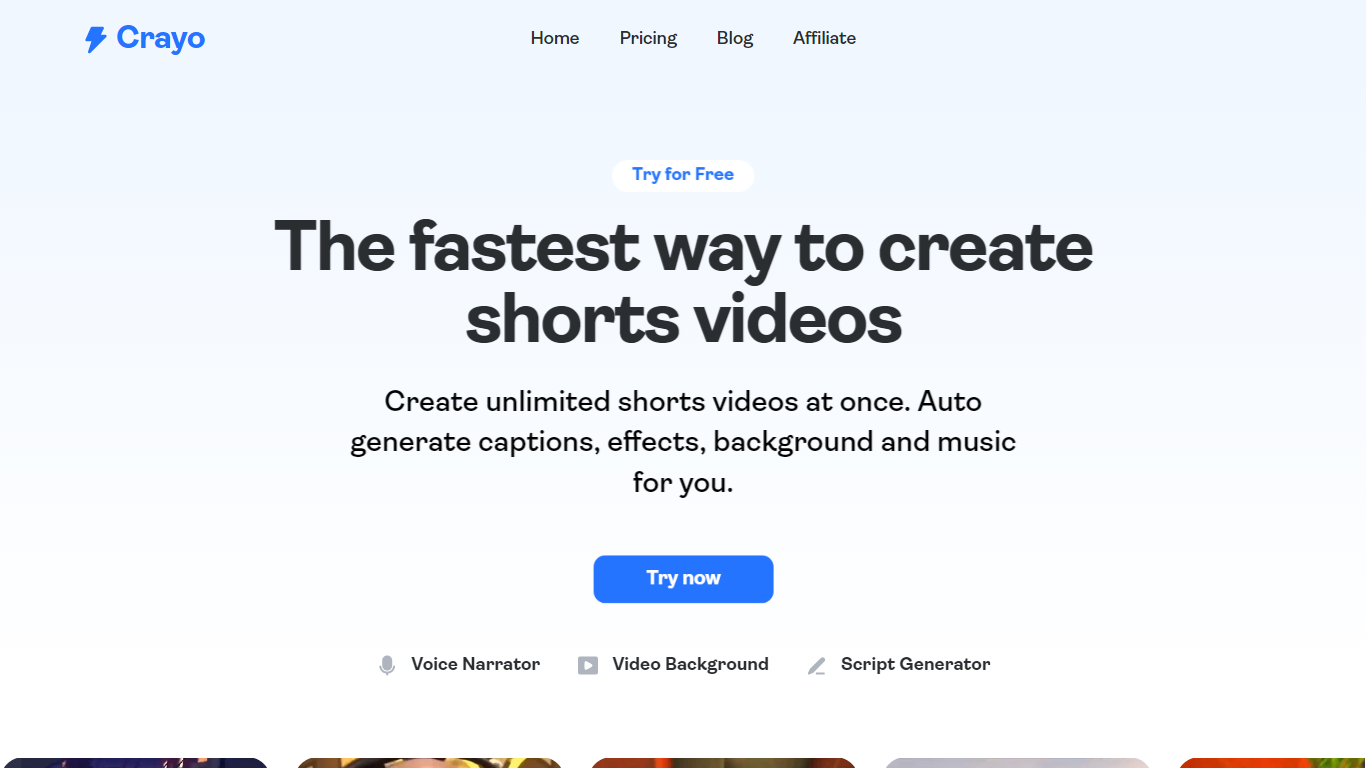

What is Crayo?
Crayo is an all-in-one AI-powered video editing platform designed to help creators produce viral short videos quickly. It supports uploading any video file or using YouTube and TikTok links, then automates editing tasks like clipping, subtitle styling, and voiceover generation. The platform targets influencers, streamers, podcasters, faceless YouTube channels, and agencies who want to scale content creation without manual editing. Crayo offers a web-based editor that feels intuitive and fast, with tools for split-screen videos, Reddit story clips, fake text stories, and automatic clipping of long videos into viral moments.
It also includes AI features like voiceovers with 100+ voices, image generation, voice changing, face swapping, and background removal. Storage and social account tracking are integrated to manage content efficiently. Crayo's value lies in simplifying complex editing workflows, enabling users to focus on content discovery and trend spotting while the AI handles formatting and enhancements. The platform has generated billions of views for over 3 million users worldwide, reflecting its effectiveness in helping creators grow their channels and engage audiences.
Gling

What is Gling?
Gling is desktop video editing software that uses transcription to cut bad takes, silences, and filler words from raw recordings before you export to Premiere, Final Cut Pro, or DaVinci Resolve. Upload a talking-head or voiceover file, review an AI-trimmed timeline, tweak cuts in text form, and download MP4, MP3, or SRT captions. It also generates YouTube titles, chapters, and short viral clips from links.
Manual timeline scrubbing eats hours on repetitive cleanup, while Gling automates the boring first pass and leaves creative decisions to you. That trade-off suits creators who record long sessions but do not want a fully automated publish pipeline. Desktop-only delivery keeps processing local-friendly, though you need a Mac or PC rather than a browser tab.
YouTube creators and podcast-style video makers use Gling to shrink edit time on tutorials, vlogs, and multicam sessions. The free plan includes 1 hour of AI-edited media per month with watermarked exports, Plus costs $20 per month with 10 hours, and Pro adds 30 hours without watermarks plus premium support.
Crayo Upvotes
Gling Upvotes
Crayo Top Features
🎬 Auto Clip: AI finds best moments in long videos and creates ready-to-post clips quickly.
🗣️ AI Voiceover: Generate engaging voiceovers with over 100 high-quality AI voices.
🖼️ AI Image Generator: Create stunning images instantly using prompt enhancement tools.
🔀 Split Screen Videos: Easily produce viral split screen clips with a few clicks.
🛠️ Background Remover: Remove video and image backgrounds for professional-looking content.
Gling Top Features
Automatically remove bad takes, silences, and filler words from uploaded recordings
Edit cuts through a text-based transcript instead of scrubbing the timeline manually
Export XML projects to Adobe Premiere, Final Cut Pro, or DaVinci Resolve
Generate AI captions, YouTube titles, chapters, and viral clips from links
Plus plan includes 10 hours of AI-edited media per month for $20
Crayo Category
- Video Editing
Gling Category
- Video Editing
Crayo Pricing Type
- Paid
Gling Pricing Type
- Freemium