Create Ai Voiceovers vs SpeechGPT
When comparing Create Ai Voiceovers vs SpeechGPT, which AI Audio Generation tool shines brighter? We look at pricing, alternatives, upvotes, features, reviews, and more.
Between Create Ai Voiceovers and SpeechGPT, which one is superior?
When we put Create Ai Voiceovers and SpeechGPT side by side, both being AI-powered audio generation tools, Neither tool takes the lead, as they both have the same upvote count. Join the aitools.fyi users in deciding the winner by casting your vote.
Not your cup of tea? Upvote your preferred tool and stir things up!
Create Ai Voiceovers
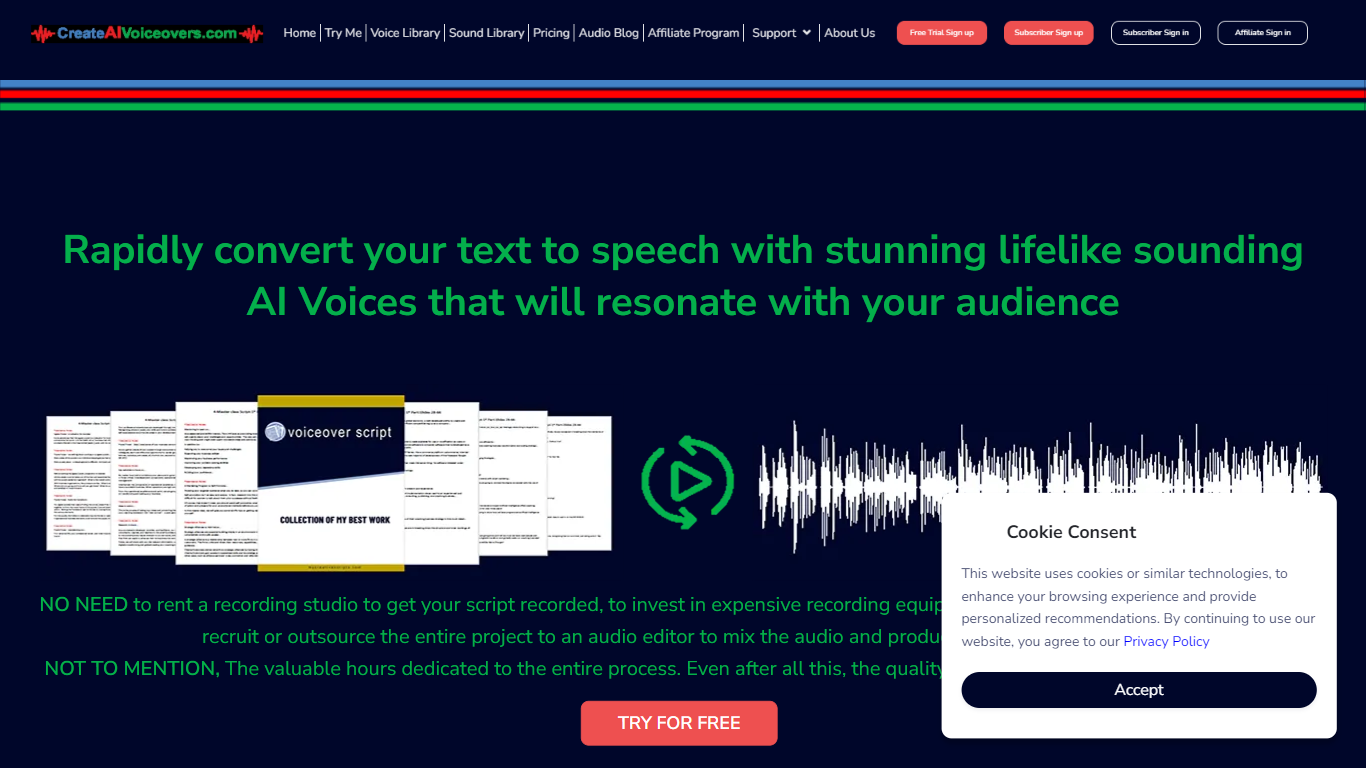

What is Create Ai Voiceovers?
Create realistic and lifelike AI voiceovers in an instant with the cutting-edge online voice generation tool. Leveraging sophisticated synthetic speech technology, the tool crafts AI voices that emulate human-like pitch, tone, and cadence, transforming plain text into spoken words that echo natural voicing. Whether for personal projects, e-learning, presentations, or any form of digital content, this AI-powered service offers a seamless and quick solution for professional-grade voiceovers without the need for costly studios or equipment. With an extensive library of diverse voices and sounds, users can select and customize their voiceovers to align perfectly with their intended message and audience.
SpeechGPT

What is SpeechGPT?
SpeechGPT lets you hold voice conversations in the browser using your own OpenAI API key. You type or record messages, send them through a chat interface, and hear spoken replies without installing desktop software.
Unlike hosted TTS services that bundle model costs into a subscription, SpeechGPT runs in the browser and bills you only through the OpenAI, Azure Speech Services, or Amazon Polly accounts you connect. That makes it a lightweight option for developers and language learners who already have API access and want a simple voice chat front end.
The interface supports English, Spanish, and Chinese UI labels, includes a record button for speech input, and stores session data locally in the browser. It suits developers testing voice chat flows, language learners practicing spoken prompts, and anyone who wants a minimal ChatGPT voice client on mobile or desktop.
Create Ai Voiceovers Upvotes
SpeechGPT Upvotes
Create Ai Voiceovers Top Features
Extensive Voice Library: Access a broad range of AI voices to find the perfect match for your content.
Real-Time Voice Generation: Convert text to speech instantly with high-quality output.
Customizable Speech: Fine-tune pitch tone and pace to meet the specific needs of your project.
Background Music and Sound Effects: Enhance your voiceover with additional audio elements for a complete production.
Easy Integration: Import text from TXT or MS Word files seamlessly into the voiceover generator.
SpeechGPT Top Features
Chat interface accepts typed messages or recorded speech input with Enter to send
Requires your OpenAI API key in settings before the app will run conversations
Optional Azure Speech Services or Amazon Polly access keys for alternate text-to-speech backends
UI available in English, Spanish, and Chinese from the in-app language selector
Shift plus Enter inserts a newline without sending the message
Runs as a web app on Vercel with no separate desktop install required
Create Ai Voiceovers Category
- Audio Generation
SpeechGPT Category
- Audio Generation
Create Ai Voiceovers Pricing Type
- Freemium
SpeechGPT Pricing Type
- Free