Anything (formerly Create) vs PSEUDO.AI
Dive into the comparison of Anything (formerly Create) vs PSEUDO.AI and discover which AI Developer tool stands out. We examine alternatives, upvotes, features, reviews, pricing, and beyond.
When comparing Anything (formerly Create) and PSEUDO.AI, which one rises above the other?
When we compare Anything (formerly Create) and PSEUDO.AI, two exceptional developer tools powered by artificial intelligence, and place them side by side, several key similarities and differences come to light. There's no clear winner in terms of upvotes, as both tools have received the same number. Join the aitools.fyi users in deciding the winner by casting your vote.
Feeling rebellious? Cast your vote and shake things up!
Anything (formerly Create)
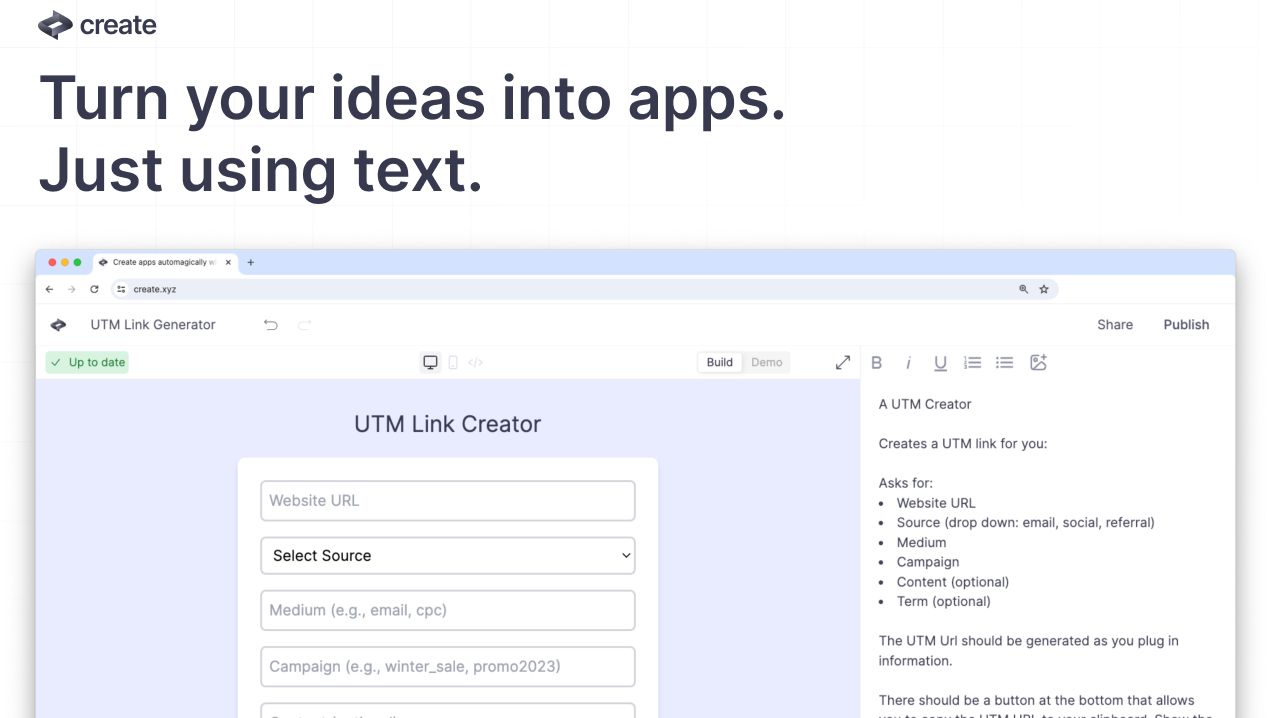

What is Anything (formerly Create)?
Anything, formerly Create, turns natural language prompts into web apps, mobile apps, sites, and tools with real code under the hood. Describe what you want and the platform plans, writes, and updates projects while handling design, databases, auth, payments, and AI model calls in one workspace. It targets founders and builders who want shipped software without wiring every integration manually.
Compared with code-only copilots, Anything ships a full builder stack: Postgres databases with 1GB or more free per app, Stripe payments, email and social login, storage, and 40 plus integrations without API keys. The trade-off is less low-level control than hand-coding every file, but faster path from prompt to hosted product.
The agent searches the web for API docs, generates assets, auto-fixes errors, and refactors large projects past 100k lines of code. You can launch web apps with custom domains and ship iOS and Android builds toward the App Store from the same backend.
Non-technical founders, indie hackers, and product teams use Anything to validate ideas, publish subscription apps, and iterate in plain English instead of juggling separate hosting, database, and payment setups.
PSEUDO.AI

What is PSEUDO.AI?
PSEUDO.AI turns source code into human-readable pseudocode in your browser. You enter a prompt or code snippet, pick a language, and the app returns plain-language steps that read like structured pseudocode rather than raw syntax. It runs on the web at pseudoai.vercel.app with no install, and targets teams who need to explain implementation details to people who do not read code daily.
Most code explainers summarize what a snippet does in prose. PSEUDO.AI keeps the output closer to pseudocode structure, which makes handoffs to designers, product owners, or junior developers easier to scan. The trade-off is focus: it is built for pseudocode conversion, not debugging, testing, or repo-wide documentation. That narrow scope is the point when the goal is shared comprehension, not a full IDE workflow.
Software developers use it to translate tricky logic before code reviews or stakeholder meetings. Computer science students and instructors lean on it when a textbook example needs a readable walkthrough. Product managers and mentors who sit in technical discussions but do not write production code get a format they can follow without parsing braces and semicolons.
Anything (formerly Create) Upvotes
PSEUDO.AI Upvotes
Anything (formerly Create) Top Features
Natural language prompts generate and update full-stack web and mobile app code
Built-in Postgres dev and production databases with 1GB or more free per app
Stripe payments, authentication, storage, and 40 plus integrations without API keys
Access to GPT-5, o3, Claude Sonnet 4.6, Gemini 2.5, and other frontier models in prompts
Ship iOS and Android apps plus web projects from one shared backend
Automatic error detection, web search for API docs, and refactoring for 100k plus line projects
PSEUDO.AI Top Features
Choose from 12 languages on the converter page, including C, C++, C#, Java, Python 3, JavaScript, Node.js, PHP, Kotlin, Swift, and SQL.
Runs entirely in the browser at pseudoai.vercel.app with no downloads required, per the homepage FAQ.
Uses an OpenAI-trained GPT model to generate pseudocode from your code input, according to the site FAQ.
Three-step workflow on the converter: enter a prompt or topic, pick a language, then click GO and copy the output.
Homepage FAQ lists Java, Python, C++, and JavaScript among supported languages, with a broader list on the live converter.
Anything (formerly Create) Category
- Developer
PSEUDO.AI Category
- Developer
Anything (formerly Create) Pricing Type
- Freemium
PSEUDO.AI Pricing Type
- Free