CubeOne vs Glimmer AI
Explore the showdown between CubeOne vs Glimmer AI and find out which AI Presentation tool wins. We analyze upvotes, features, reviews, pricing, alternatives, and more.
When comparing CubeOne and Glimmer AI, which one rises above the other?
When we contrast CubeOne with Glimmer AI, both of which are exceptional AI-operated presentation tools, and place them side by side, we can spot several crucial similarities and divergences. Interestingly, both tools have managed to secure the same number of upvotes. Be a part of the decision-making process. Your vote could determine the winner.
Does the result make you go "hmm"? Cast your vote and turn that frown upside down!
CubeOne

What is CubeOne?
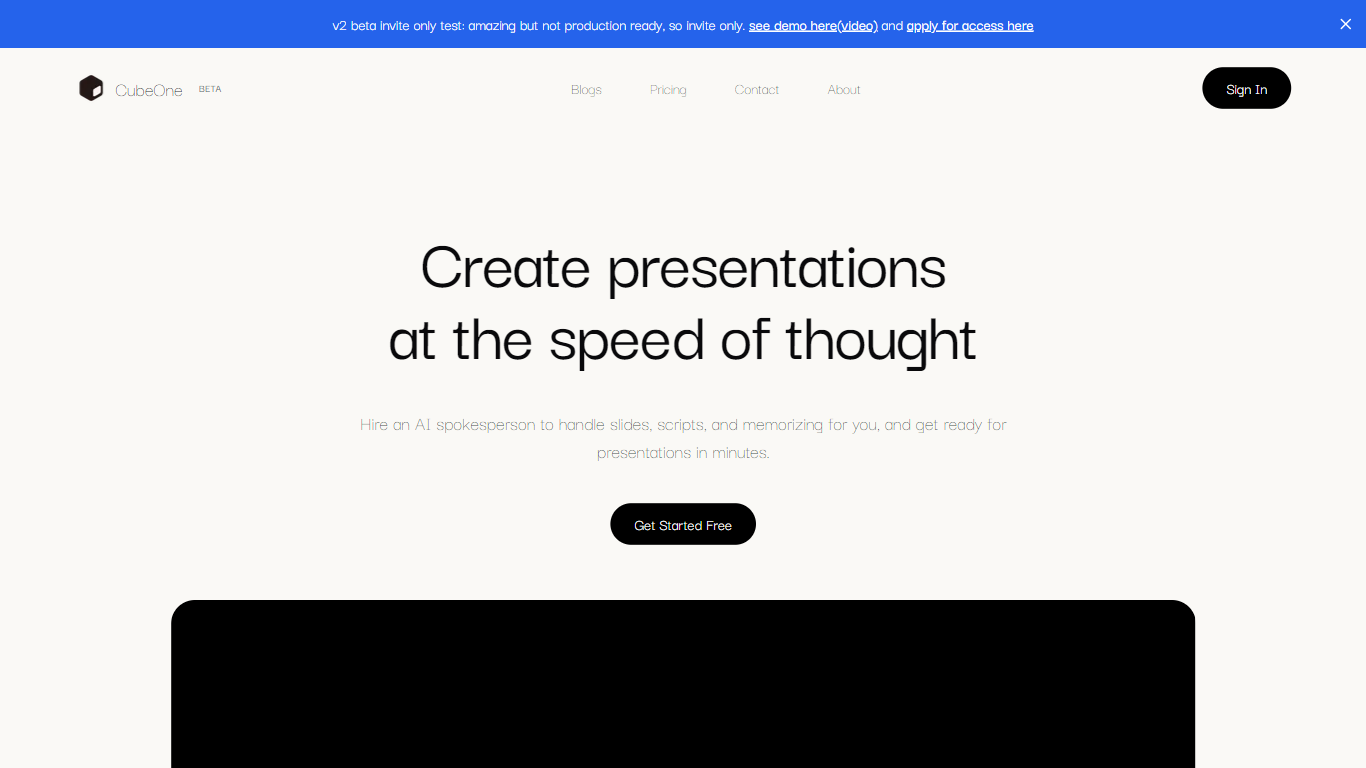
CubeOne is an AI presentation maker that turns a short prompt or an imported PowerPoint file into designed slides you can still edit like a normal deck. You describe what you need, or drop in a .pptx, and it builds slides where every text box, image, and shape stays draggable and editable. Export back to PowerPoint or move into Canva whenever you want.
Most AI slide tools lock you into templates or flatten output into images you cannot tweak. CubeOne keeps native slide objects underneath, so you get freeform editing plus one-click Beautify that redesigns a rough draft into a polished slide. You can also draw a region on a slide and describe what to generate there, or chat with the built-in AI to restyle a slide in plain language.
It fits sales teams rebuilding pitch decks, founders shipping investor updates, educators turning lesson notes into visuals, and anyone who lives in slides but does not want to spend an hour on layout. Plans start at $15 per month after a free trial that redesigns your first three slides with no card required.
Glimmer AI
What is Glimmer AI?
Glimmer AI is a presentation generator that turns a written or spoken brief into a slide deck with visuals. You describe the topic, the tool builds the deck with GPT-3 copy and DALL-E 2 images, then lets you revise slides through text or microphone commands before exporting to PPTX or PDF.
Most AI deck builders stop at a first draft you still have to fix slide by slide. Glimmer AI bakes voice and text editing into the same workflow, so you can say what to change instead of hunting through menus. The site also advertises a public API, viewer analytics, mixed-reality viewing, and team collaboration on its roadmap, though those pieces are not live yet.
The product is still on a waitlist ahead of its stable release, which makes it a fit for early adopters who want to test a voice-driven deck builder before committing to a paid presentation suite. Marketers, educators, and founders who pitch often and want faster first drafts are the clearest audience today.
CubeOne Upvotes
Glimmer AI Upvotes
CubeOne Top Features
Import any .pptx file and keep every slide element editable instead of flattened images
One-click Beautify redesigns rough content into a polished slide layout
Plus plan includes 6,000 credits per month; Pro includes 16,000 credits at $40 per month
Draw a region on a slide and describe what to generate inside that space
Built-in AI chat edits slides from plain-language prompts like restyle or add images
Export decks back to PowerPoint or move them into Canva without losing editability
Glimmer AI Top Features
Builds full slide decks from a single text or voice prompt using GPT-3 and DALL-E 2
Edit slides afterward with typed commands or microphone input inside the same session
Export finished decks to PPTX or PDF with one click
Waitlist members receive a unique code for free credits at the stable release
Roadmap lists a public API, viewer analytics, mixed-reality viewing, and team collaboration
CubeOne Category
- Presentation
Glimmer AI Category
- Presentation
CubeOne Pricing Type
- Freemium
Glimmer AI Pricing Type
- Freemium