
Last updated 08-12-2026
Category:
Reviews:
Join thousands of AI enthusiasts in the World of AI!
CubeOne
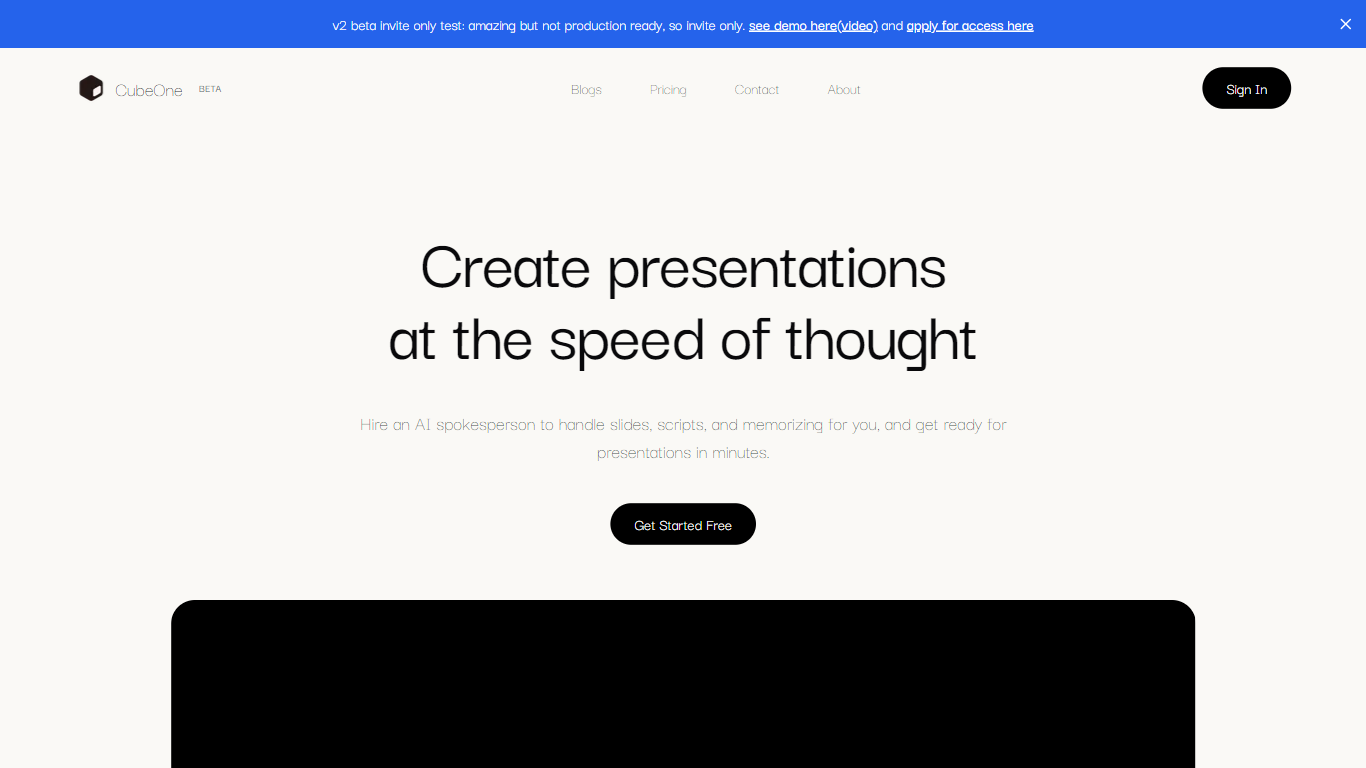
CubeOne is an AI presentation maker that turns a short prompt or an imported PowerPoint file into designed slides you can still edit like a normal deck. You describe what you need, or drop in a .pptx, and it builds slides where every text box, image, and shape stays draggable and editable. Export back to PowerPoint or move into Canva whenever you want.
Most AI slide tools lock you into templates or flatten output into images you cannot tweak. CubeOne keeps native slide objects underneath, so you get freeform editing plus one-click Beautify that redesigns a rough draft into a polished slide. You can also draw a region on a slide and describe what to generate there, or chat with the built-in AI to restyle a slide in plain language.
It fits sales teams rebuilding pitch decks, founders shipping investor updates, educators turning lesson notes into visuals, and anyone who lives in slides but does not want to spend an hour on layout. Plans start at $15 per month after a free trial that redesigns your first three slides with no card required.
Import any .pptx file and keep every slide element editable instead of flattened images
One-click Beautify redesigns rough content into a polished slide layout
Plus plan includes 6,000 credits per month; Pro includes 16,000 credits at $40 per month
Draw a region on a slide and describe what to generate inside that space
Built-in AI chat edits slides from plain-language prompts like restyle or add images
Export decks back to PowerPoint or move them into Canva without losing editability
Keeps every slide element as a native editable object instead of locked HTML or flat images
Imports existing .pptx decks and exports back to PowerPoint without losing editability
One-click Beautify handles layout, spacing, and styling from rough content you provide
Free trial redesigns three slides with no credit card before you commit to a plan
Region-based generation lets you place titles, charts, or images exactly where you draw
Full features require a paid subscription starting at $15 per month after the three-slide trial
Credit-based plans may limit heavy users who generate many slides daily
No dedicated mobile app; CubeOne runs in the browser only
Enterprise API integrations require a custom engagement rather than self-serve signup
Is CubeOne free to try?
Yes. CubeOne lets you upload a deck at getcube.one/fix-slides and AI redesigns your first three slides at no cost with no credit card required. Full app access, including whole-deck redesign and PPTX download, requires a paid plan starting at $15 per month.
Can CubeOne import PowerPoint files?
Yes. CubeOne imports .pptx files and keeps slides fully editable rather than flattening them into images. You can pick up an existing deck, edit elements freely, and export back to PowerPoint when finished.
How much does CubeOne cost?
CubeOne offers Plus at $15 per month with 6,000 credits, Pro at $40 per month with 16,000 credits, and Ultra at $200 per month with 100,000 credits. All paid plans include unlimited projects and access to models like Fable 5 and Gemini 3.1 Pro.
How is CubeOne different from Gamma?
CubeOne generates slides freely rather than binding output to a fixed template library. Every text box, image, and shape remains a native editable object you can drag anywhere, similar to PowerPoint or Canva, so you are not locked into preset layouts.
Can I edit CubeOne slides with AI chat?
Yes. CubeOne includes a built-in AI chat that edits the selected slide from conversational prompts. You can ask it to restyle a slide, add images, or match a reference aesthetic without adjusting every element by hand.
Does CubeOne work with Canva and PowerPoint?
Yes. CubeOne exports decks back to PowerPoint at any time and is designed to move slides between PowerPoint and Canva. Your work stays portable across the tools you already use rather than locked inside CubeOne.