
Last updated 08-31-2026
Category:
Reviews:
Join thousands of AI enthusiasts in the World of AI!
Slides.bot
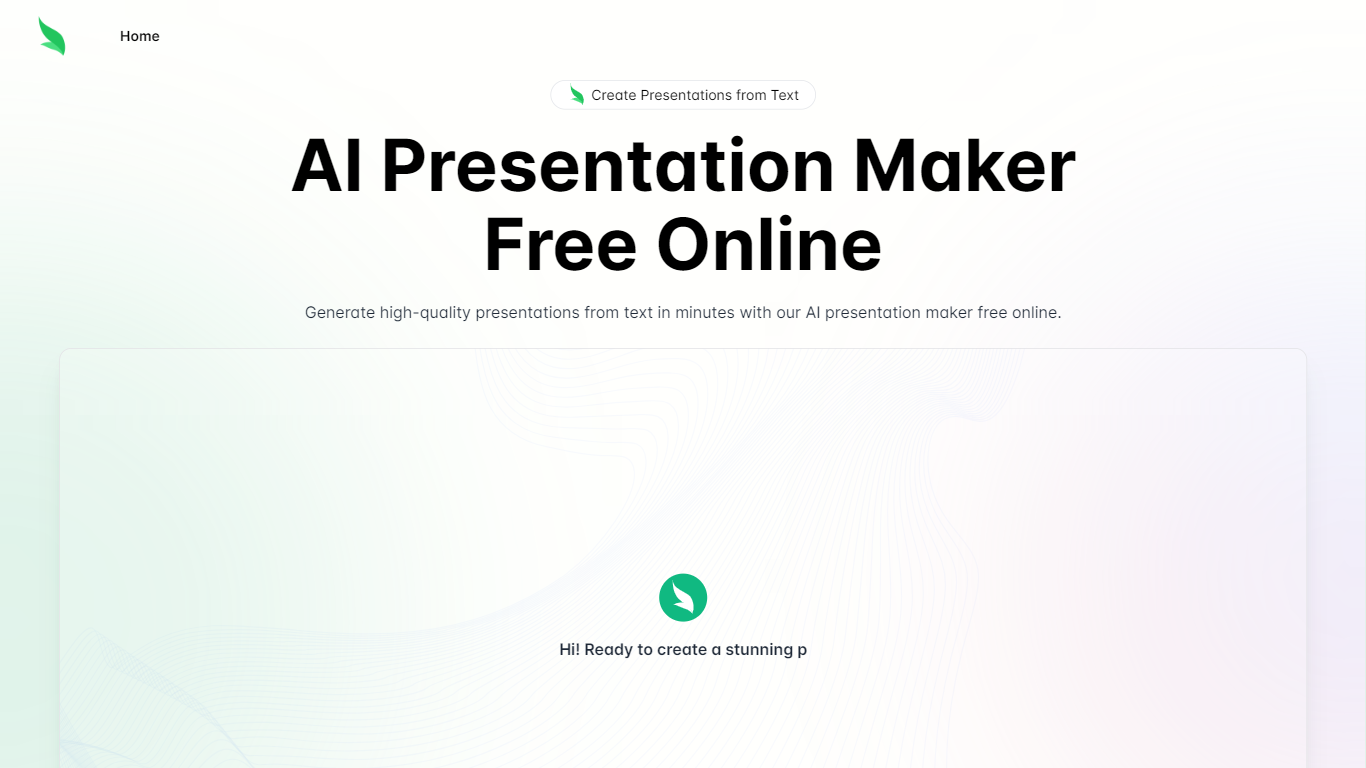
Slides.bot is a free online presentation maker that turns a topic or block of text into a finished slide deck. You sign up for an account, enter a prompt, adjust the layout and visuals, then download the result. It targets anyone who needs slides quickly without building each one from scratch.
The site is powered by GPT-4o and focuses on text-to-presentation conversion rather than manual slide design. It generates structured slides from your input, offers customizable templates, and supports multiple languages for international audiences.
Slides.bot fits business decks, classroom lectures, and creative projects where speed matters more than pixel-perfect manual design. The workflow is built around prompt in, edit, download out.
Homepage title states the deck generator runs on GPT-4o for text-to-slide output
Site alternates cover 8 locales including English, Spanish, French, German, Russian, Japanese, Arabic, and Portuguese
Four-step workflow: register an account, enter a prompt, customize slides, then download
Customize templates, text, images, and layout before you download
Add images, charts, and graphs to make data-heavy decks more readable
Free online access with no paid plans listed on the site
Text-to-slide workflow skips starting from a blank deck
Multi-language output helps teams and classrooms outside English-only markets
Built-in editing step lets you adjust text, images, and layout before download
Account registration is required before you can generate presentations
No public pricing page, so usage limits or future paid tiers are unclear
The site is a single landing page with no dedicated docs, privacy, or terms pages found
Is Slides.bot free to use?
Yes. Slides.bot markets itself as a free online presentation maker with high-quality generation at no cost. The site does not list paid plans or a dedicated pricing page.
How does Slides.bot turn text into slides?
Slides.bot asks you to register, enter a topic or prompt, then analyzes and organizes that text into structured slides. You can customize text, images, and design elements before downloading the finished deck.
Do I need an account to use Slides.bot?
Yes. Slides.bot's getting-started steps require registering an account on the platform before you can generate and download presentations.
What AI model does Slides.bot use?
Slides.bot's homepage title states the service is powered by GPT-4o. The site uses that model to generate presentation content from your text input.
What types of presentations can I create with Slides.bot?
Slides.bot is positioned for business, education, and creative presentations. The site describes use cases ranging from professional decks to classroom and project slides.
Does Slides.bot support multiple languages?
Yes. Slides.bot lists multi-language support as a core feature, allowing users to generate presentations suited to different linguistic and cultural contexts.