
Last updated 08-11-2026
Category:
Reviews:
Join thousands of AI enthusiasts in the World of AI!
MindShow
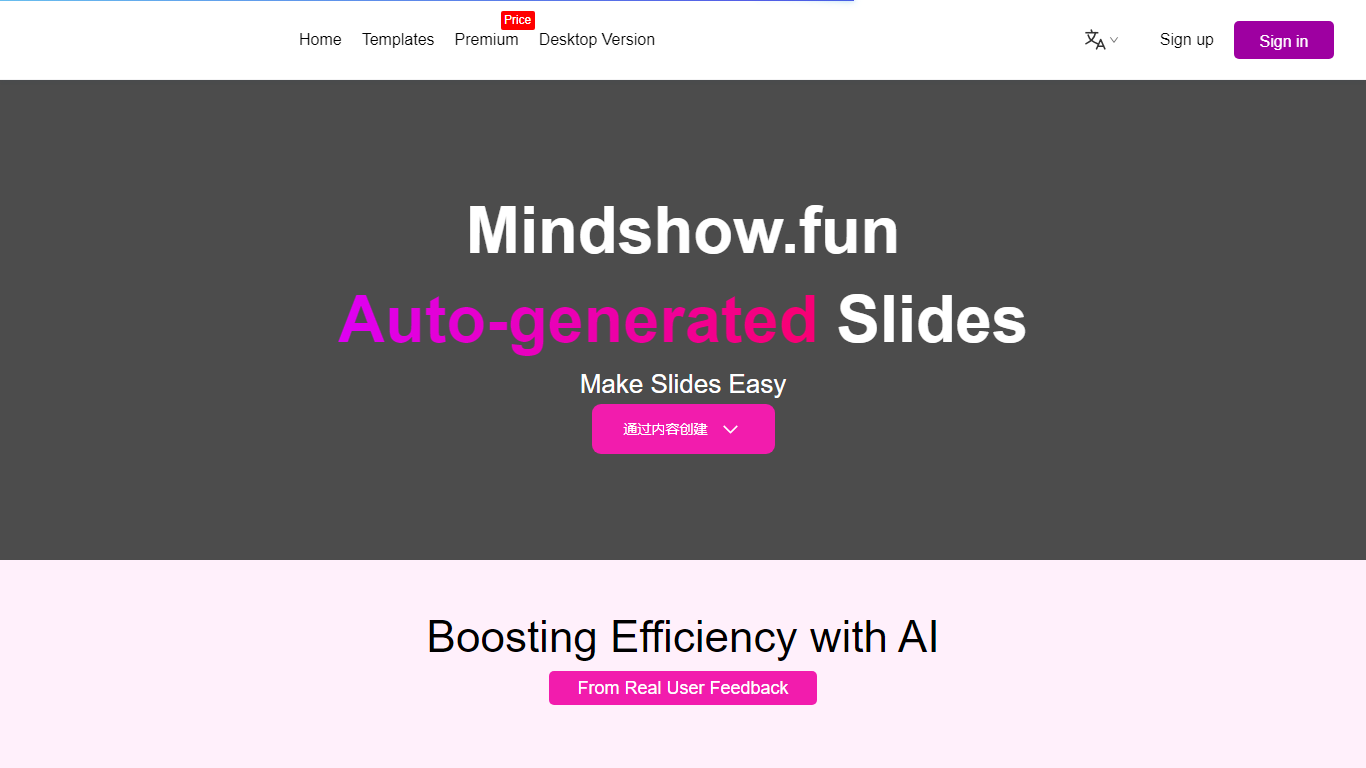
MindShow is an online presentation builder that turns a title, pasted text, or uploaded file into a finished slide deck. You can start from a prompt, drop in a Word or PDF file, or import Markdown and mind maps, then let the tool generate layouts, graphics, and animations automatically. It fits anyone who needs a PPT fast without rebuilding every slide by hand.
Where many slide tools stop at blank templates, MindShow pushes import paths and long-document handling. The site lists dedicated flows for Markdown, Word, PDF, PPTX redesign, mind maps in .xmind and .mm, plain text, image analysis, and long-text summaries up to 100,000 words. That breadth matters if your source material already lives outside the presentation app.
Office workers, teachers, and students use it for work reports, product decks, and defense presentations. MindShow also offers a downloadable desktop application, publishes help at mindshow.fun/help, and lists [email protected] for contact.
Generate a full PPT from a title, uploaded document, or pasted text
Import Markdown, Word .docx, PDF, PPTX, and mind maps in .xmind or .mm formats
Summarize long text up to 100,000 words into a condensed presentation
Switch between multiple themes and layouts with one click after generation
Edit generated content in an outline view before exporting to PPTX
Desktop application available alongside the browser-based editor
Wide import coverage from Markdown, Word, PDF, PPTX, and mind maps
Long-text summarization supports documents up to 100,000 words
Outline editing and one-click theme switching speed up revisions
Public pricing details are not shown on the fetched premium page
Many premium templates require a VPlus plan badge
Asia-focused domain split between mindshow.fun and mindshow.ai may confuse new users
What file types can MindShow import?
MindShow converts Markdown, Word .docx, PDF, PPTX, plain text, and mind maps in .xmind or .mm formats into presentations. The help docs also mention Logseq and other document formats for direct PPT conversion.
How does MindShow create a presentation from a title?
MindShow lets you enter a title on the homepage and click AI Generate to build a deck from scratch. The help center says this flow can produce slides with images and animations without manual layout work.
Can MindShow handle very long documents?
Yes. MindShow advertises a Long Text Summary PPT feature that condenses inputs up to 100,000 words into a presentation. This is separate from its shorter text-to-PPT import option.
Does MindShow export to PowerPoint?
MindShow supports online presentation and export to PPTX. The homepage highlights both presenting in the browser and downloading a PowerPoint-compatible file when you finish editing.
Is there a MindShow desktop app?
MindShow promotes a downloadable Application from its homepage with a Download Now button. The web editor remains the primary creation flow shown in the product navigation.
How do I contact MindShow support?
MindShow lists [email protected] in the site footer and publishes documentation at mindshow.fun/help. The help page also notes mindshow.ai and mindshow.fun as official domains.