Glimmer AI vs MindShow
In the contest of Glimmer AI vs MindShow, which AI Presentation tool is the champion? We evaluate pricing, alternatives, upvotes, features, reviews, and more.
If you had to choose between Glimmer AI and MindShow, which one would you go for?
When we examine Glimmer AI and MindShow, both of which are AI-enabled presentation tools, what unique characteristics do we discover? The upvote count is neck and neck for both Glimmer AI and MindShow. The power is in your hands! Cast your vote and have a say in deciding the winner.
Feeling rebellious? Cast your vote and shake things up!
Glimmer AI

What is Glimmer AI?
Glimmer AI is a presentation generator that turns a written or spoken brief into a slide deck with visuals. You describe the topic, the tool builds the deck with GPT-3 copy and DALL-E 2 images, then lets you revise slides through text or microphone commands before exporting to PPTX or PDF.
Most AI deck builders stop at a first draft you still have to fix slide by slide. Glimmer AI bakes voice and text editing into the same workflow, so you can say what to change instead of hunting through menus. The site also advertises a public API, viewer analytics, mixed-reality viewing, and team collaboration on its roadmap, though those pieces are not live yet.
The product is still on a waitlist ahead of its stable release, which makes it a fit for early adopters who want to test a voice-driven deck builder before committing to a paid presentation suite. Marketers, educators, and founders who pitch often and want faster first drafts are the clearest audience today.
MindShow
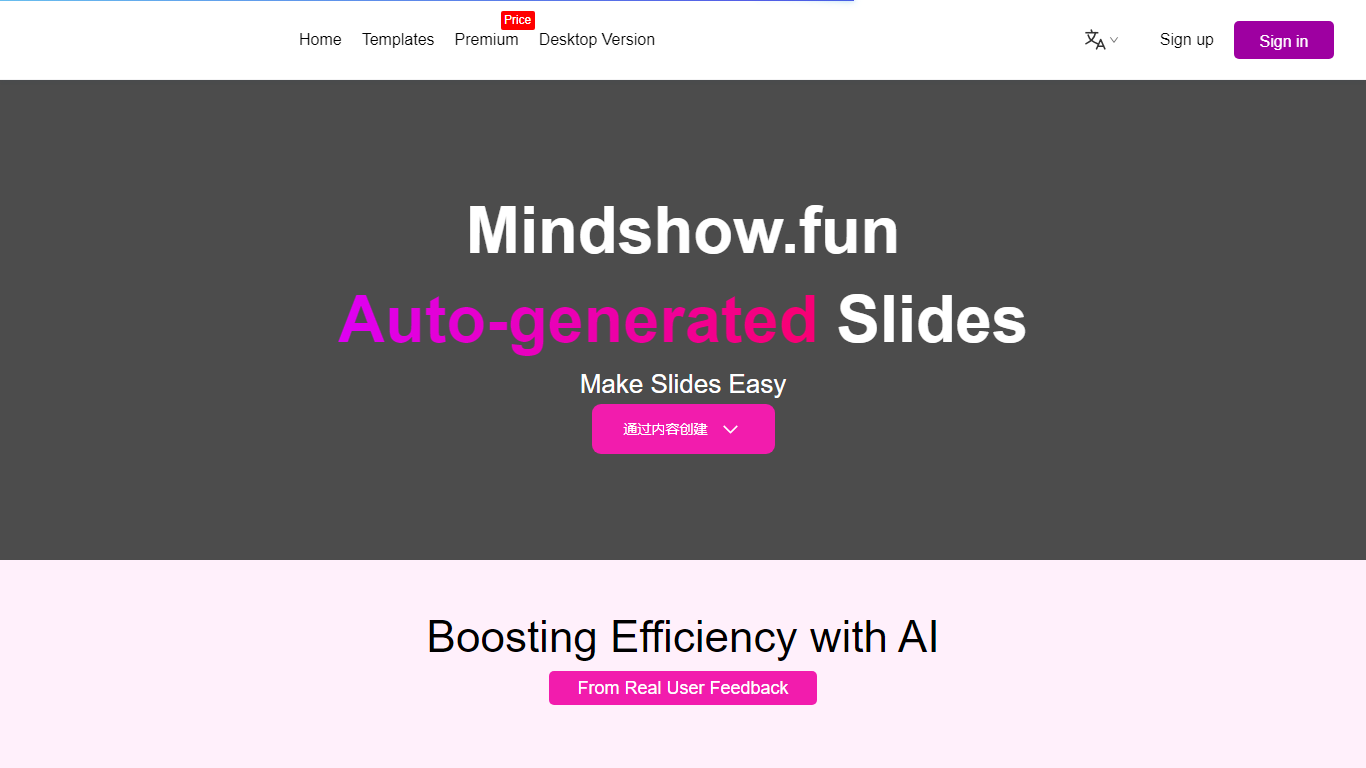
What is MindShow?
MindShow is an online presentation builder that turns a title, pasted text, or uploaded file into a finished slide deck. You can start from a prompt, drop in a Word or PDF file, or import Markdown and mind maps, then let the tool generate layouts, graphics, and animations automatically. It fits anyone who needs a PPT fast without rebuilding every slide by hand.
Where many slide tools stop at blank templates, MindShow pushes import paths and long-document handling. The site lists dedicated flows for Markdown, Word, PDF, PPTX redesign, mind maps in .xmind and .mm, plain text, image analysis, and long-text summaries up to 100,000 words. That breadth matters if your source material already lives outside the presentation app.
Office workers, teachers, and students use it for work reports, product decks, and defense presentations. MindShow also offers a downloadable desktop application, publishes help at mindshow.fun/help, and lists [email protected] for contact.
Glimmer AI Upvotes
MindShow Upvotes
Glimmer AI Top Features
Builds full slide decks from a single text or voice prompt using GPT-3 and DALL-E 2
Edit slides afterward with typed commands or microphone input inside the same session
Export finished decks to PPTX or PDF with one click
Waitlist members receive a unique code for free credits at the stable release
Roadmap lists a public API, viewer analytics, mixed-reality viewing, and team collaboration
MindShow Top Features
Generate a full PPT from a title, uploaded document, or pasted text
Import Markdown, Word .docx, PDF, PPTX, and mind maps in .xmind or .mm formats
Summarize long text up to 100,000 words into a condensed presentation
Switch between multiple themes and layouts with one click after generation
Edit generated content in an outline view before exporting to PPTX
Desktop application available alongside the browser-based editor
Glimmer AI Category
- Presentation
MindShow Category
- Presentation
Glimmer AI Pricing Type
- Freemium
MindShow Pricing Type
- Freemium