MindShow vs Plus AI
Compare MindShow vs Plus AI and see which AI Presentation tool is better when we compare features, reviews, pricing, alternatives, upvotes, etc.
Which one is better? MindShow or Plus AI?
When we compare MindShow with Plus AI, which are both AI-powered presentation tools, In the race for upvotes, Plus AI takes the trophy. Plus AI has attracted 14 upvotes from aitools.fyi users, and MindShow has attracted 6 upvotes.
Don't agree with the result? Cast your vote and be a part of the decision-making process!
MindShow
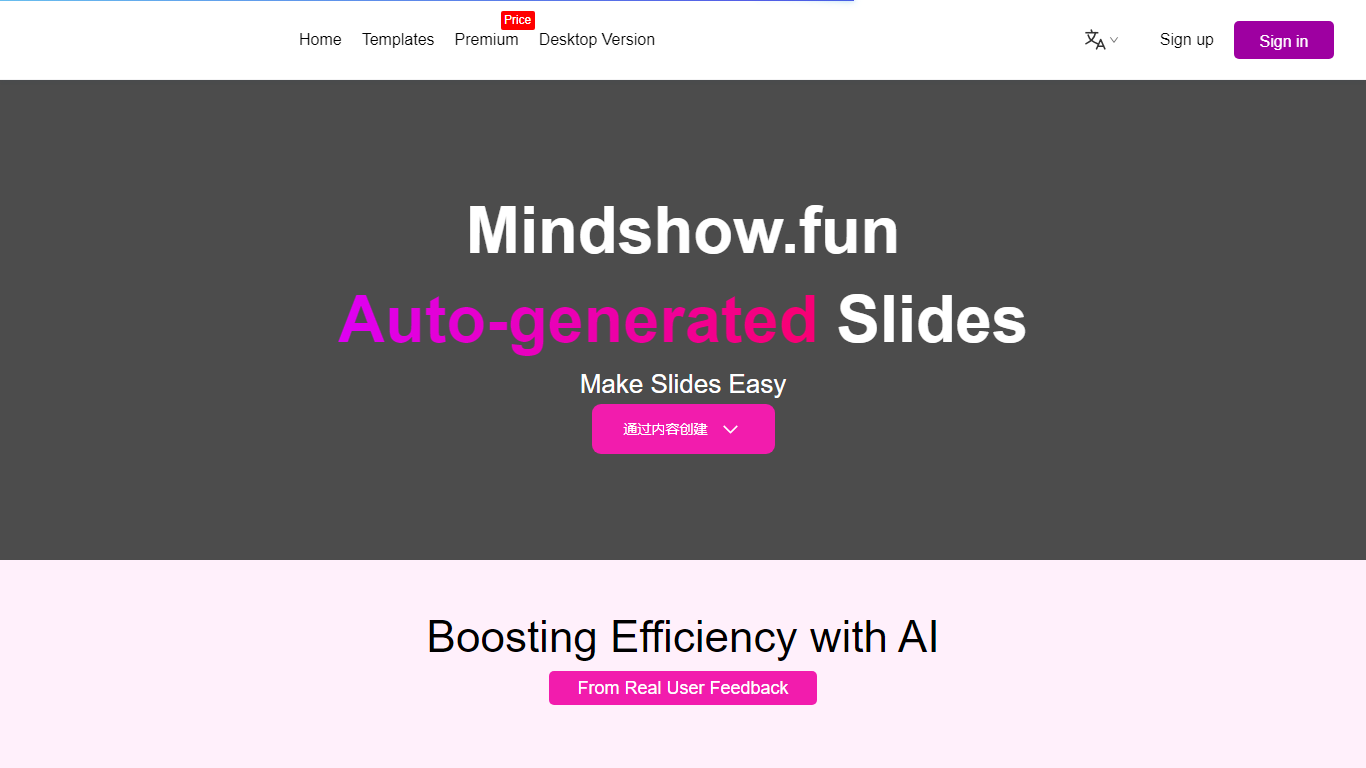

What is MindShow?
MindShow is an online presentation builder that turns a title, pasted text, or uploaded file into a finished slide deck. You can start from a prompt, drop in a Word or PDF file, or import Markdown and mind maps, then let the tool generate layouts, graphics, and animations automatically. It fits anyone who needs a PPT fast without rebuilding every slide by hand.
Where many slide tools stop at blank templates, MindShow pushes import paths and long-document handling. The site lists dedicated flows for Markdown, Word, PDF, PPTX redesign, mind maps in .xmind and .mm, plain text, image analysis, and long-text summaries up to 100,000 words. That breadth matters if your source material already lives outside the presentation app.
Office workers, teachers, and students use it for work reports, product decks, and defense presentations. MindShow also offers a downloadable desktop application, publishes help at mindshow.fun/help, and lists [email protected] for contact.
Plus AI
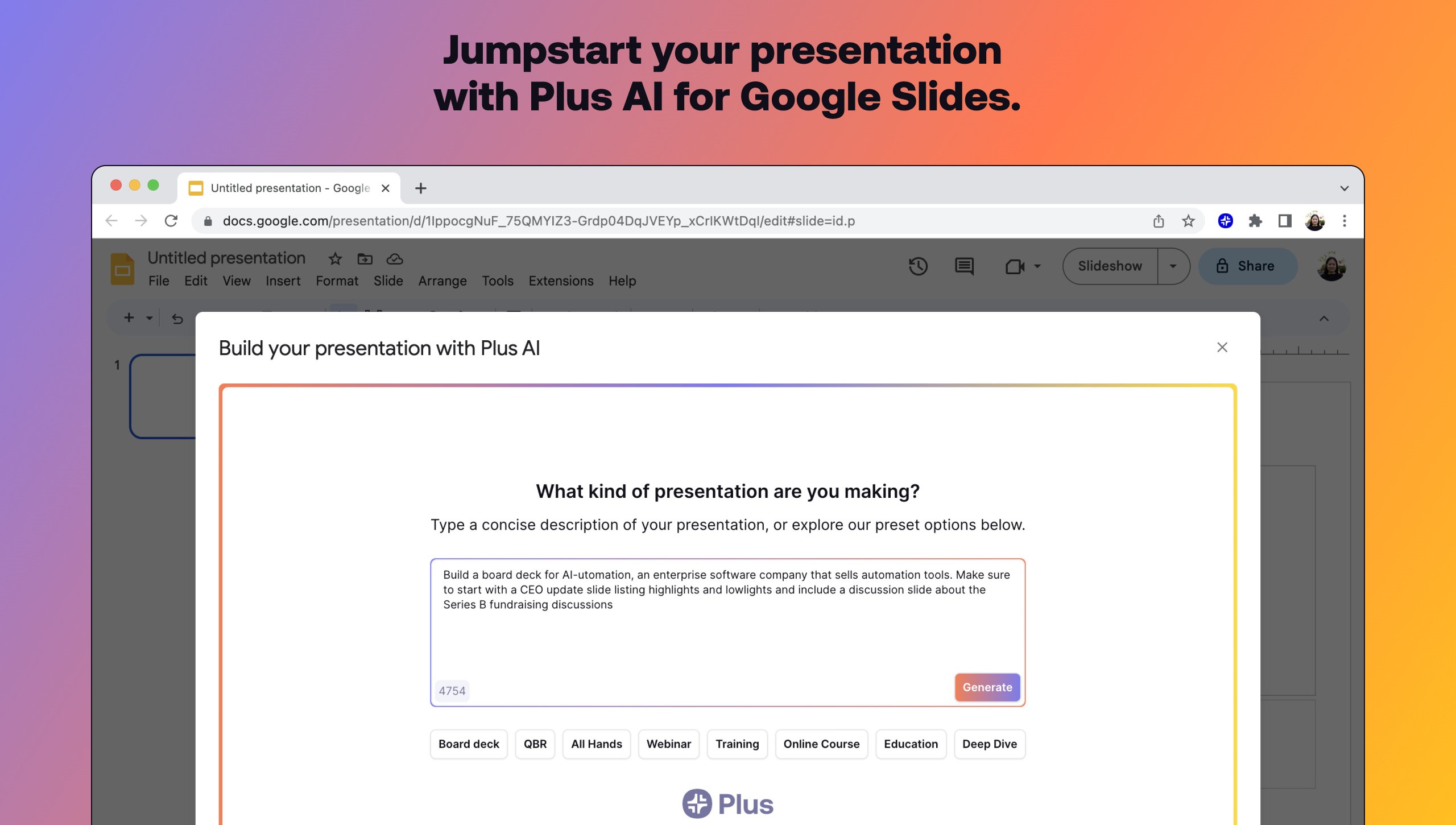
What is Plus AI?
Plus AI builds and edits presentations inside Google Slides and PowerPoint instead of exporting to a separate design app. Install the add-on, describe a deck in a prompt or upload a PDF, Word, PowerPoint, or text file, and it drafts slides you can rewrite, remix, or extend with single-slide inserts.
Standalone slide generators spit out files you still have to rebuild in Slides. Plus AI runs natively in the editor your team already uses, which keeps collaboration, comments, and template compatibility intact. That in-app workflow is the main reason to pick it over browser-only deck builders when Google Workspace is non-negotiable.
Consultants, sales teams, and educators use Remix to turn paragraphs into multi-column layouts, save preset prompts for recurring decks, and share brand colors on Team plans. A 7-day trial includes 1,000 AI credits before paid tiers start at $10 per user monthly when billed annually.
MindShow Upvotes
Plus AI Upvotes
MindShow Top Features
Generate a full PPT from a title, uploaded document, or pasted text
Import Markdown, Word .docx, PDF, PPTX, and mind maps in .xmind or .mm formats
Summarize long text up to 100,000 words into a condensed presentation
Switch between multiple themes and layouts with one click after generation
Edit generated content in an outline view before exporting to PPTX
Desktop application available alongside the browser-based editor
Plus AI Top Features
Generates full presentations from a short prompt or uploaded PDF, DOCX, PPTX, or TXT
Rewrites, remixes, and inserts individual slides without leaving Google Slides or PowerPoint
Lists 1M+ installs with a 4.6 rating on Google Workspace Marketplace
Team plans add custom logos, fonts, colors, and shared preset libraries
Pro plan includes document uploads and 100K-character prompts for long briefs
SOC 2 Type II compliance with encryption in transit and at rest
MindShow Category
- Presentation
Plus AI Category
- Presentation
MindShow Pricing Type
- Freemium
Plus AI Pricing Type
- Freemium