
Last updated 08-21-2026
Category:
Reviews:
Join thousands of AI enthusiasts in the World of AI!
Plus AI
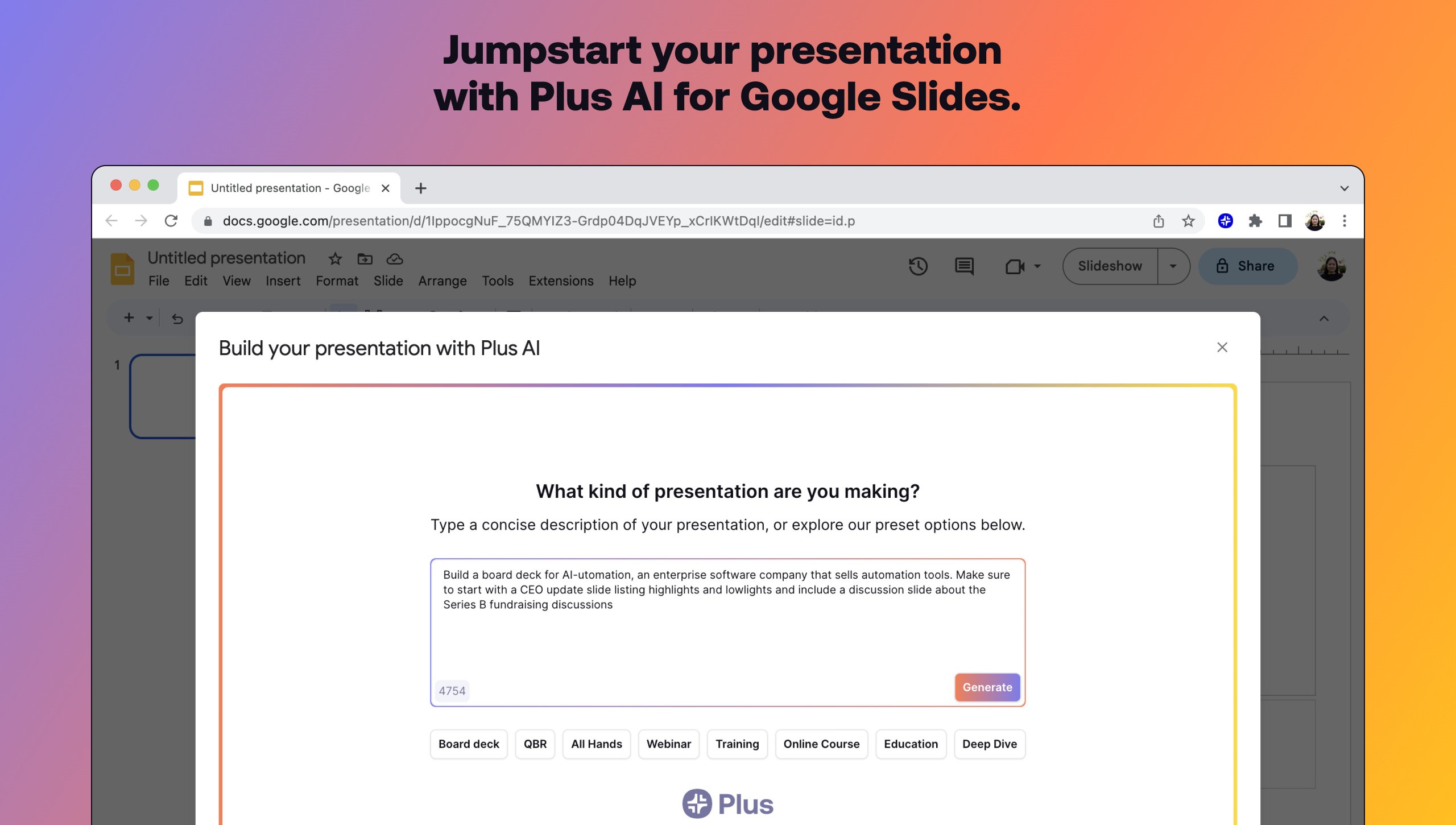
Plus AI builds and edits presentations inside Google Slides and PowerPoint instead of exporting to a separate design app. Install the add-on, describe a deck in a prompt or upload a PDF, Word, PowerPoint, or text file, and it drafts slides you can rewrite, remix, or extend with single-slide inserts.
Standalone slide generators spit out files you still have to rebuild in Slides. Plus AI runs natively in the editor your team already uses, which keeps collaboration, comments, and template compatibility intact. That in-app workflow is the main reason to pick it over browser-only deck builders when Google Workspace is non-negotiable.
Consultants, sales teams, and educators use Remix to turn paragraphs into multi-column layouts, save preset prompts for recurring decks, and share brand colors on Team plans. A 7-day trial includes 1,000 AI credits before paid tiers start at $10 per user monthly when billed annually.
Generates full presentations from a short prompt or uploaded PDF, DOCX, PPTX, or TXT
Rewrites, remixes, and inserts individual slides without leaving Google Slides or PowerPoint
Lists 1M+ installs with a 4.6 rating on Google Workspace Marketplace
Team plans add custom logos, fonts, colors, and shared preset libraries
Pro plan includes document uploads and 100K-character prompts for long briefs
SOC 2 Type II compliance with encryption in transit and at rest
Runs inside Google Slides and PowerPoint, so exports stay native and collaborative.
Remix converts unstructured text into specific slide layouts in one step.
Team branding controls help agencies keep fonts, colors, and presets consistent.
Stored plusdocs.com URL redirects to plusai.com, which can confuse older bookmarks.
Trial credits cap at 1,000 regardless of which paid tier you preview.
Custom organization templates require an Enterprise plan rather than self-serve setup.
How do I start using Plus AI in Google Slides?
Plus AI installs as a Google Slides add-on. Open a presentation, choose Extensions, then Plus AI, and select New Presentation to generate or edit slides from the sidebar.
Is Plus AI free to try?
Plus AI offers a 7-day free trial with 1,000 AI credits and full access to the plan you select. After the trial, billing starts automatically unless you cancel through the Help Center.
How much does Plus AI cost?
Plus AI Basic starts at $10 per user per month billed annually, Pro at $20, Team at $30, and Max at $200. Monthly billing without annual commitment costs $15, $25, $40, and $240 respectively.
Does Plus AI work in PowerPoint?
Yes. A Plus AI subscription includes the extension in both Google Slides and PowerPoint, so you can generate and remix slides in either app with the same account.
Can Plus AI edit existing slides?
Plus AI works on existing decks. You can insert new layouts, rewrite copy, and use Remix to convert a text-heavy slide into a different layout without rebuilding the file manually.
How does Plus AI handle security?
Plus AI encrypts sensitive data on your computer before sending it to its servers and maintains SOC 2 Type II compliance. Security details and report requests are published on its security page.