Quarterly Business Review | Plus vs MindShow
Explore the showdown between Quarterly Business Review | Plus vs MindShow and find out which AI Presentation tool wins. We analyze upvotes, features, reviews, pricing, alternatives, and more.
When comparing Quarterly Business Review | Plus and MindShow, which one rises above the other?
When we contrast Quarterly Business Review | Plus with MindShow, both of which are exceptional AI-operated presentation tools, and place them side by side, we can spot several crucial similarities and divergences. Quarterly Business Review | Plus is the clear winner in terms of upvotes. Quarterly Business Review | Plus has garnered 8 upvotes, and MindShow has garnered 6 upvotes.
Does the result make you go "hmm"? Cast your vote and turn that frown upside down!
Quarterly Business Review | Plus
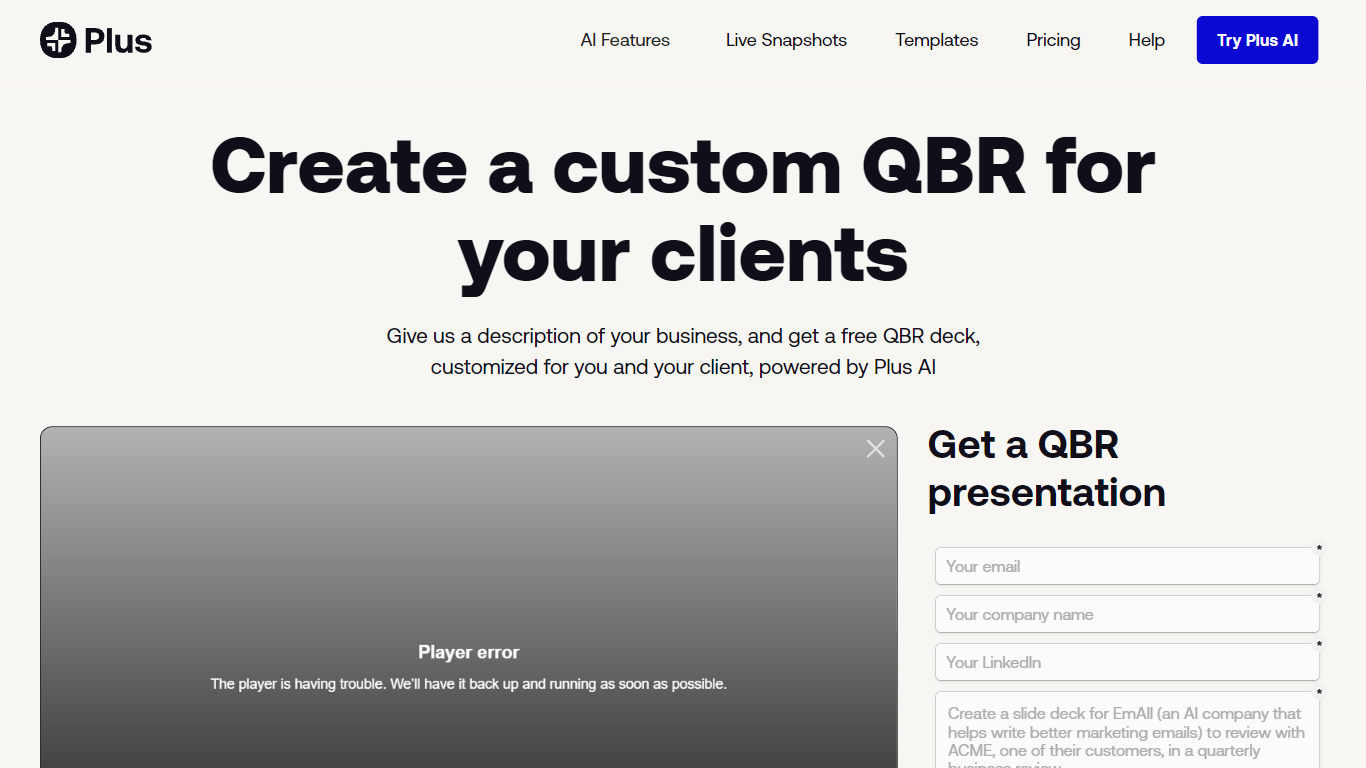

What is Quarterly Business Review | Plus?
Quarterly Business Review | Plus is a client reporting workflow from Plus AI that drafts a customized QBR slide deck from a short description of your business and the client work you want to highlight. You sign up, describe the engagement, and Plus AI builds an easy-to-digest quarterly review deck you can edit in Google Slides or PowerPoint.
Most presentation tools give you generic templates. This Plus AI use case targets agency and services teams who repeat the same QBR structure every quarter but need client-specific narrative and metrics each time. You still use the Plus AI add-in inside Slides or PowerPoint rather than exporting to a separate design app.
Consultants, account managers, and customer success leads use it to skip blank-slide setup and send polished QBR decks faster. Paid Plus AI plans add higher monthly AI credit limits, document uploads, and team branding controls beyond the free sample deck offer.
MindShow
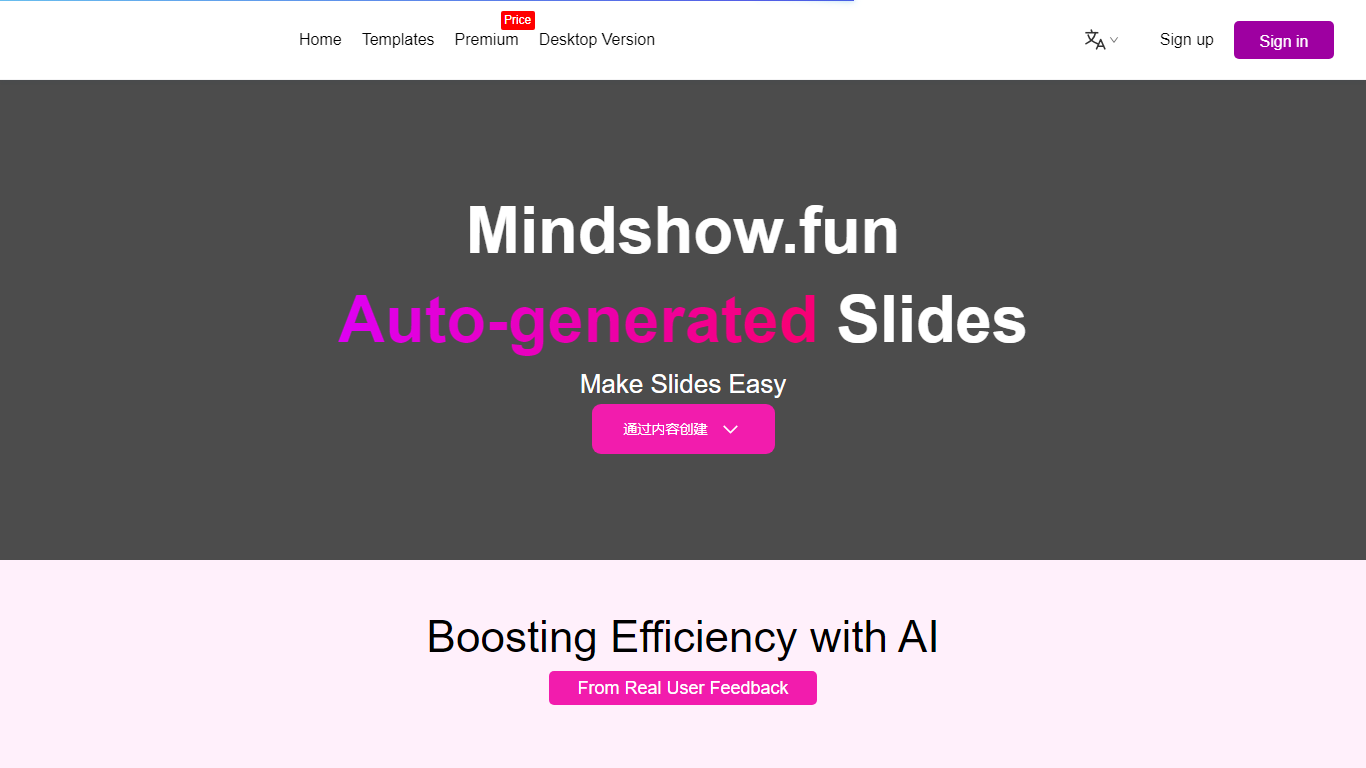
What is MindShow?
MindShow is an online presentation builder that turns a title, pasted text, or uploaded file into a finished slide deck. You can start from a prompt, drop in a Word or PDF file, or import Markdown and mind maps, then let the tool generate layouts, graphics, and animations automatically. It fits anyone who needs a PPT fast without rebuilding every slide by hand.
Where many slide tools stop at blank templates, MindShow pushes import paths and long-document handling. The site lists dedicated flows for Markdown, Word, PDF, PPTX redesign, mind maps in .xmind and .mm, plain text, image analysis, and long-text summaries up to 100,000 words. That breadth matters if your source material already lives outside the presentation app.
Office workers, teachers, and students use it for work reports, product decks, and defense presentations. MindShow also offers a downloadable desktop application, publishes help at mindshow.fun/help, and lists [email protected] for contact.
Quarterly Business Review | Plus Upvotes
MindShow Upvotes
Quarterly Business Review | Plus Top Features
Creates a client-specific QBR deck from a short business description
Works as a Google Slides and PowerPoint add-in via Plus AI
Basic plan includes 1,500 AI credits per month at $10 per user annually
Pro plan includes 3,000 AI credits per month and document uploads
Team plan adds custom branding with logo, colors, and fonts at $30 per user annually
Every paid plan starts with a 7-day trial including 1,000 AI credits
MindShow Top Features
Generate a full PPT from a title, uploaded document, or pasted text
Import Markdown, Word .docx, PDF, PPTX, and mind maps in .xmind or .mm formats
Summarize long text up to 100,000 words into a condensed presentation
Switch between multiple themes and layouts with one click after generation
Edit generated content in an outline view before exporting to PPTX
Desktop application available alongside the browser-based editor
Quarterly Business Review | Plus Category
- Presentation
MindShow Category
- Presentation
Quarterly Business Review | Plus Pricing Type
- Freemium
MindShow Pricing Type
- Freemium