CubeOne vs GPT-PPT
In the face-off between CubeOne vs GPT-PPT, which AI Presentation tool takes the crown? We scrutinize features, alternatives, upvotes, reviews, pricing, and more.
When we put CubeOne and GPT-PPT head to head, which one emerges as the victor?
If we were to analyze CubeOne and GPT-PPT, both of which are AI-powered presentation tools, what would we find? The users have made their preference clear, GPT-PPT leads in upvotes. GPT-PPT has received 14 upvotes from aitools.fyi users, while CubeOne has received 6 upvotes.
You don't agree with the result? Cast your vote to help us decide!
CubeOne
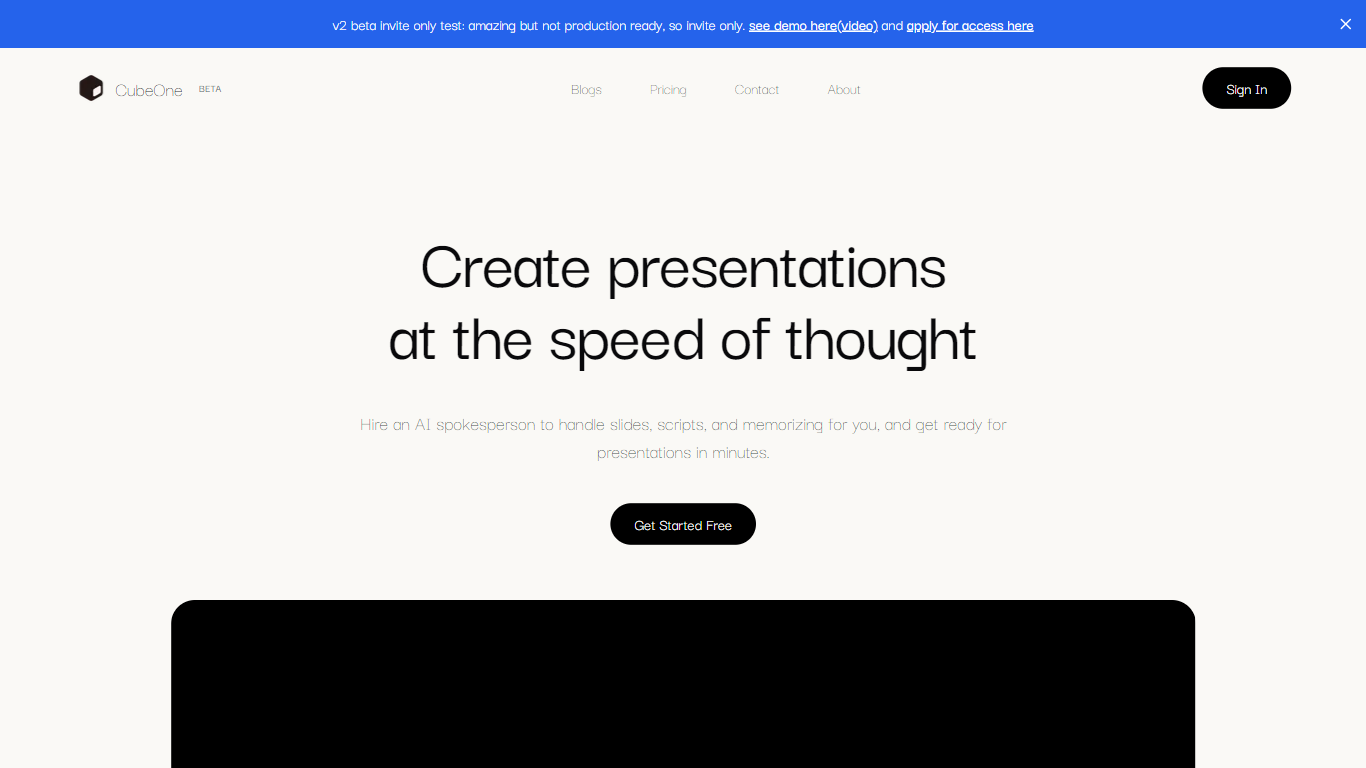

What is CubeOne?
CubeOne is an AI presentation maker that turns a short prompt or an imported PowerPoint file into designed slides you can still edit like a normal deck. You describe what you need, or drop in a .pptx, and it builds slides where every text box, image, and shape stays draggable and editable. Export back to PowerPoint or move into Canva whenever you want.
Most AI slide tools lock you into templates or flatten output into images you cannot tweak. CubeOne keeps native slide objects underneath, so you get freeform editing plus one-click Beautify that redesigns a rough draft into a polished slide. You can also draw a region on a slide and describe what to generate there, or chat with the built-in AI to restyle a slide in plain language.
It fits sales teams rebuilding pitch decks, founders shipping investor updates, educators turning lesson notes into visuals, and anyone who lives in slides but does not want to spend an hour on layout. Plans start at $15 per month after a free trial that redesigns your first three slides with no card required.
GPT-PPT
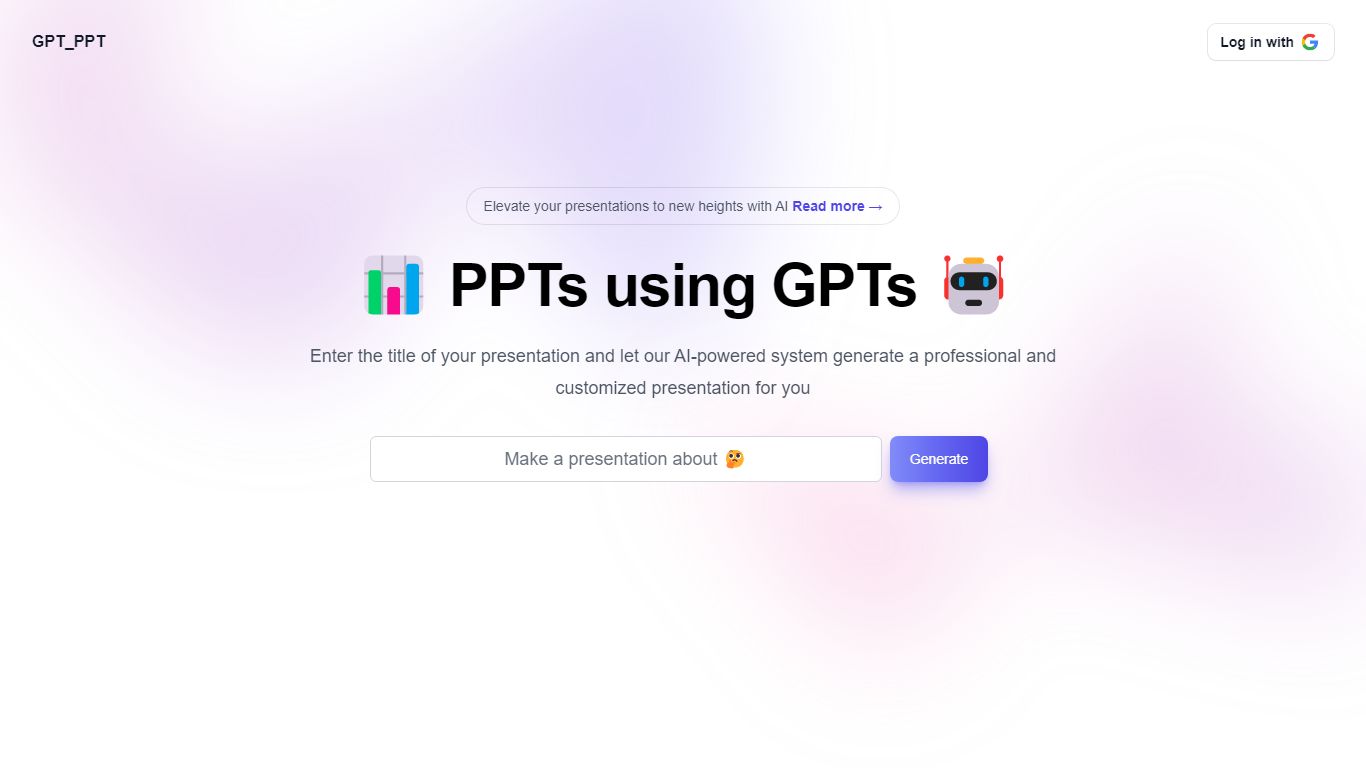
What is GPT-PPT?
Elevate Your Presentations with AI-Powered PowerPoint Generators!
Are you tired of spending hours creating PowerPoint presentations that still fall flat? Do you want to impress your audience with informative and engaging slides without breaking a sweat? Look no further than AI-powered PowerPoint generator – GPT-PPT.
Whether you’re a student, business professional, or someone looking to improve your presentation skills, AI-powered PowerPoint generators are a game-changer. Say goodbye to the stress of research and design and hello to impressive presentations that will capture your audience’s attention.
Tool allows you to quickly create ready to edit PowerPoint presentations based on your desired topic.
GPT-PPT makes it easy to customize presentations without spending countless manual hours. Try it today and let us know what you think!
CubeOne Upvotes
GPT-PPT Upvotes
CubeOne Top Features
Import any .pptx file and keep every slide element editable instead of flattened images
One-click Beautify redesigns rough content into a polished slide layout
Plus plan includes 6,000 credits per month; Pro includes 16,000 credits at $40 per month
Draw a region on a slide and describe what to generate inside that space
Built-in AI chat edits slides from plain-language prompts like restyle or add images
Export decks back to PowerPoint or move them into Canva without losing editability
GPT-PPT Top Features
Presentation
CubeOne Category
- Presentation
GPT-PPT Category
- Presentation
CubeOne Pricing Type
- Freemium
GPT-PPT Pricing Type
- Freemium