CubeOne vs SlideNotes
In the battle of CubeOne vs SlideNotes , which AI Presentation tool comes out on top? We compare reviews, pricing, alternatives, upvotes, features, and more.
Between CubeOne and SlideNotes , which one is superior?
Upon comparing CubeOne with SlideNotes , which are both AI-powered presentation tools, Neither tool takes the lead, as they both have the same upvote count. Your vote matters! Help us decide the winner among aitools.fyi users by casting your vote.
Disagree with the result? Upvote your favorite tool and help it win!
CubeOne

What is CubeOne?
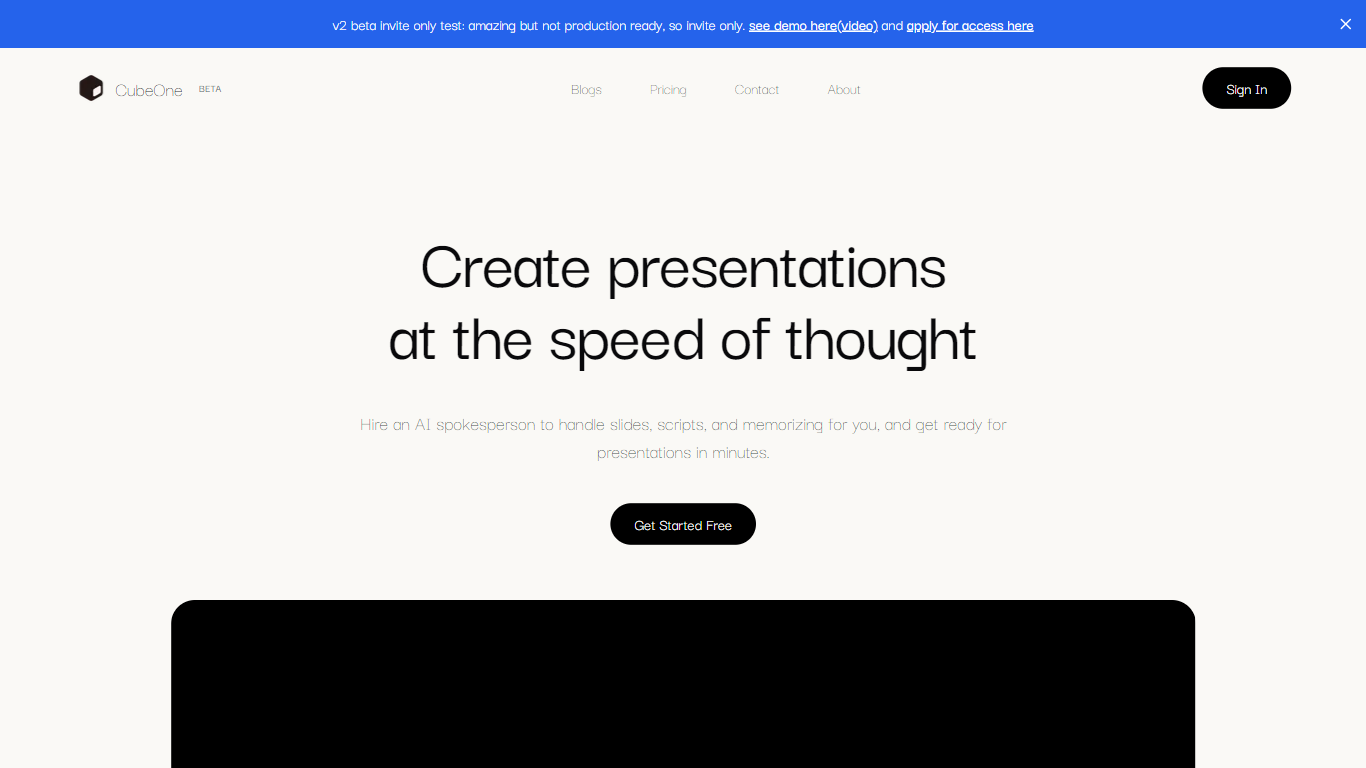
CubeOne is an AI presentation maker that turns a short prompt or an imported PowerPoint file into designed slides you can still edit like a normal deck. You describe what you need, or drop in a .pptx, and it builds slides where every text box, image, and shape stays draggable and editable. Export back to PowerPoint or move into Canva whenever you want.
Most AI slide tools lock you into templates or flatten output into images you cannot tweak. CubeOne keeps native slide objects underneath, so you get freeform editing plus one-click Beautify that redesigns a rough draft into a polished slide. You can also draw a region on a slide and describe what to generate there, or chat with the built-in AI to restyle a slide in plain language.
It fits sales teams rebuilding pitch decks, founders shipping investor updates, educators turning lesson notes into visuals, and anyone who lives in slides but does not want to spend an hour on layout. Plans start at $15 per month after a free trial that redesigns your first three slides with no card required.
SlideNotes
What is SlideNotes ?
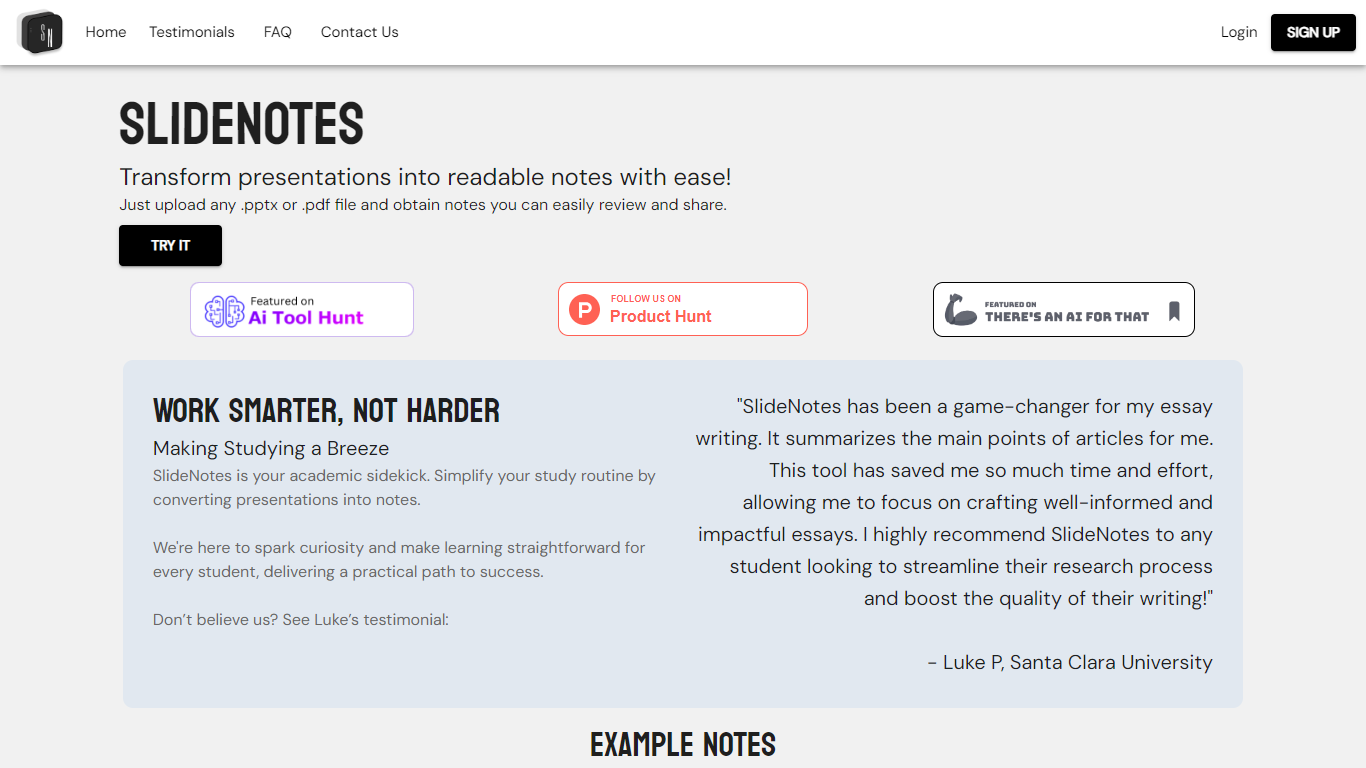
SlideNotes turns uploaded presentations and PDFs into readable notes you can review and share. Upload a .pptx or .pdf file and the service extracts key phrases from each slide, then summarizes them into bulleted notes.
The product targets both students converting lecture decks into study material and professionals turning meeting slides into actionable summaries. Example outputs on the site include notes from presentations on mental health, product management, and hiring guides.
SlideNotes currently supports users in the United States and Canada. The founders built it as a dorm-room project to cut down time spent manually copying slide content before exams.
CubeOne Upvotes
SlideNotes Upvotes
CubeOne Top Features
Import any .pptx file and keep every slide element editable instead of flattened images
One-click Beautify redesigns rough content into a polished slide layout
Plus plan includes 6,000 credits per month; Pro includes 16,000 credits at $40 per month
Draw a region on a slide and describe what to generate inside that space
Built-in AI chat edits slides from plain-language prompts like restyle or add images
Export decks back to PowerPoint or move them into Canva without losing editability
SlideNotes Top Features
Upload .pptx or .pdf files and get bulleted notes back automatically
Identifies key words and phrases from each slide to build summaries
Works for lecture slides, essays, exams, and post-meeting recaps
Example notes library shows real outputs from past conversions
Student testimonials highlight faster essay research and review
CubeOne Category
- Presentation
SlideNotes Category
- Presentation
CubeOne Pricing Type
- Freemium
SlideNotes Pricing Type
- Freemium