CueCam Presenter vs Clipchamp
In the contest of CueCam Presenter vs Clipchamp, which AI Video Editing tool is the champion? We evaluate pricing, alternatives, upvotes, features, reviews, and more.
If you had to choose between CueCam Presenter and Clipchamp, which one would you go for?
When we examine CueCam Presenter and Clipchamp, both of which are AI-enabled video editing tools, what unique characteristics do we discover? Both tools are equally favored, as indicated by the identical upvote count. Your vote matters! Help us decide the winner among aitools.fyi users by casting your vote.
Not your cup of tea? Upvote your preferred tool and stir things up!
CueCam Presenter

What is CueCam Presenter?
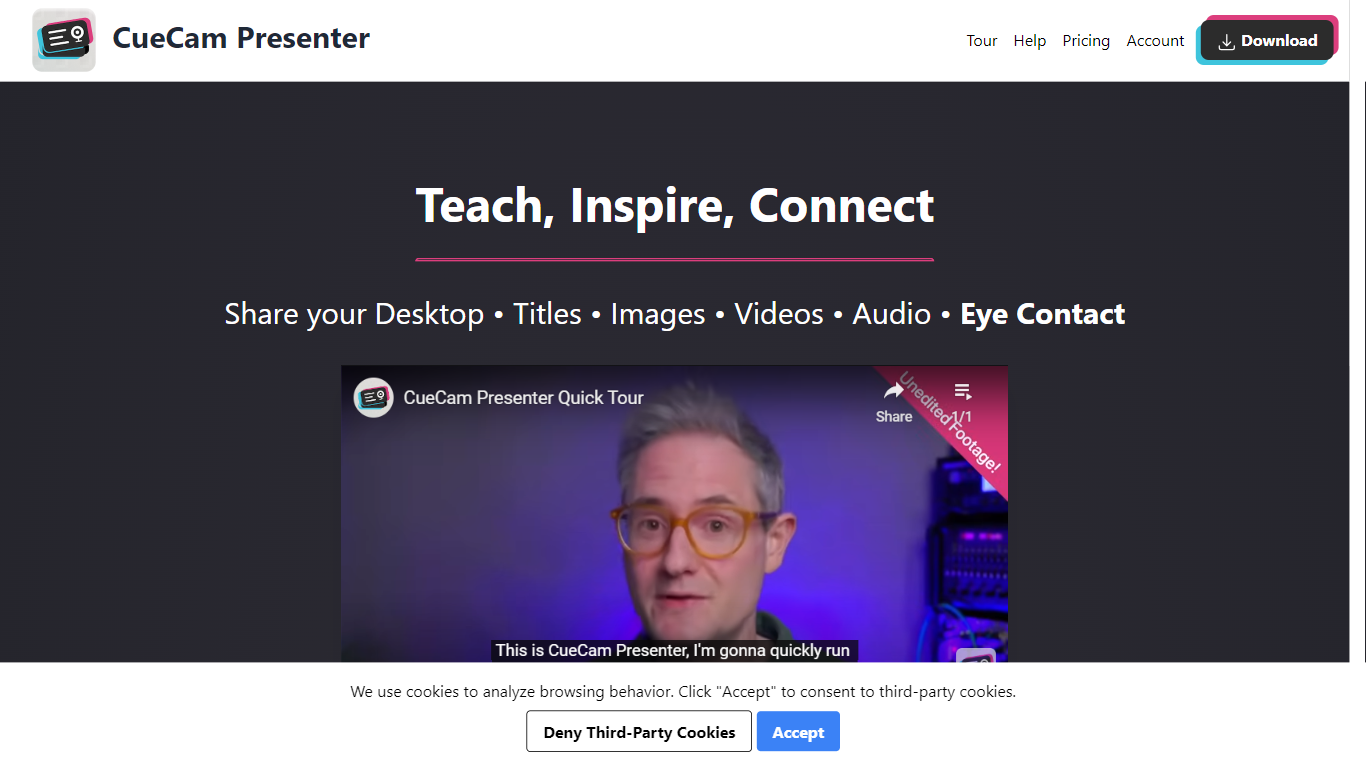
CueCam Presenter is an innovative Mac app that revolutionizes the way users can share content during video calls. This versatile application allows you to utilize your iPhone as a high-quality camera, teleprompter, and preview window, ensuring that you maintain eye contact and professional poise throughout your presentations. With the compatibility to connect with an iPad as well, CueCam Presenter lets you annotate and draw over shared content with the Video Pencil feature, providing a seamless and dynamic presentation experience. The app offers a virtual camera and microphone feature that integrate smoothly into any app on your Mac, blending live video, graphics, and audio without the need for additional software like OBS Studio.
Clipchamp

What is Clipchamp?
Clipchamp is a versatile video editing platform that empowers users to create stunning videos with ease. Whether you're editing on a browser, using the Windows app, or on mobile, Clipchamp simplifies the process with its smart tools and royalty-free content. It's ideal for everything from YouTube and TikTok videos to promo videos and Facebook video ads. Notable for its AI video editing capabilities, such as autocaptions and text-to-speech, Clipchamp also offers features like green screen effects, video overlays, and even speaker coaching. It ensures that your video fits any platform perfectly by allowing you to resize and transform your video with stylish elements. For business, education, or fun, Clipchamp is the way to go for creating high-quality videos without watermarks in up to 4K resolution. Now a part of Microsoft, this tool assures a smooth experience for all your video creation needs.
CueCam Presenter Upvotes
Clipchamp Upvotes
CueCam Presenter Top Features
Virtual Camera and Microphone: Utilize a special camera and microphone in any Mac app for advanced graphics and audio mixing.
Instant Content Sharing: Share pictures, videos, app windows, or connected cameras with a click from the status bar menu.
Advanced Presentation Tools: Plan and run presentations with cue cards, teleprompter, slides, videos, and live titles.
Companion Apps for Apple Devices: Use Shoot for your iPhone and Video Pencil for your iPad to enhance your webcam presentations.
Ease of Use: No complicated configurations or setups, with best practices for live video and audio readily available.
Clipchamp Top Features
Autocaptions: Automatically generate accurate captions in over 140 languages using advanced speech-to-text technology.
Text to Speech: Easily convert text into natural-sounding speech in various languages and voices.
Resize Video: Adjust the aspect ratio of your videos to fit different platforms with customizable background colors and blur effects.
Speaker Coach: Improve communication skills with feedback on pace pitch and filler words using the webcam recorder tool.
Royalty-Free Elements: Enhance your videos with access to a wide range of stock elements including text overlays filters and templates.
CueCam Presenter Category
- Video Editing
Clipchamp Category
- Video Editing
CueCam Presenter Pricing Type
- Freemium
Clipchamp Pricing Type
- Freemium