CueCam Presenter vs Riverside
Dive into the comparison of CueCam Presenter vs Riverside and discover which AI Video Editing tool stands out. We examine alternatives, upvotes, features, reviews, pricing, and beyond.
When comparing CueCam Presenter and Riverside, which one rises above the other?
When we compare CueCam Presenter and Riverside, two exceptional video editing tools powered by artificial intelligence, and place them side by side, several key similarities and differences come to light. The upvote count shows a clear preference for Riverside. Riverside has garnered 25 upvotes, and CueCam Presenter has garnered 6 upvotes.
Disagree with the result? Upvote your favorite tool and help it win!
CueCam Presenter
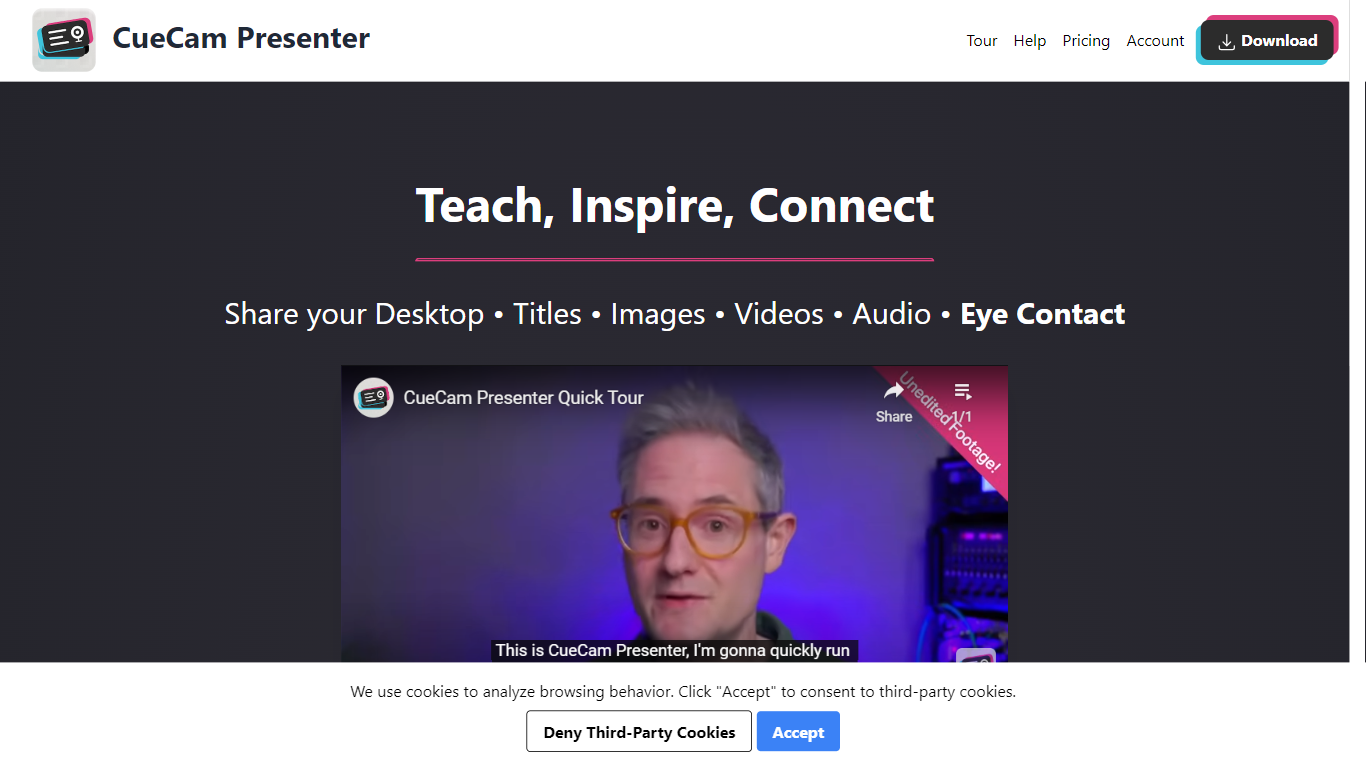

What is CueCam Presenter?
CueCam Presenter is an innovative Mac app that revolutionizes the way users can share content during video calls. This versatile application allows you to utilize your iPhone as a high-quality camera, teleprompter, and preview window, ensuring that you maintain eye contact and professional poise throughout your presentations. With the compatibility to connect with an iPad as well, CueCam Presenter lets you annotate and draw over shared content with the Video Pencil feature, providing a seamless and dynamic presentation experience. The app offers a virtual camera and microphone feature that integrate smoothly into any app on your Mac, blending live video, graphics, and audio without the need for additional software like OBS Studio.
Riverside
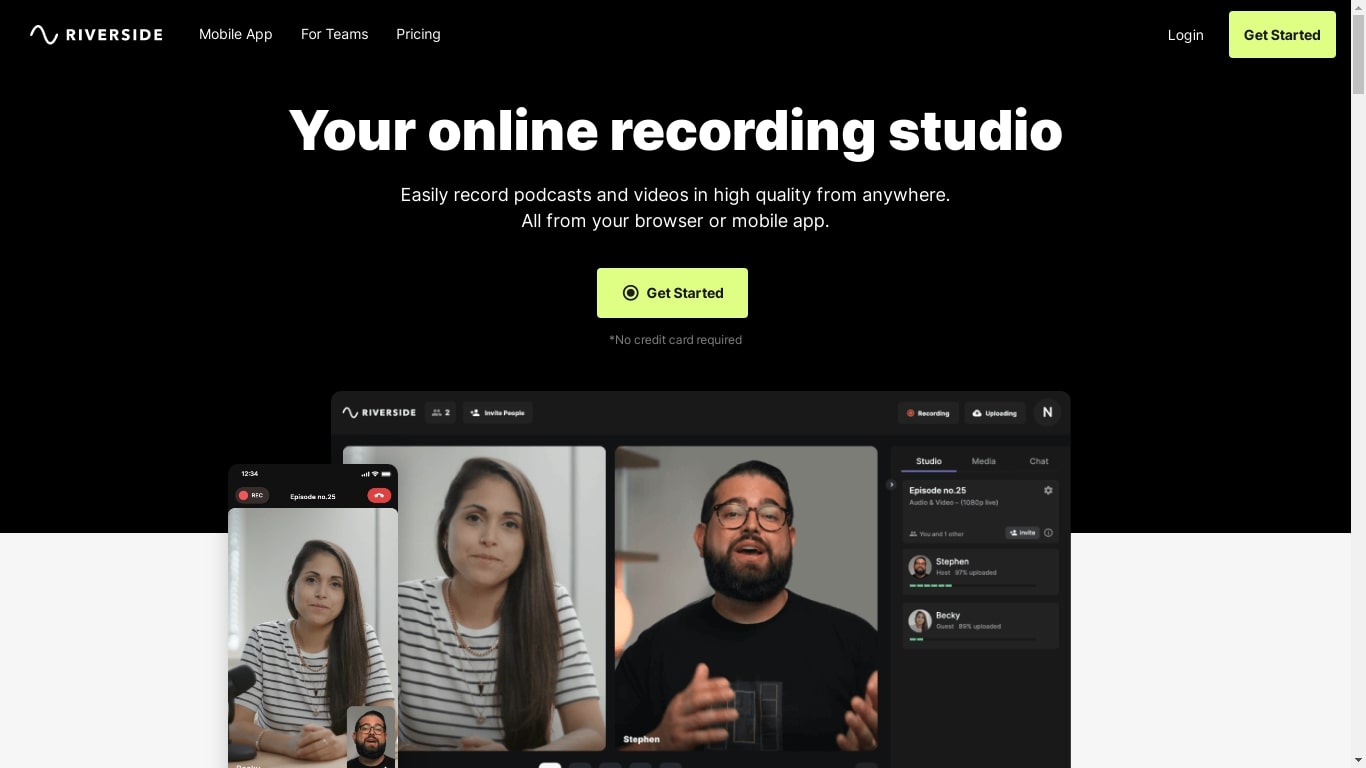
What is Riverside?
Riverside.fm is a powerful tool that makes it easy for podcasters and media companies to record high-quality audio and video content from anywhere. With Riverside.fm, you can conduct remote interviews and capture them in studio-quality audio and 4K video. Whether you're working on a podcast, a video series, or any other type of media project, Riverside.fm can help you get the content you need, no matter where you or your guests are located. It's a valuable resource for anyone looking to produce professional-grade audio and video content remotely.
CueCam Presenter Upvotes
Riverside Upvotes
CueCam Presenter Top Features
Virtual Camera and Microphone: Utilize a special camera and microphone in any Mac app for advanced graphics and audio mixing.
Instant Content Sharing: Share pictures, videos, app windows, or connected cameras with a click from the status bar menu.
Advanced Presentation Tools: Plan and run presentations with cue cards, teleprompter, slides, videos, and live titles.
Companion Apps for Apple Devices: Use Shoot for your iPhone and Video Pencil for your iPad to enhance your webcam presentations.
Ease of Use: No complicated configurations or setups, with best practices for live video and audio readily available.
Riverside Top Features
No top features listedCueCam Presenter Category
- Video Editing
Riverside Category
- Video Editing
CueCam Presenter Pricing Type
- Freemium
Riverside Pricing Type
- Freemium