CueCam Presenter vs Timebolt
Explore the showdown between CueCam Presenter vs Timebolt and find out which AI Video Editing tool wins. We analyze upvotes, features, reviews, pricing, alternatives, and more.
When comparing CueCam Presenter and Timebolt, which one rises above the other?
When we contrast CueCam Presenter with Timebolt, both of which are exceptional AI-operated video editing tools, and place them side by side, we can spot several crucial similarities and divergences. In the race for upvotes, Timebolt takes the trophy. The number of upvotes for Timebolt stands at 18, and for CueCam Presenter it's 6.
Want to flip the script? Upvote your favorite tool and change the game!
CueCam Presenter
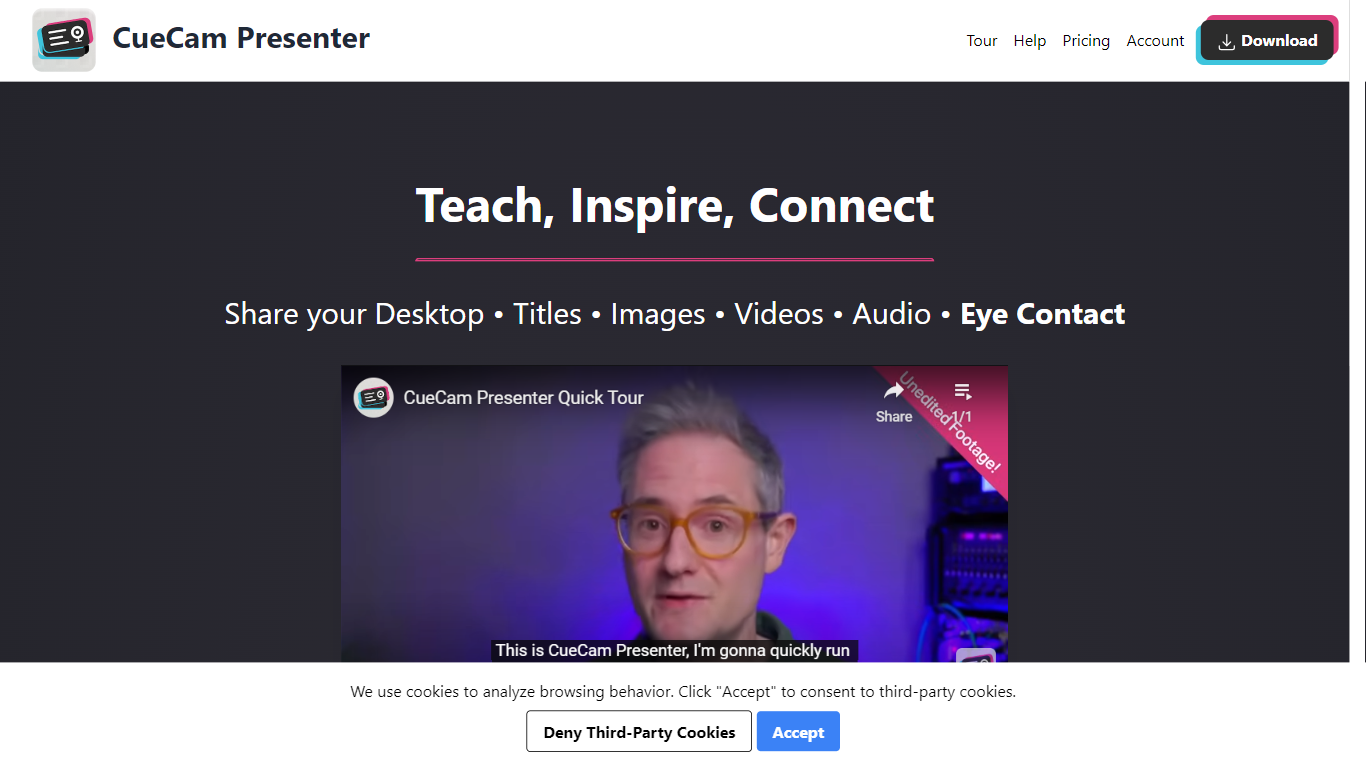

What is CueCam Presenter?
CueCam Presenter is an innovative Mac app that revolutionizes the way users can share content during video calls. This versatile application allows you to utilize your iPhone as a high-quality camera, teleprompter, and preview window, ensuring that you maintain eye contact and professional poise throughout your presentations. With the compatibility to connect with an iPad as well, CueCam Presenter lets you annotate and draw over shared content with the Video Pencil feature, providing a seamless and dynamic presentation experience. The app offers a virtual camera and microphone feature that integrate smoothly into any app on your Mac, blending live video, graphics, and audio without the need for additional software like OBS Studio.
Timebolt
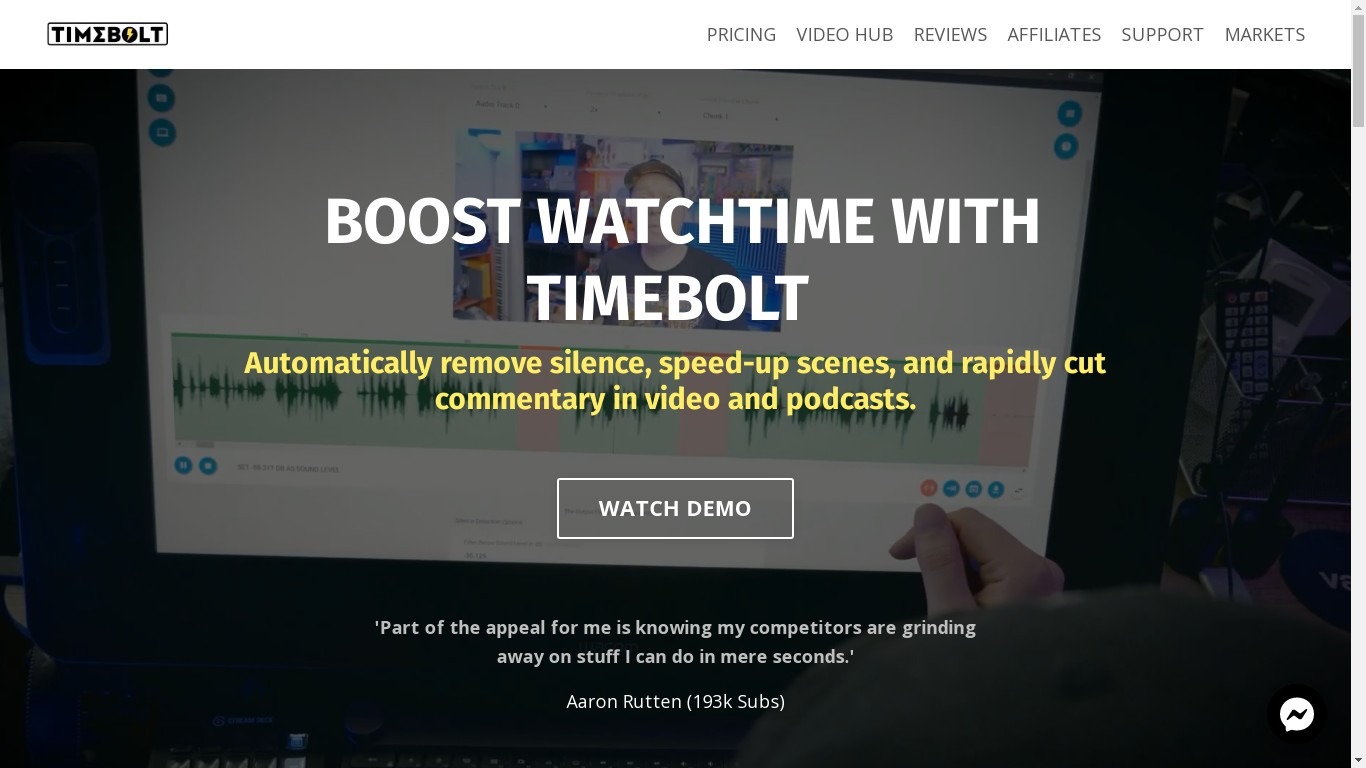
What is Timebolt?
Experience the future of video editing with TimeBolt.io. Automatically jump-cut videos to eliminate silences and awkward pauses, transforming lengthy content into engaging masterpieces. Whether you're editing podcasts or videos, TimeBolt ensures a seamless and rapid editing process, making you talk like a superhuman without the burnout.
CueCam Presenter Upvotes
Timebolt Upvotes
CueCam Presenter Top Features
Virtual Camera and Microphone: Utilize a special camera and microphone in any Mac app for advanced graphics and audio mixing.
Instant Content Sharing: Share pictures, videos, app windows, or connected cameras with a click from the status bar menu.
Advanced Presentation Tools: Plan and run presentations with cue cards, teleprompter, slides, videos, and live titles.
Companion Apps for Apple Devices: Use Shoot for your iPhone and Video Pencil for your iPad to enhance your webcam presentations.
Ease of Use: No complicated configurations or setups, with best practices for live video and audio readily available.
Timebolt Top Features
Elimina automáticamente el silencio de vídeos y podcasts
Editor de vídeo rápido para Windows y MAC
Detección automática de silencio en vídeos.
Esculpir: Corta o conserva cualquier palabra o escena.
Opciones de exportación: Premiere, Final Cut Pro, DaVinci Resolve y Camtasia
Elimina las palabras de relleno automáticamente con Umcheck
CueCam Presenter Category
- Video Editing
Timebolt Category
- Video Editing
CueCam Presenter Pricing Type
- Freemium
Timebolt Pricing Type
- Paid