Cursor AI vs AskUI
When comparing Cursor AI vs AskUI, which AI Developer tool shines brighter? We look at pricing, alternatives, upvotes, features, reviews, and more.
Between Cursor AI and AskUI, which one is superior?
When we put Cursor AI and AskUI side by side, both being AI-powered developer tools, Neither tool takes the lead, as they both have the same upvote count. You can help us determine the winner by casting your vote and tipping the scales in favor of one of the tools.
Want to flip the script? Upvote your favorite tool and change the game!
Cursor AI
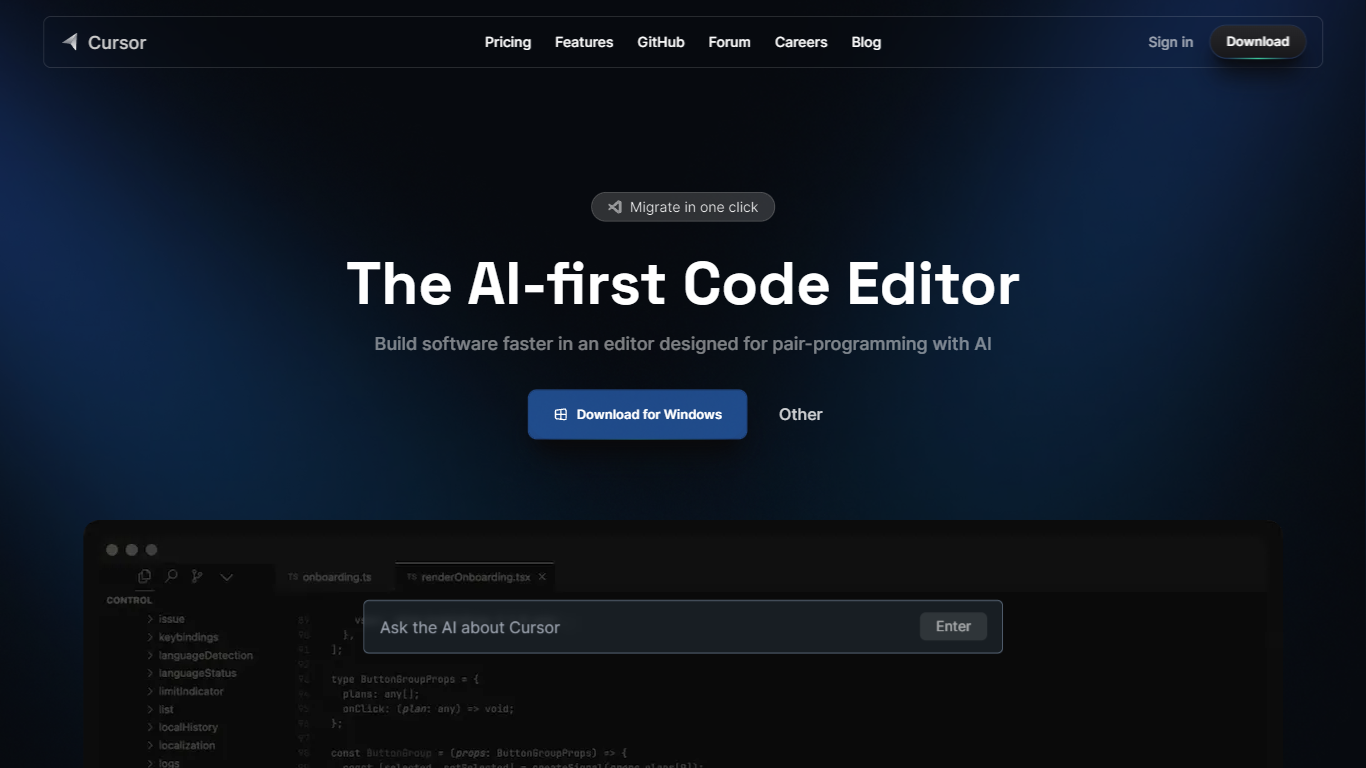

What is Cursor AI?
Cursor AI gives developers an agentic coding environment where you delegate implementation work while keeping architectural control. The editor indexes your full codebase, runs multi-step agents in the IDE, terminal, Slack, and GitHub, and ships changes through Tab autocomplete, Composer edits, and cloud agents that can build and demo features end to end. A free Hobby tier requires no credit card to start.
Compared with chat-only copilots that suggest single lines, Cursor AI runs parallel agents on their own machines and ties into Bugbot for pull request reviews. Individual plans start at $20 per month with frontier models, MCP servers, and cloud agents, while Teams adds $40 per user billing with SAML SSO and shared team context. That agent-first stack suits fast-moving product teams, though usage-based model billing can add cost after included limits.
Software engineers, startup teams, and enterprise developers use Cursor AI to migrate from VS Code with one-click extension imports, trigger tasks from issue trackers, and enforce privacy mode so code is not used for training. The pricing page lists Pro, Pro+, and Ultra individual tiers plus Enterprise with pooled usage and audit logs. Contact for sales and support is available at [email protected].
AskUI
What is AskUI?
AskUI lets delivery teams automate real devices in plain English. You write a task as a Markdown file in Git, an AI agent runs it on desktop, web, mobile, or hardware displays, and returns a verdict plus a screenshot for every step.
Traditional test automation depends on DOM selectors and brittle scripts that break when UIs change. AskUI tests what is rendered on screen, including canvas apps, Citrix sessions, and QNX HMIs controlled through HDMI capture with nothing installed on the target. The trade-off is sales-led pricing quoted per concurrent agent after a scoping call, not self-serve monthly plans.
QA teams replace manual regression on legacy SAP portals and vendor RFQ systems. Automotive manufacturers run HMI regression across infotainment fleets. Operations teams generate audit evidence with screenshot-backed run reports from scheduled agent jobs.
Cursor AI Upvotes
AskUI Upvotes
Cursor AI Top Features
Hobby plan is free with no credit card and includes limited Agent requests plus Composer access
Individual Pro plan costs $20 per month with extended Agent limits and frontier model access
Teams plan costs $40 per user per month with SAML/OIDC SSO and centralized billing
Cloud agents build, test, and demo features end to end on their own machines
Bugbot reviews pull requests with agentic code reviews on Teams and usage-based billing on Individual
CLI installs on macOS, Linux, and Windows via curl https://cursor.com/install
AskUI Top Features
Tasks are Markdown files in Git with no selectors or traditional test scripts
Agent runs on Windows, macOS, Linux, web, Android, and iOS simulators from one desktop app
Hardware HMI testing via HDMI capture and USB control with zero software on the target device
Each run returns a verdict and screenshot for every step as audit evidence
CLI runs the same agent engine headless in CI pipelines
Bring your own model with no inference fee on Enterprise deployments
ISO 27001 certified with on-premise and air-gapped deployment options
Cursor AI Category
- Developer
AskUI Category
- Developer
Cursor AI Pricing Type
- Freemium
AskUI Pricing Type
- Paid